
Wi-Fi Hotspots for Restaurants and Cafes
Centralize restaurant and café Wi-Fi hotspot management across all your locations. Deliver secure guest Wi-Fi, branded captive portals, collect customer data, and promote menu items.






0%
of consumers
prefer businesses with free Wi-Fi

0%
increase in customer satisfaction ratings
in restaurants that offer Wi-Fi

$0
for extra hardware
Powerlynx works with your existing infrastructure
Powerlynx works with your existing infrastructure
Challenges
Common Restaurants & Cafes Wi-Fi challenges
01
Guests leave without any customer data
Most restaurants provide Wi-Fi through a shared password, collecting no customer information for future engagement.
02
Wi-Fi login generates no marketing value
Guests connect to Wi-Fi every day, but menu promotions, loyalty programs, special offers, and events are not presented during the login process without appropriate platform.
03
No way to increase repeat visits
Without customer data and communication tools, businesses cannot actively encourage guests to return.
04
Guest Wi-Fi is difficult to manage across all locations
Managing branding, Wi-Fi settings, and promotions across multiple restaurants or cafes becomes difficult as the business grows.
Solution
Platform that covers Restaurants & Cafes Wi-Fi challenges
Powerlynx centralizes Wi-Fi across all your locations and turns every guest login into a marketing contact and a revenue opportunity.

Branded restaurant and cafe captive portals
Multi-location management
Customer data collection and audience building
Promotional advertising and marketing tools
SMS campaigns and customer engagement

Indoor dining
49 connected

Outdoor terrace
94 connected

Bar area
18 connected

Cloud-based
No need for costly server infrastructure or technical expertise.

Highly scalable
The system is highly scalable and supports hundreds of thousands of online users.

Cost-effective
Pay only for online users - no limits on APs, locations, or features.
Features
Powerlynx features that enhance Restaurant & Cafes Wi-Fi management
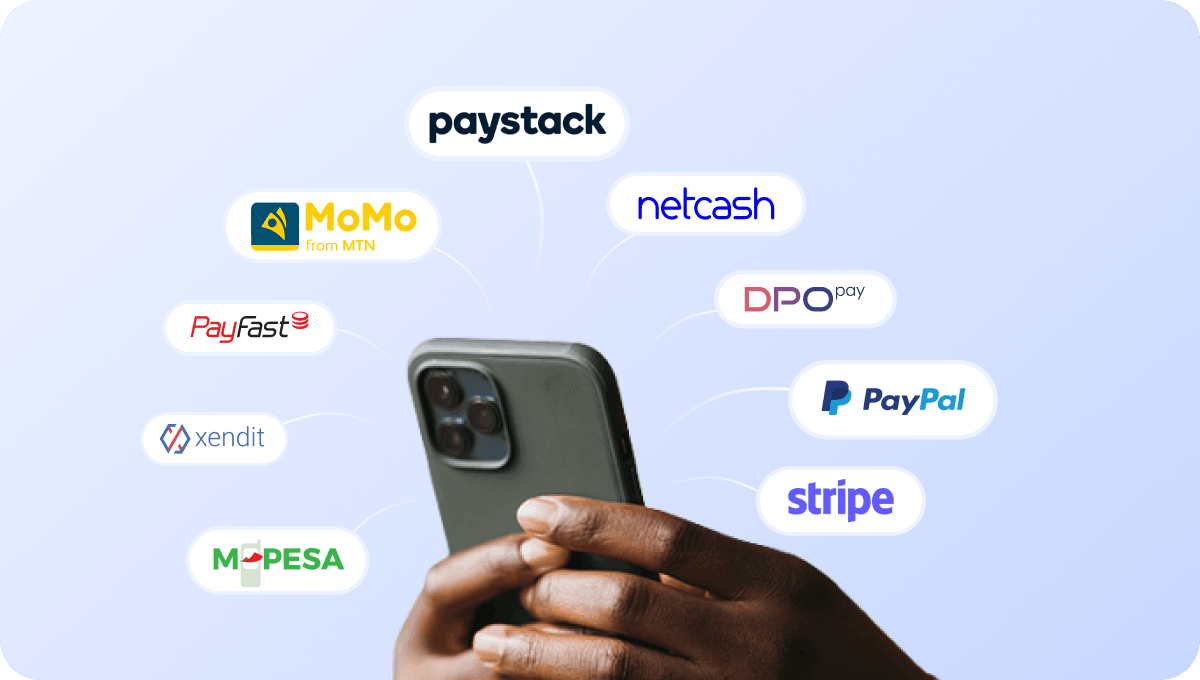
Accept payments for guest Wi-Fi access
Connect supported payment gateways and accept payments directly through the captive portal when offering paid Wi-Fi services.

Cover cash-paying guests with retail voucher PINs
If your business operates in a cash-driven or unbanked market, customers can purchase PIN vouchers and redeem them directly on the captive portal to get paid internet access.
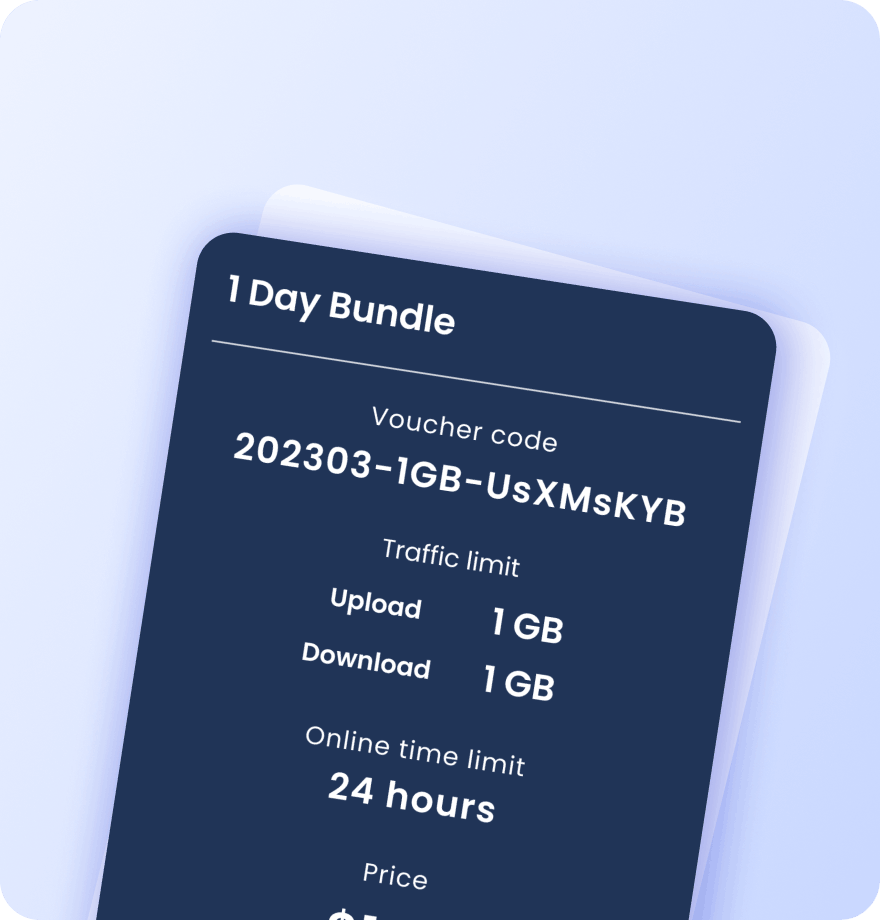
Create vouchers for customers and promotions
Generate Wi-Fi vouchers for guests, events, loyalty campaigns, promotional offers, and special access programs. Each voucher contains detailed information about its data plan settings:
Validity period
Data (traffic) quota
Session time limit
Download / upload speed caps
Max simultaneous devices
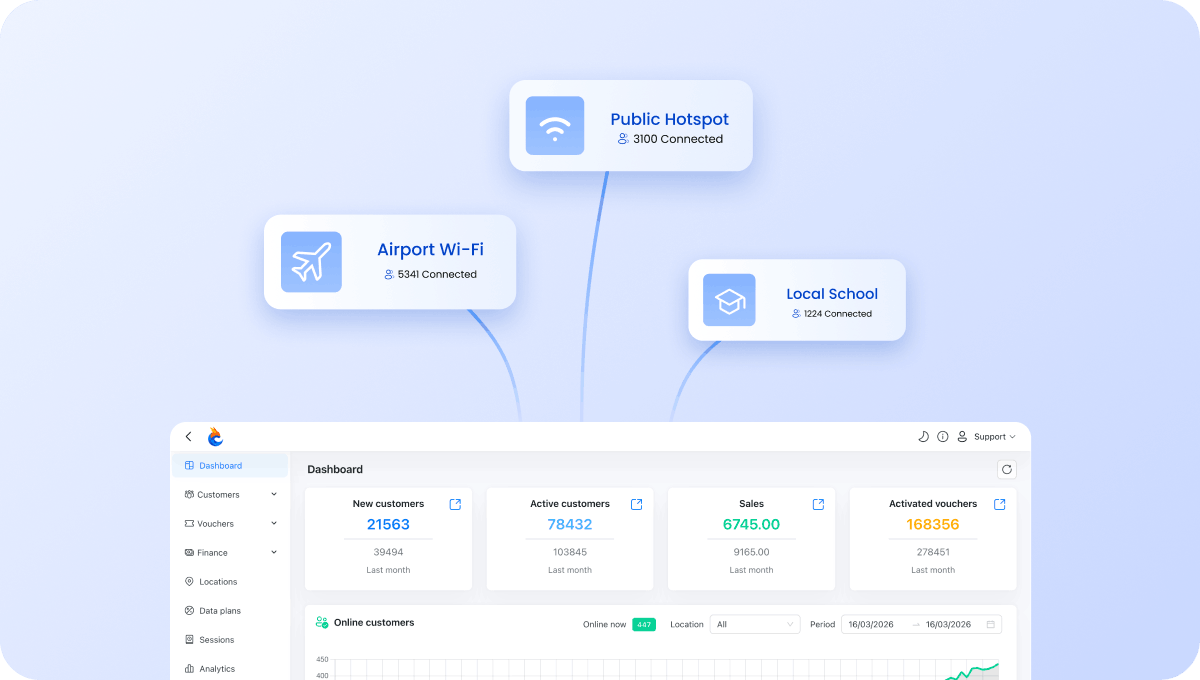
Manage all restaurant locations from one account
Manage guest Wi-Fi across cafes, restaurants, food courts, and franchise locations from a single dashboard.
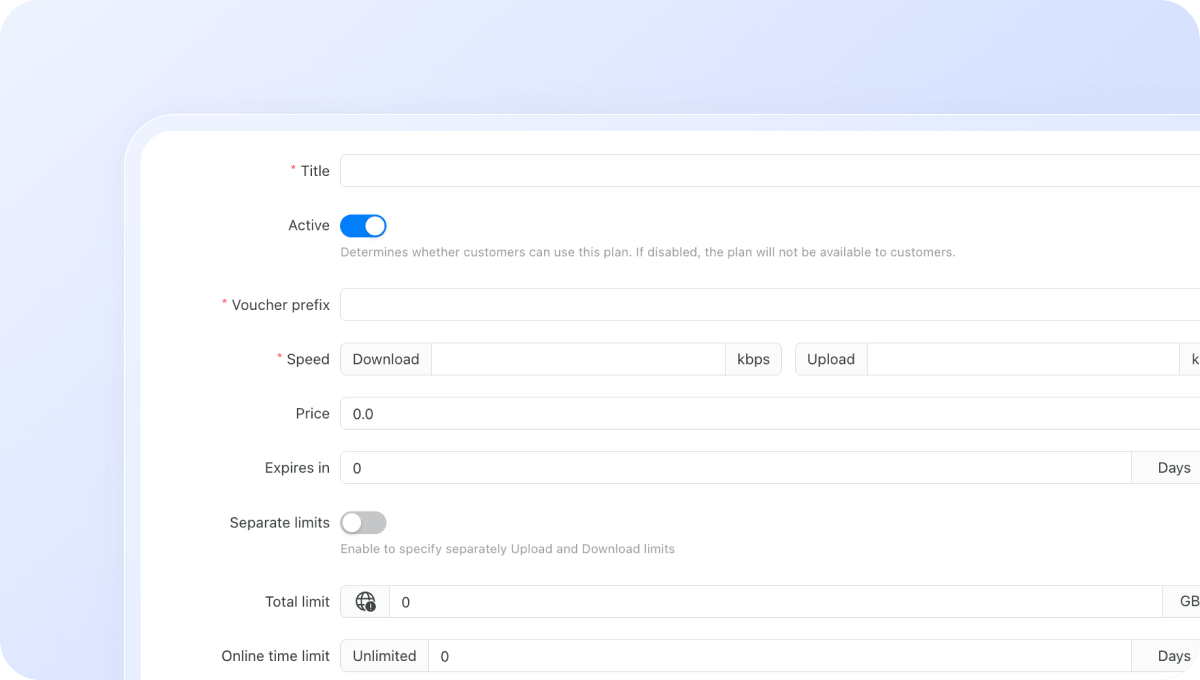
Configure Wi-Fi plans for different locations and customer groups
Create different Wi-Fi plans for individual locations, customer segments, events, staff, or promotional campaigns. Control exactly how users access your network:
Download / upload speed limits
Data (traffic) quota per session
Session time limit
Validity period after activation
Restrict plans to specific days or time windows
Max simultaneous devices per voucher or plan
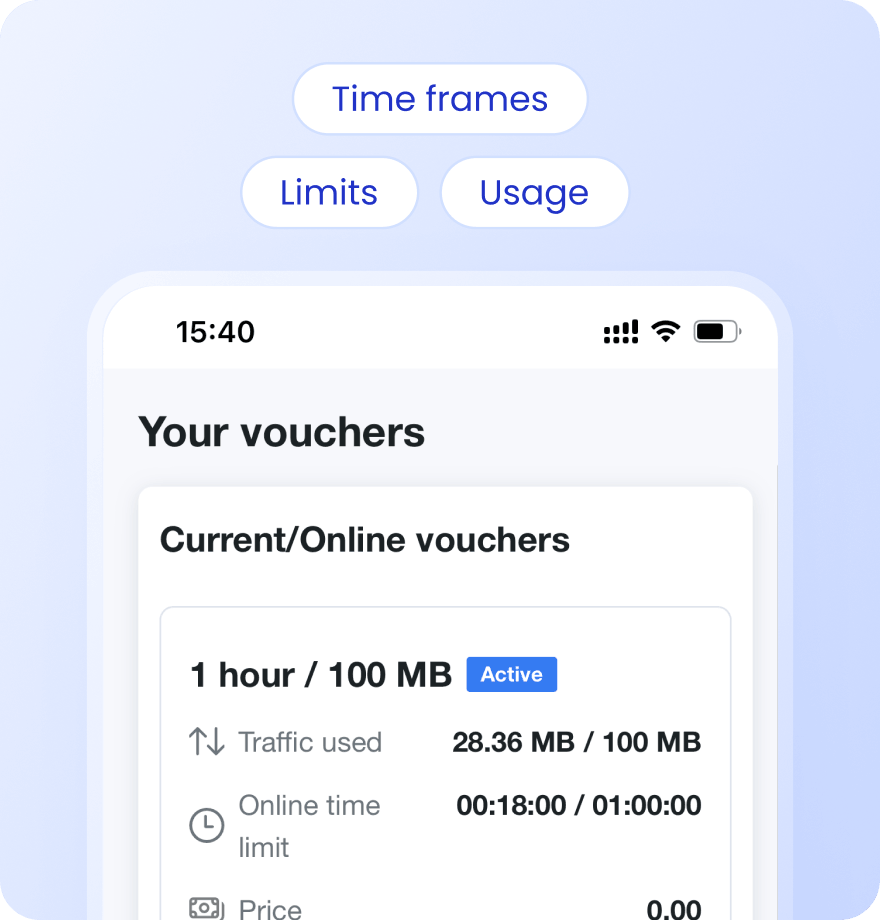
Keep guests informed with Status Page
Give customers a self-service status page where they can check usage, active vouchers, remaining data, and connection history.
Payment confirmation via SMS
Alerts when data or time limit is nearly reached
Status page link sent via SMS on voucher activation or after login
Users see live usage, active vouchers, and full purchase history
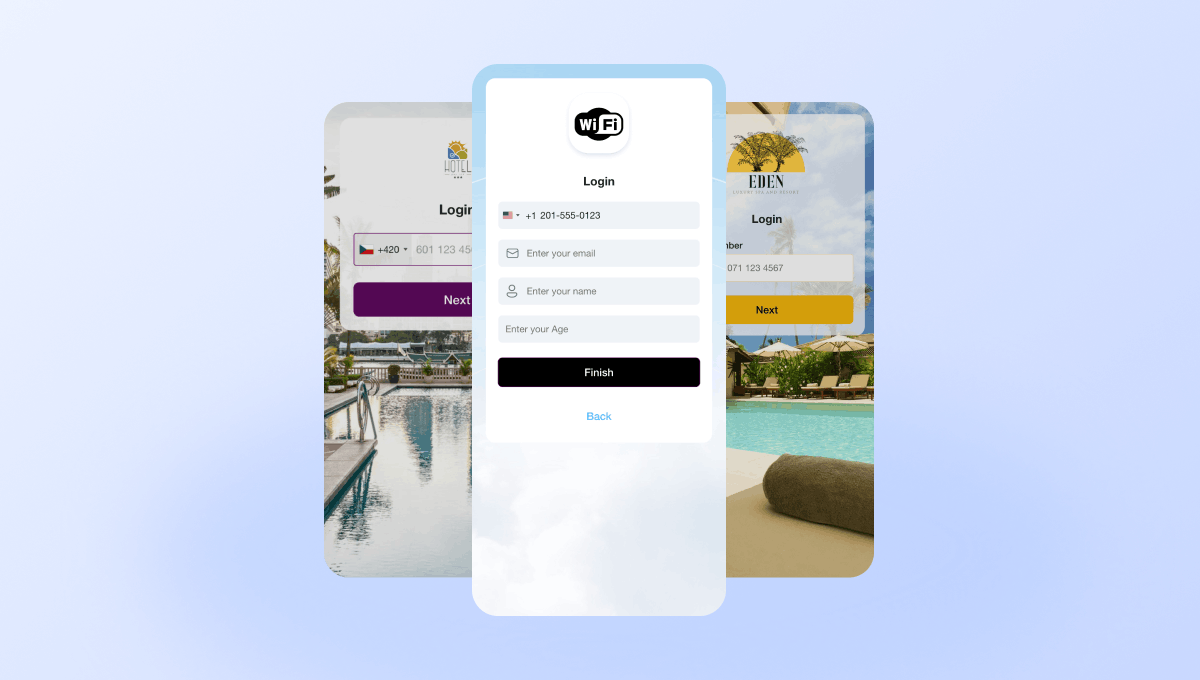
Create branded captive portals for restaurants & cafes
Design a captive portal that matches your dining brand. Add your logo, colors, images, promotions, and offers using a drag-and-drop splash page editor. Different cafes and restaurants can have different portal designs.
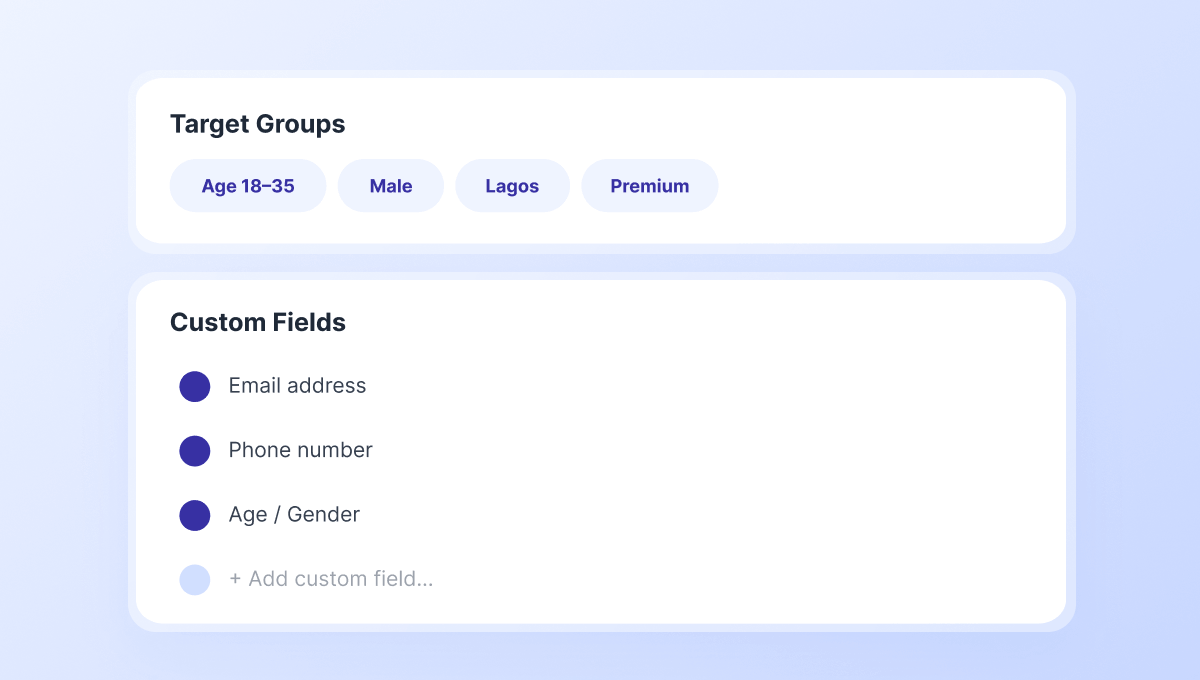
Collect guest data and build re-marketing audiences
Capture email addresses, phone numbers, and custom customer information through configurable captive portal fields. Then segment users into Target Groups and use them for advertising and SMS campaigns.
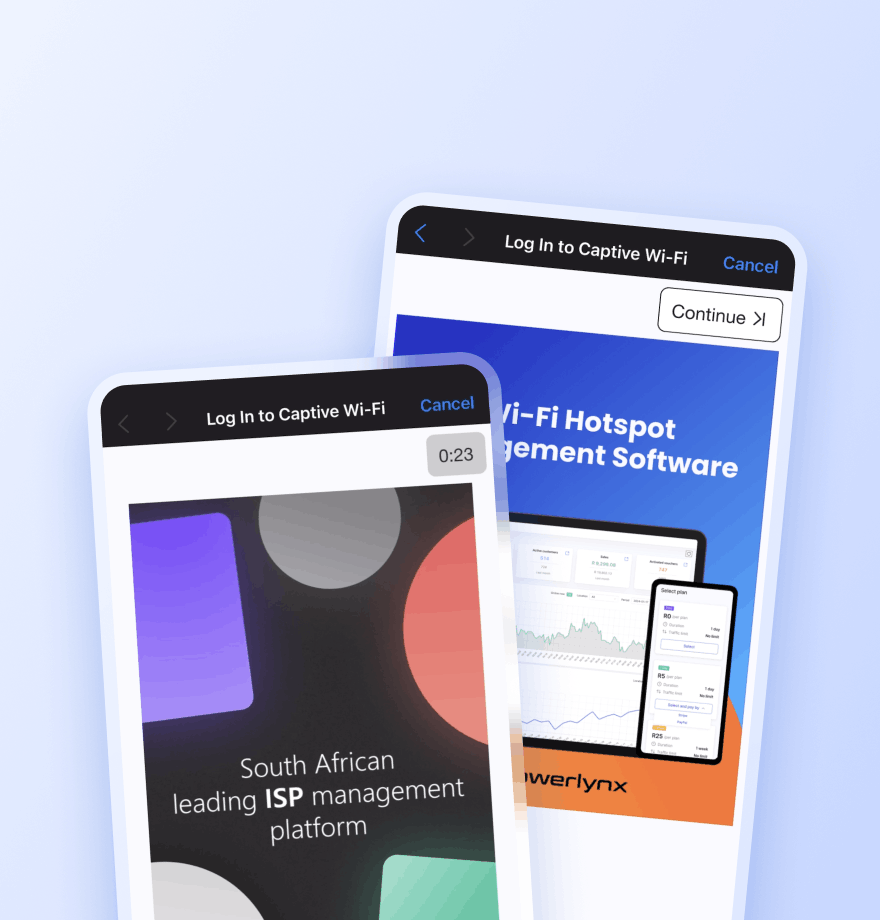
Promote menu items, offers, and loyalty programs
Display image and video advertisements during Wi-Fi login to promote menu items, daily specials, seasonal offers, loyalty programs, events, and partner promotions.
Locations — Show the ad only at a selected location
Splash pages — Limit the ad to a specific captive portal
Data plans — Show the ad only to users who selected a specific plan
Target groups — Show the ad only to a specific audience segment
Active date ranges — Set the start and end date for the campaign
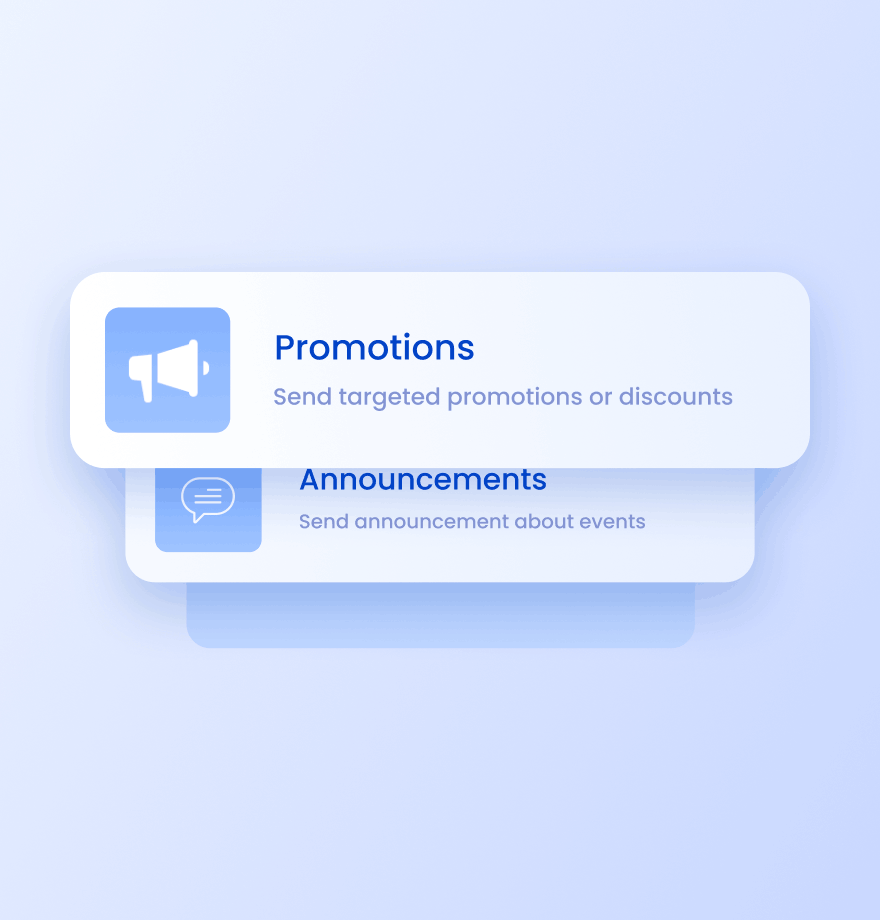
Send targeted SMS campaigns to customers
Reach customers after they visit your venue. Use SMS campaigns for:
Loyalty program promotions
Return-visit offers
Seasonal campaigns
New menu launches
Wi-Fi Management
Restaurant & Cafe Wi-Fi management: traditional approach vs Powerlynx
Comparison of how most restaurants and cafes manage guest connectivity today and how they can enhance it with Powerlynx.
Traditional Guest Wi-Fi

No way to promote menu items or special offers
No customer data collection
No communication after customers leave
Generic Wi-Fi login page
Difficult management across multiple venues
Enhanced with Powerlynx

Promote menu items, daily specials, events, and loyalty programs via ads on captive portal or via SMS
Collect customer data through captive portal login
SMS campaigns for customer engagement
Branded captive portals customized for each location
Centralized management across all restaurants and cafes





Read how others use Powerlynx
Learn more
How can restaurants and cafes use free Wi-Fi to collect customer data?
When guests connect via a Powerlynx captive portal, they submit their email address, phone and optionally any other info before receiving access. This creates a consented first-party marketing contact for every connection. Over time, you build a database of real customers segmented by location, visit date, and visit frequency, ready for targeted SMS and email campaigns.
Can the Wi-Fi login screen display daily specials or promotions?
Yes. Powerlynx supports full-screen image or video ad placements shown immediately after a guest selects the free Wi-Fi plan. You can schedule different promotions by time of day (a lunch special 12:00-14:00), by day of week (a Friday happy hour), or by location (a venue-specific offer). For cafes, this is ideal for push-button seasonal menu reveals and loyalty programme sign-ups. Each placement is impression-counted and configurable without developer assistance.
How does Powerlynx help chains and multi-location operators manage Wi-Fi?
Each restaurant or cafe is added as a separate Location in Powerlynx under one chain-level operator account. Each site has its own splash page branding, promotional content, and plan settings. The head office marketing team has a single dashboard showing all locations – active users, contact growth, and campaign performance per site. Chain-wide promotions can be pushed to all locations in one upload, or each location manager can run their own campaigns independently.
Does Powerlynx work with the router hardware already in my venue?
Yes. Powerlynx is hardware-agnostic – it works with any router that supports RADIUS client authentication and external captive portal redirection. Most hospitality-grade hardware (MikroTik, Teltonika, Ubiquiti, TP-Link business routers) meets these requirements. There are no Powerlynx hardware purchases required. Setup typically takes less than a day using the step-by-step guides in the Powerlynx knowledge base.
Is there a free trial available for cafe and restaurant Wi-Fi management?
Yes, Powerlynx offers a 21-day free trial with full access to all features. No credit card required. You can connect your hardware, design your splash page, test paid plans, and evaluate the platform fully before committing to a paid plan.
How to Get Started?
1
Get a license
Choose the best Powerlynx plan for you and activate your license.
Takes 2 minutes
2
Configure your setup
Connect your routers, set up payment gateways, and customize splash pages — all from one admin panel.
Takes a few hours
3
Start connecting customers
Add users, assign tariff plans, and bring them online. Your Wi-Fi hotspot business is ready to run.
Start on the same day