Wi-Fi Hotspots Made Simple

Get Started

Manage access, collect payments, run ads, and grow — all from one platform.

Wi-Fi user Wi-Fi user Wi-Fi user
400 000+
Wi-Fi users powered monthly
200+
ISPs & Operators

Partnering with leading providers across the world.

SpeedTouch
Ikeja
Wireless Nation
Mesh Telecom
FieldBase
Monetization

Monetize your Wi-Fi network easily

Built-in payment gateways

Accept payments right from your hotspot

Powerlynx integrates with leading global and regional payment providers. PayPal, Stripe, Netcash, MPESA, MTN MoMo, Paystack, and more.

Learn more


PayPal
Stripe
PayFast
Netcash
Safaricom MPESA
Vodacom M-Pesa payment gateway integration in Powerlynx
DPO Pay
MTN MoMo
Selcom payment gateway integration in Powerlynx
Xendit
Paystack
M-Paisa payment gateway integration in Powerlynx
Wi-Fi Voucher Management

Generate & distribute access vouchers

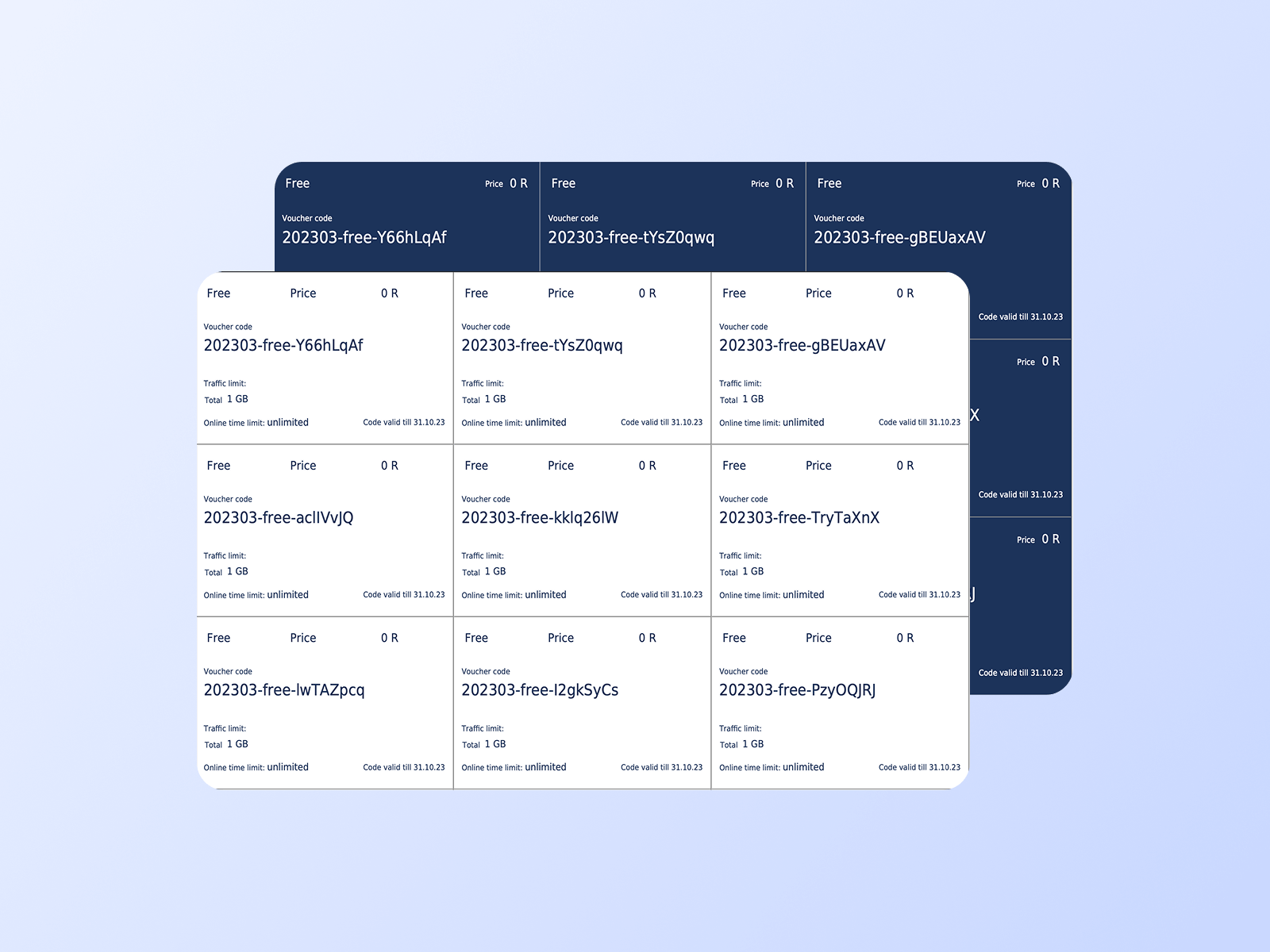
Create prepaid Wi-Fi vouchers with full control over access conditions. Customers enter the code on the captive portal to get access. Each voucher contains detailed information about its data plan settings:

Validity period
Data (traffic) quota
Session time limit
Download / upload speed caps
Max simultaneous devices
Export custom-branded PDF vouchers for print or resale
Access vouchers in Powerlynx
Prepaid Voucher Payment Systems

Monezite with retail voucher systems

Powerlynx has integrations with prepaid voucher payment systems such as 1Voucher, OTT Voucher and FNB Voucher. Customer purchases these vouchers at retail stores, and enters the PIN on the captive portal to complete the payment.

Perfect for cash-driven markets
1Voucher, OTT Voucher and FNB vouchers integrations in Powerlynx
Wi-Fi Marketing

Turn your Wi-Fi into marketing engine

Branded captive portals

No-code splash page builder

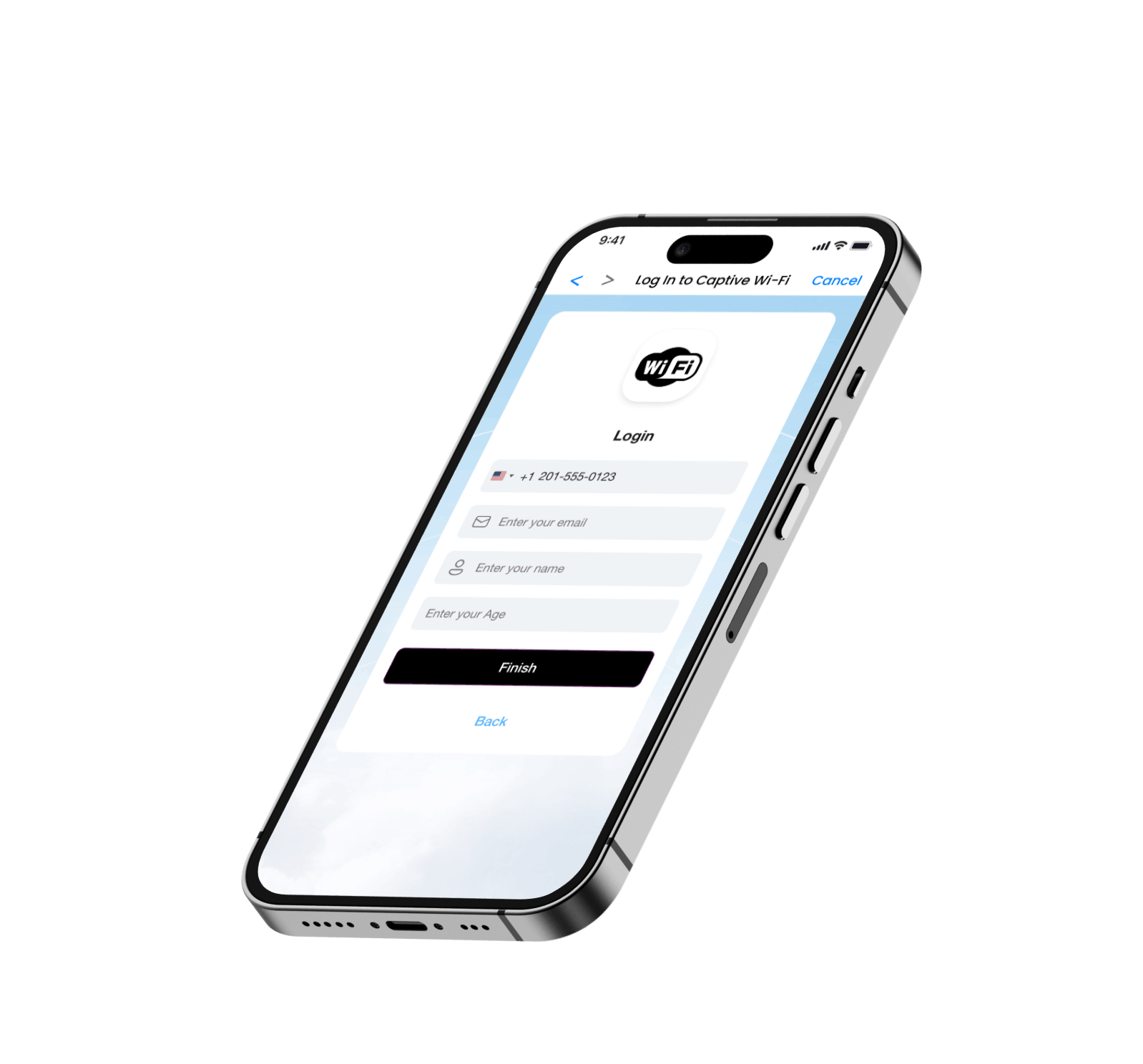
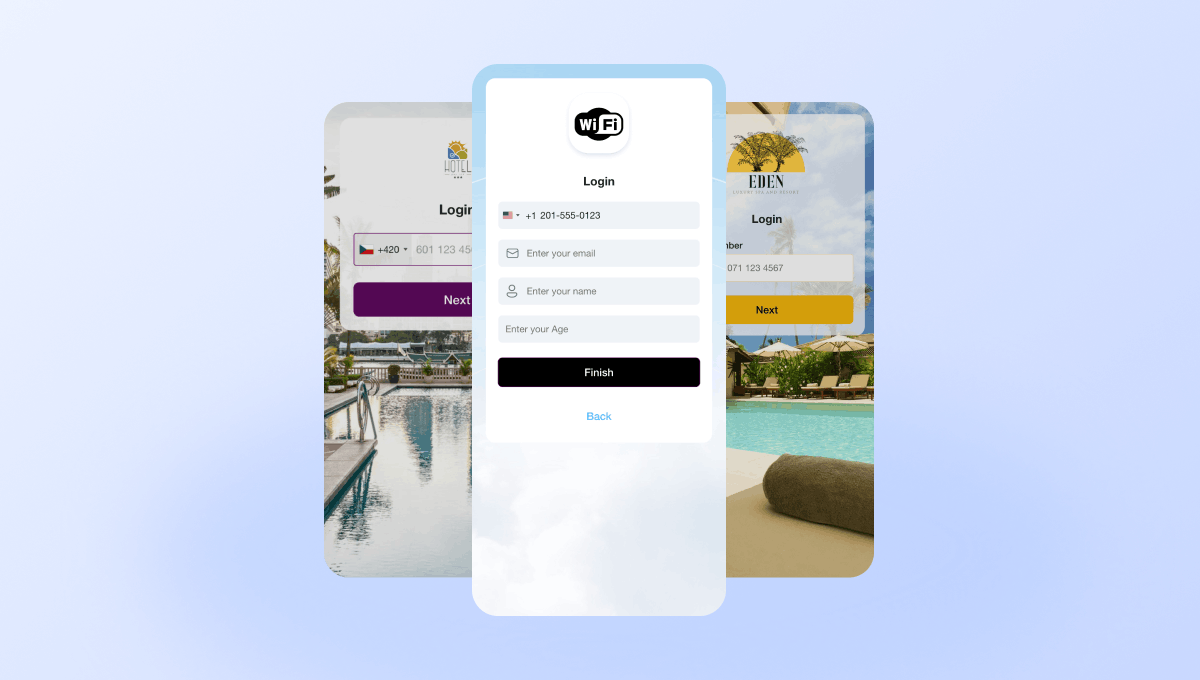
Design a captive portal that fits your brand. Add your logo, colors, and images using a drag-and-drop splash page editor, then preview the page before going live — no coding required.
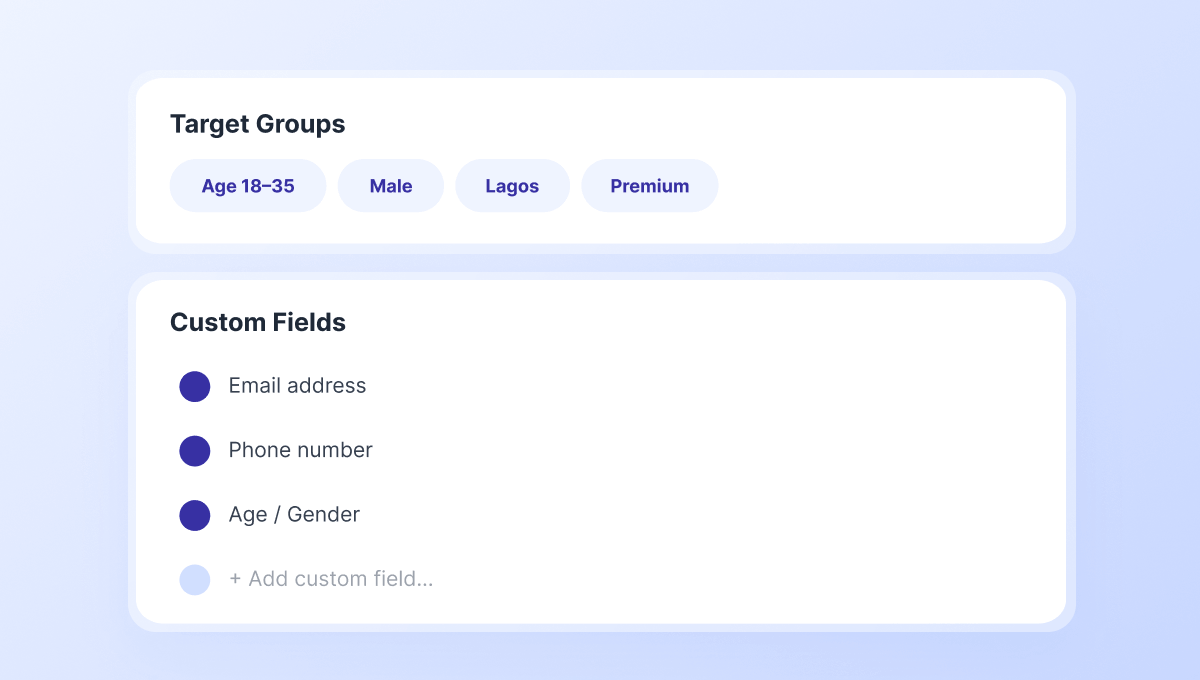
Additional fields on captive portal and Target Groups

Collect user data & build audiences

Add custom fields to your login form with any attributes you need. Then segment users into Target Groups based on combination of filters. Groups update automatically, so your audiences stay fresh for ad and SMS campaigns.
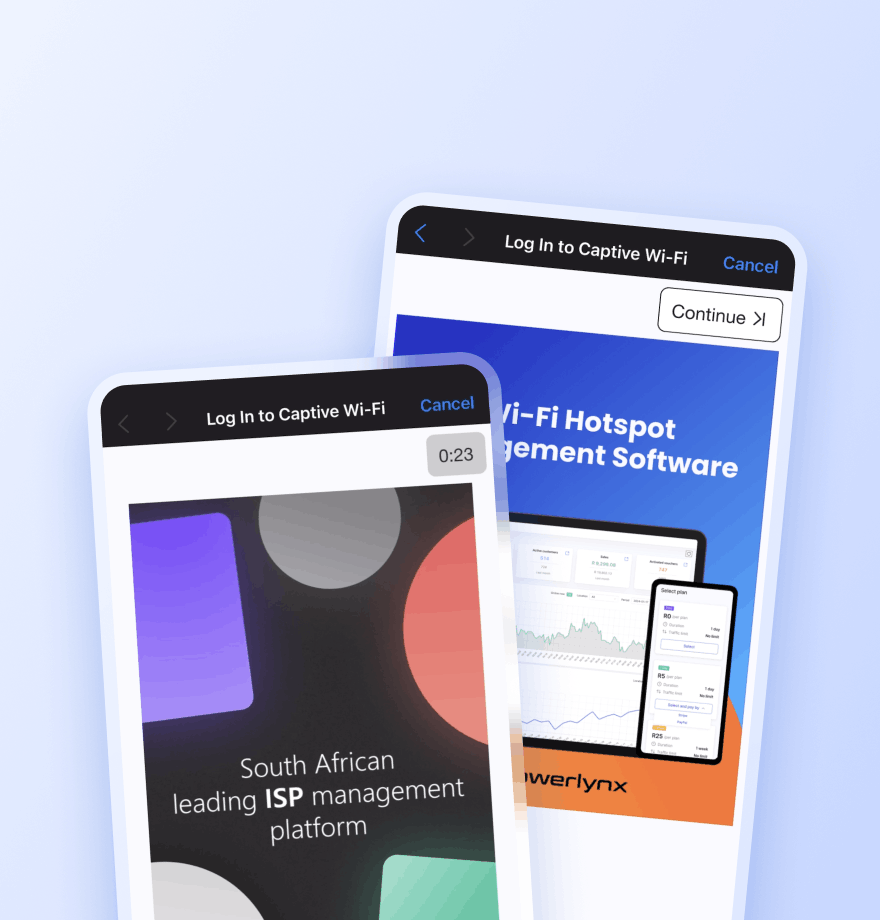
Advertisements on captive portal

Wi-Fi ad campaigns

Display image or video ads to users right after they select a plan - unskippable, guaranteed impressions. Track views with a built-in impression counter.
Locations - Show the ad only at a selected location
Splash pages - Limit the ad to a specific captive portal
Data plans - Show the ad only to users who selected a specific plan
Target groups - Show the ad only to a specific audience segment
Active date ranges - Set the start and end date for the campaign
Time-based creatives - Show the ad only during specific times of the day
SMS sending

Targeted SMS & email campaigns

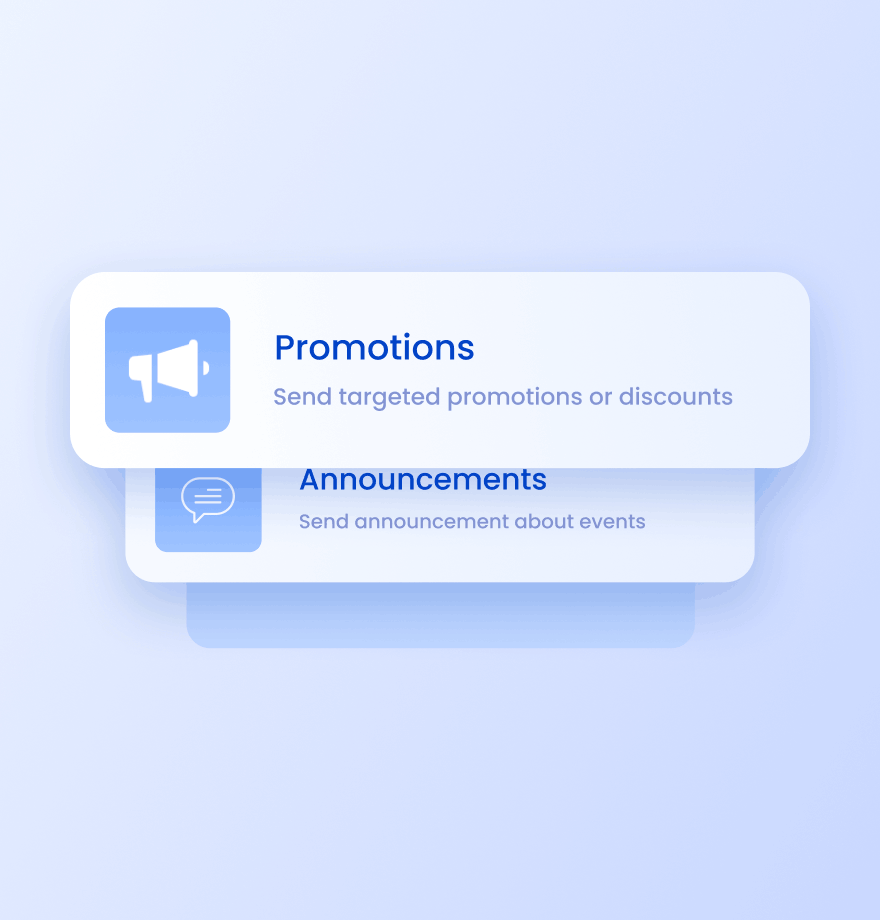
Send bulk SMS and email campaigns to all Wi-Fi users or selected Target Groups. Use dynamic variables, preview messages before sending, and schedule delivery or send immediately.

Promotions & discounts
Announcements
Loyalty campaigns
Event reminders
Customer feedback
Central Management

Centralized Wi-Fi network management
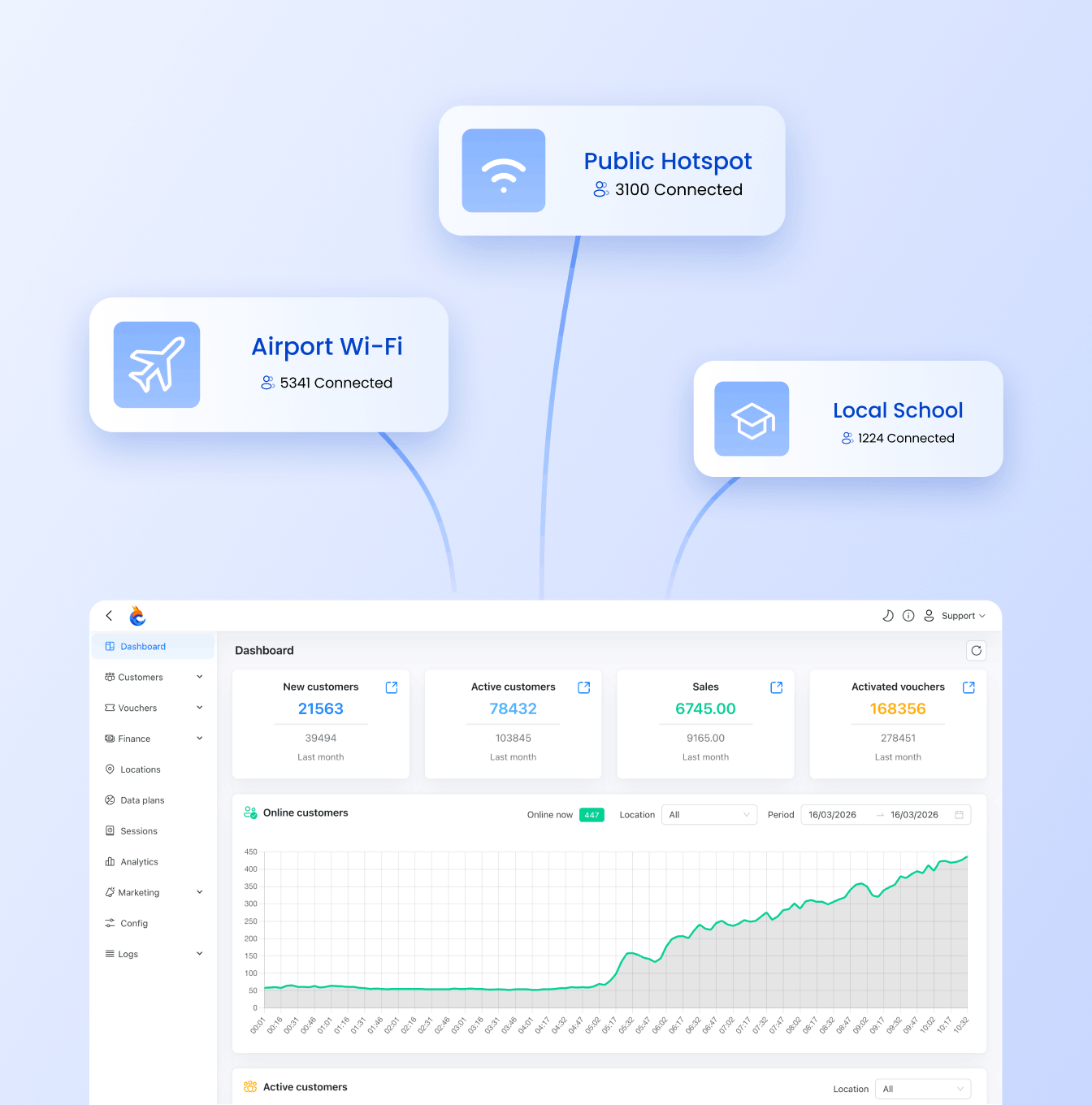
Manage multiple Wi-Fi locations from one portal
Run as many hotspot locations as you need from a single dashboard. Each location gets its own settings, captive portal, hardware, pricing, and marketing - fully independent, centrally controlled.
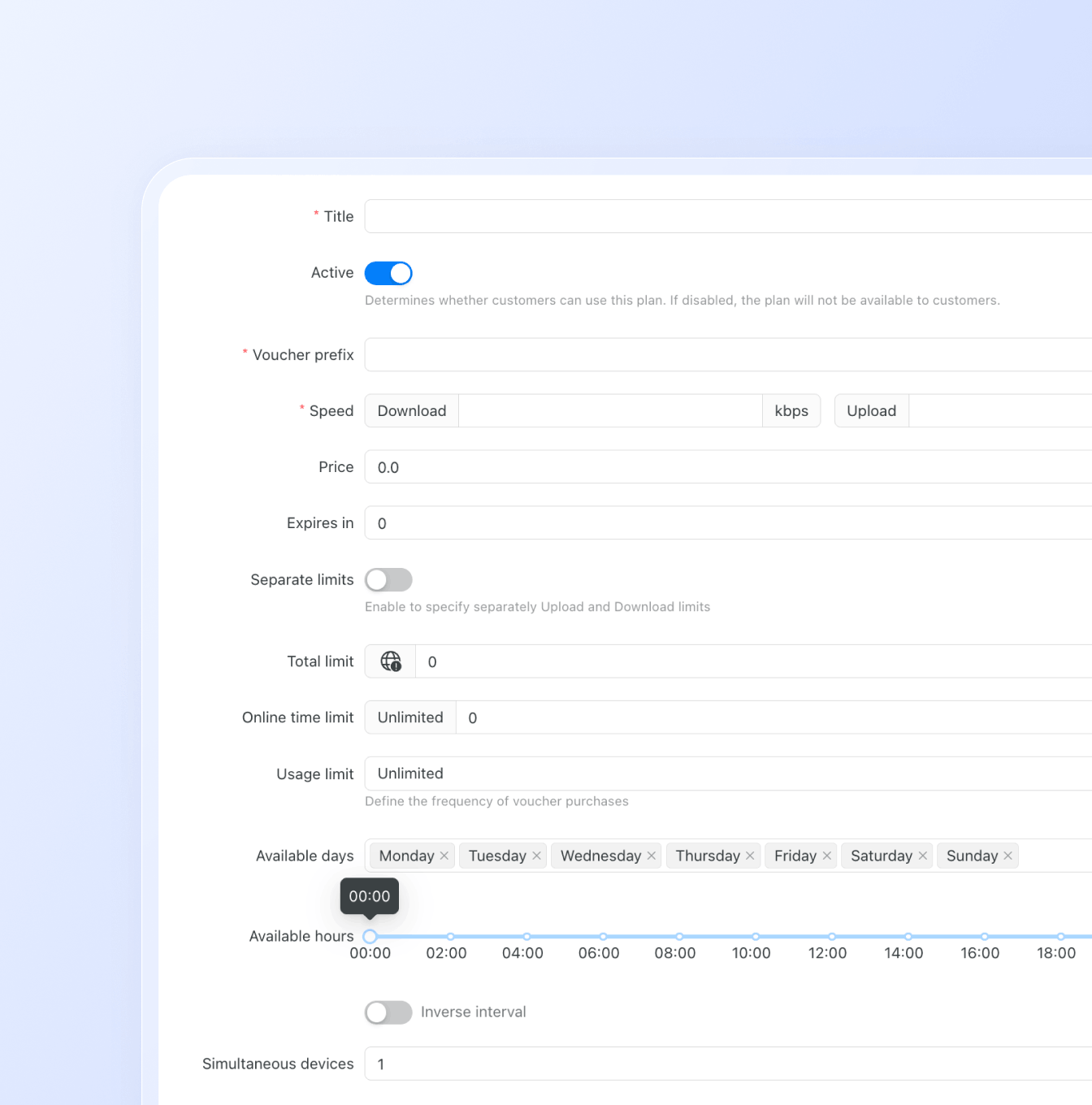
Set up flexible data plans
Build custom data plans for every use case. Control exactly how users access your network:
Speed & Data
Download/upload speed limits
Download/upload data limits
Unlimited usage
Time & Availability
Set validity period after purchase
Limit total online time per session
Restrict plans to specific days or time windows
Usage Controls
Limit how often a user can purchase a plan
Set the max number of devices per voucher
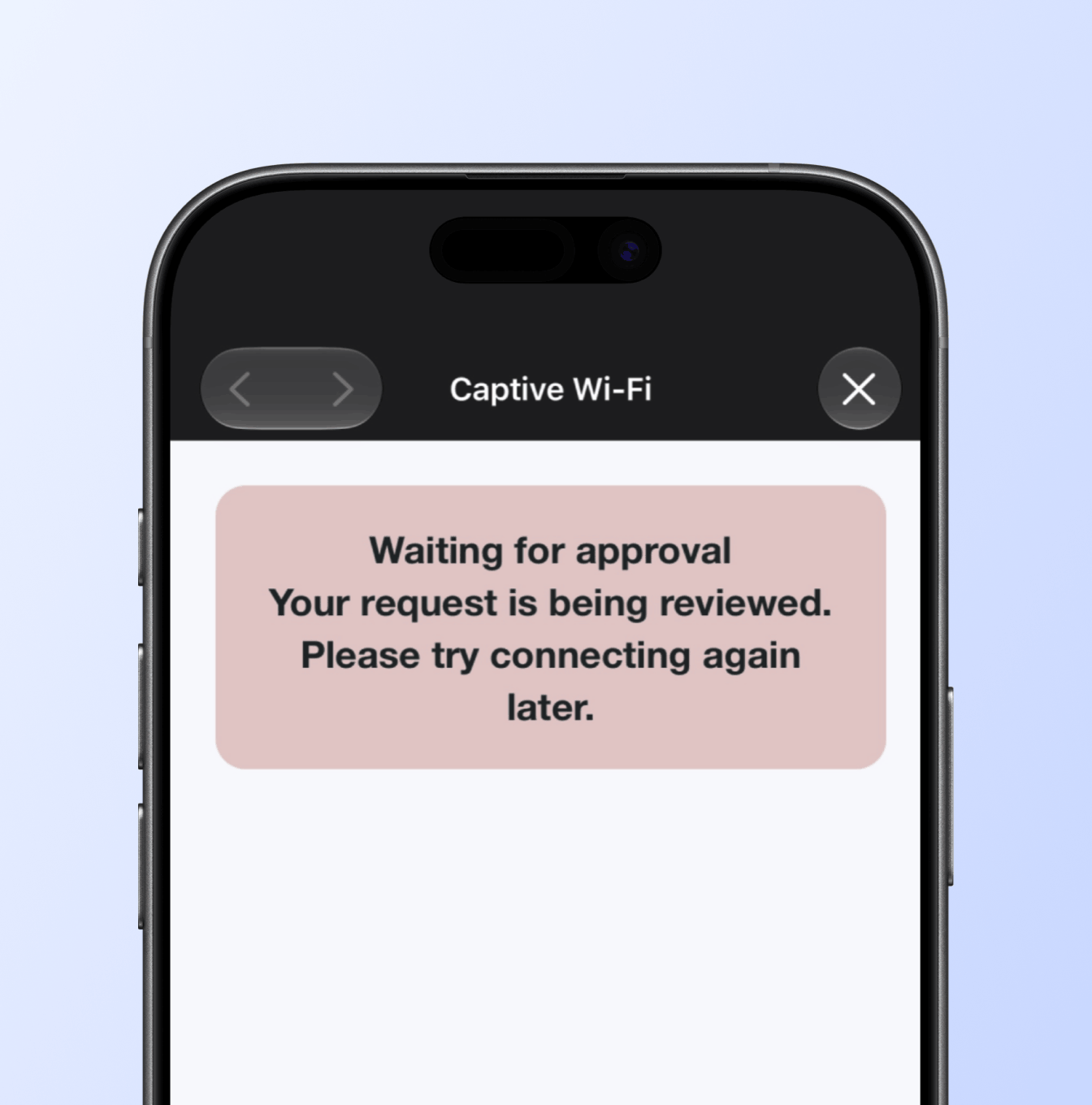
Access control & customer approval
Set access rules for your Wi-Fi network. Automatically accept or reject users, or require admin approval before they can connect.
Access rules
Accept, verify, or reject users based on phone number, device, or MAC address
Set different access rules for each location
Block unwanted users and devices
Customer approval
Review and approve or reject access requests manually
Set approvals to expire after a specified period
User Notifications & Status Page
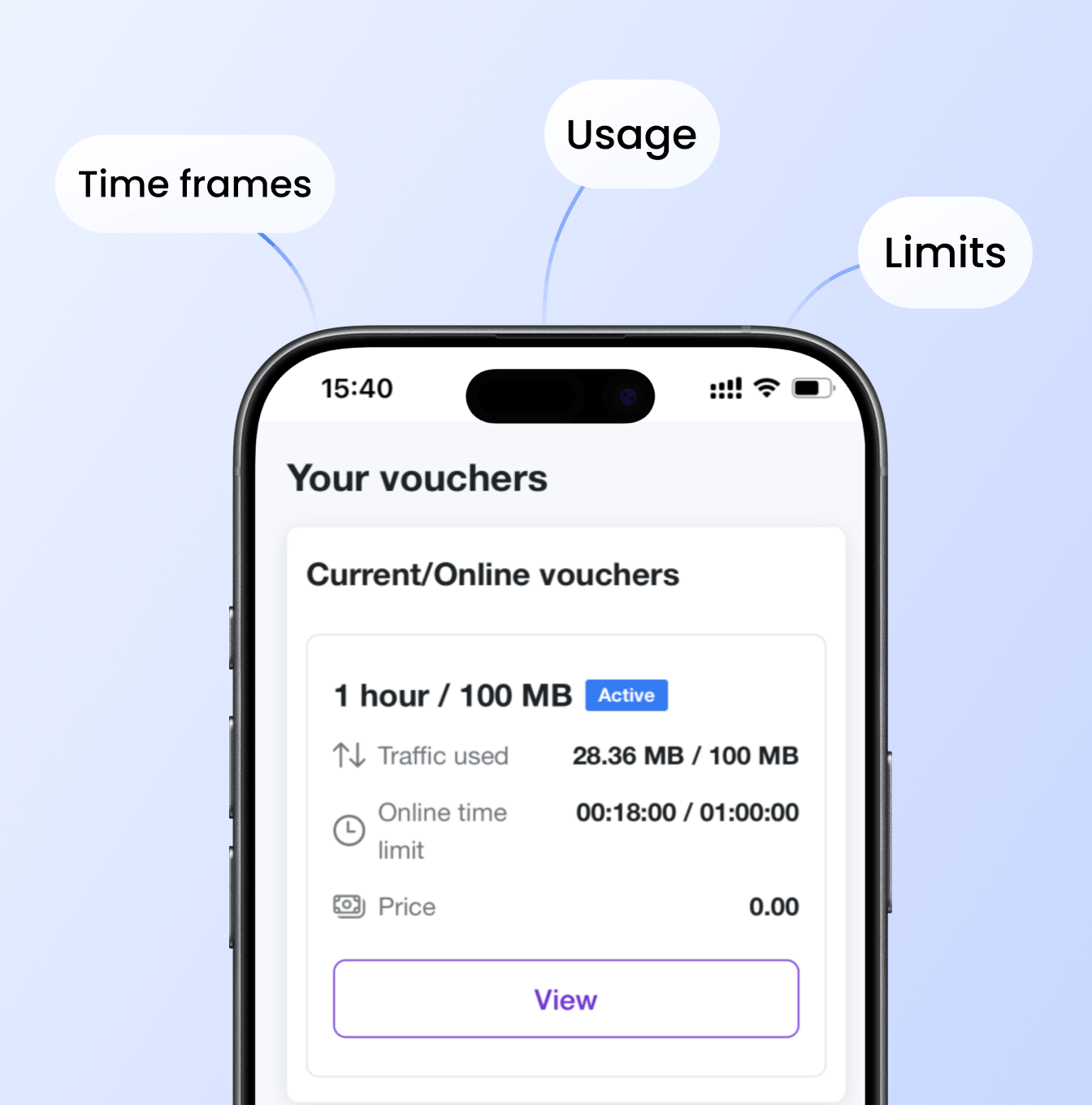
Keep users informed with SMS and email notifications about payments, data usage, and voucher expiry. Give them a self-service status page to check usage, active vouchers, and purchase history anytime.
Notifications
Payment confirmation via SMS and email
Alerts when data or time limit is nearly reached
Status page
Link sent via SMS on voucher activation, or shown after login
Users see live usage, active vouchers, and full purchase history
Users can add or remove devices linked to their vouchers directly from the status page
Manage multiple Wi-Fi locations from one portal
Configure flexible data plans for Wi-Fi hotspots
The splash page view when user waits for approval
Notifications and status page for Wi-Fi hotspots
Hardware

Works with your existing hardware

No need to replace your equipment. Powerlynx works natively with MikroTik, Cambium, Nokia, Ruckus, Teltonika, Cudy, and more. Other vendors are supported with custom configuration.


Mikrotik Cambium Networks Nokia Ruckus Networks Teltonika Cudy Omada TP-LINK logo
Learn more

Bring fast, affordable and reliable Wi-Fi access with Powerlynx

21-day free trial, no limitations in features

Start your free trial →