
Wi-Fi Hotspots for Venues
Centralize event venue Wi-Fi hotspot management across exhibition halls, conference rooms, stadiums, and entertainment venues. Deliver secure guest Wi-Fi, branded captive portals, collect attendee data, and monetize Wi-Fi access.






0%
of attendees
say Wi-Fi improve events

0min
to deploy
a branded event portal

$0
for extra hardware
Powerlynx works with your existing infrastructure
Powerlynx works with your existing infrastructure
Challenges
Common Venues Wi-Fi challenges
01
No value from high-traffic Wi-Fi logins
Thousands of attendees see the Wi-Fi login process, but it is not used to promote sponsors, exhibitors, upcoming events, or venue services.
02
No attendee data collection
Visitors connect to event Wi-Fi, but venues collect no attendee data for future event marketing and audience building without appropriate platform.
03
Different events require different Wi-Fi setups
Each event often requires different branding, access policies, and Wi-Fi plans, that creates additional operational work.
04
Complicated Wi-Fi management across venue areas
Managing Wi-Fi separately across exhibition halls, conference rooms, VIP areas, and public spaces often increases administrative complexity.
Solution
Platform that covers Venues Wi-Fi management
Powerlynx centralizes Wi-Fi across all your event zones and turns every attendee login into data, revenue, or both.

Branded event Wi-Fi captive portals
Multi-area venue Wi-Fi management
Popular built-in payments and vouchers
Attendee data collection and audience building
SMS notifications and attendee engagement

VIP lounge
3048 connected

Food court
364 connected

Parking zone
680 connected

Cloud-based
No need for costly server infrastructure or technical expertise.

Highly scalable
The system is highly scalable and supports hundreds of thousands of online users.

Cost-effective
Pay only for online users - no limits on APs, locations, or features.
Features
Powerlynx features that enhance Venues Wi-Fi management
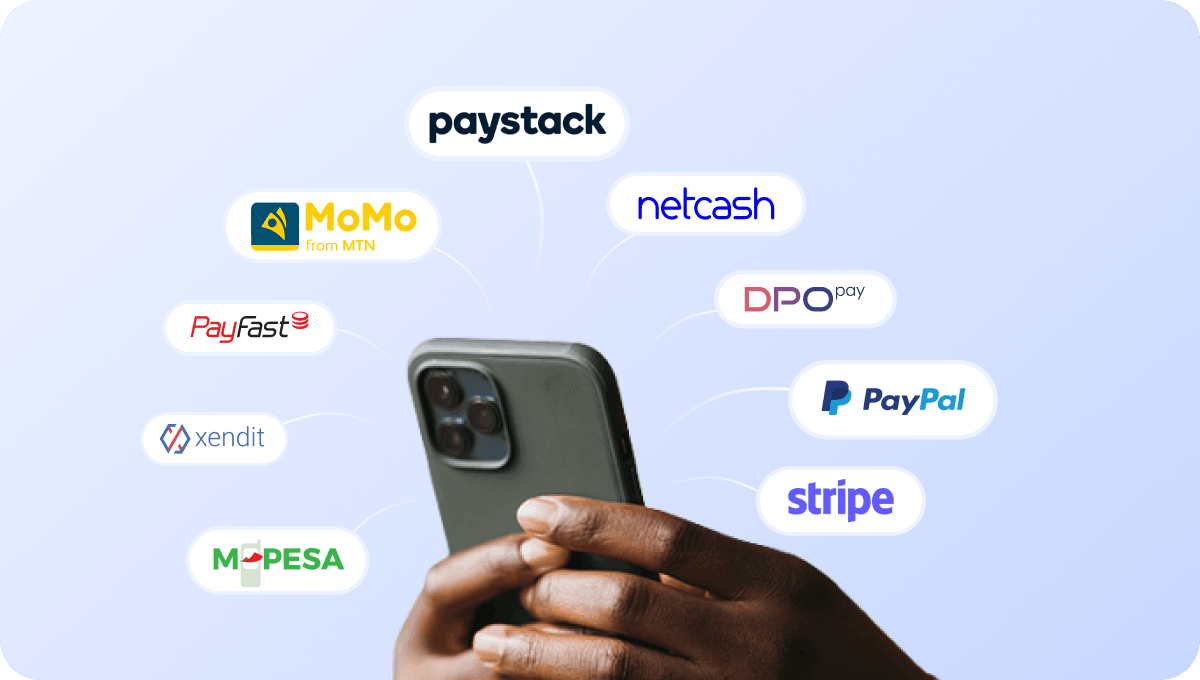
Accept payments for event Wi-Fi access
Connect supported payment gateways and accept payments directly through the captive portal when offering paid event Wi-Fi access.

Cover cash-paying attendees with retail voucher PINs
Allow attendees to access Wi-Fi using PIN vouchers, especially during ticketed events or in cash-driven environments.
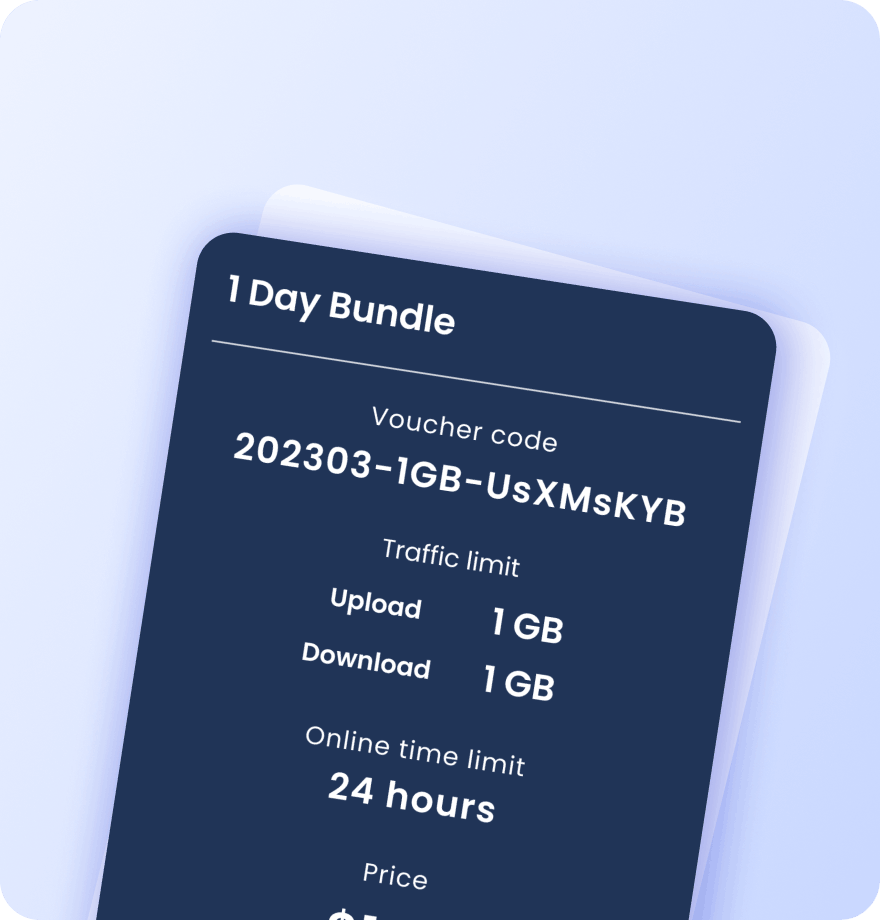
Create vouchers for attendees, exhibitors, and staff
Generate Wi-Fi vouchers with customized access conditions for attendees, exhibitors, vendors, VIP guests, staff, and event partners. Each voucher contains detailed information about its data plan settings:
Validity period
Data (traffic) quota
Session time limit
Download / upload speed caps
Max simultaneous devices
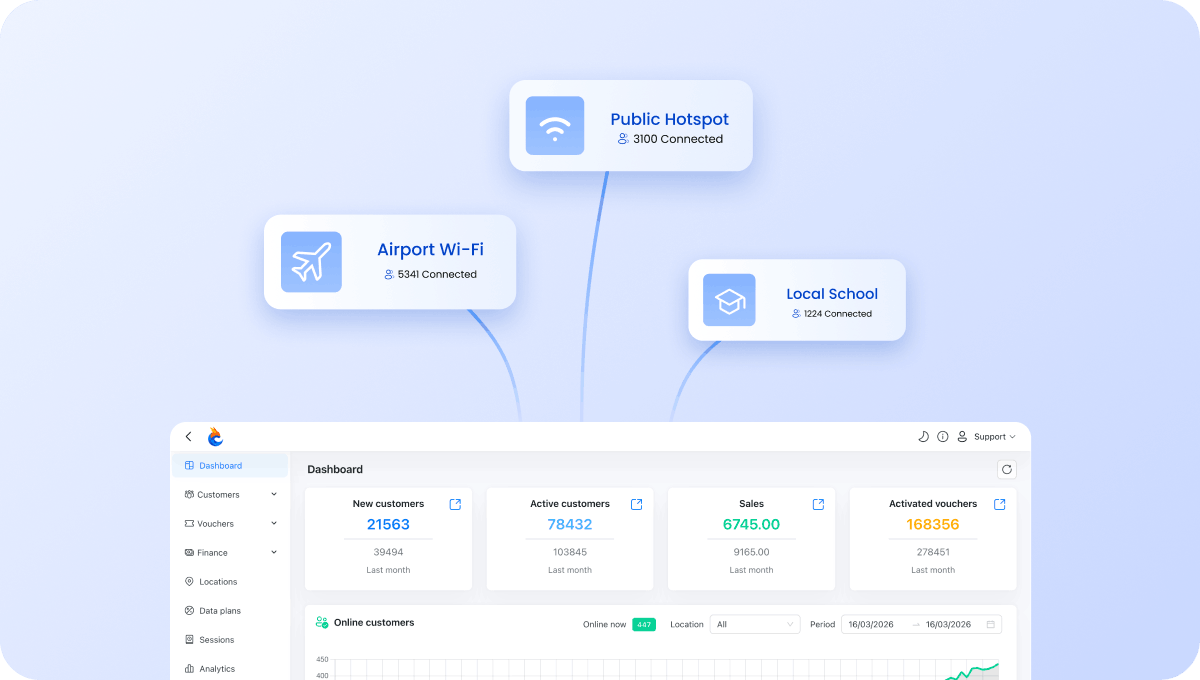
Manage all event zones from one account
Manage Wi-Fi across exhibition halls, conference rooms, VIP lounges, event spaces, and venue facilities from a single dashboard.
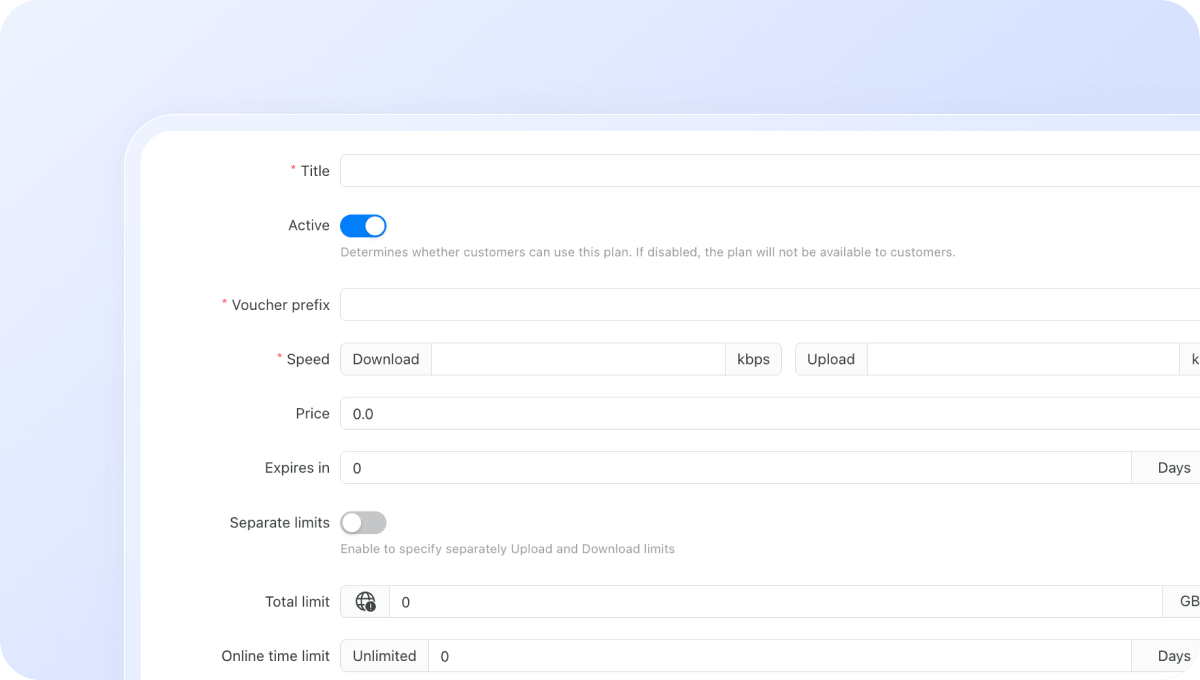
Configure Wi-Fi plans for different event areas
Create different Wi-Fi plans for attendees, exhibitors, VIP guests, staff, sponsors, and event zones. Control exactly how users access your network:
Download / upload speed limits
Data (traffic) quota per session
Session time limit
Validity period after activation
Restrict plans to specific days or time windows
Max simultaneous devices per voucher or plan
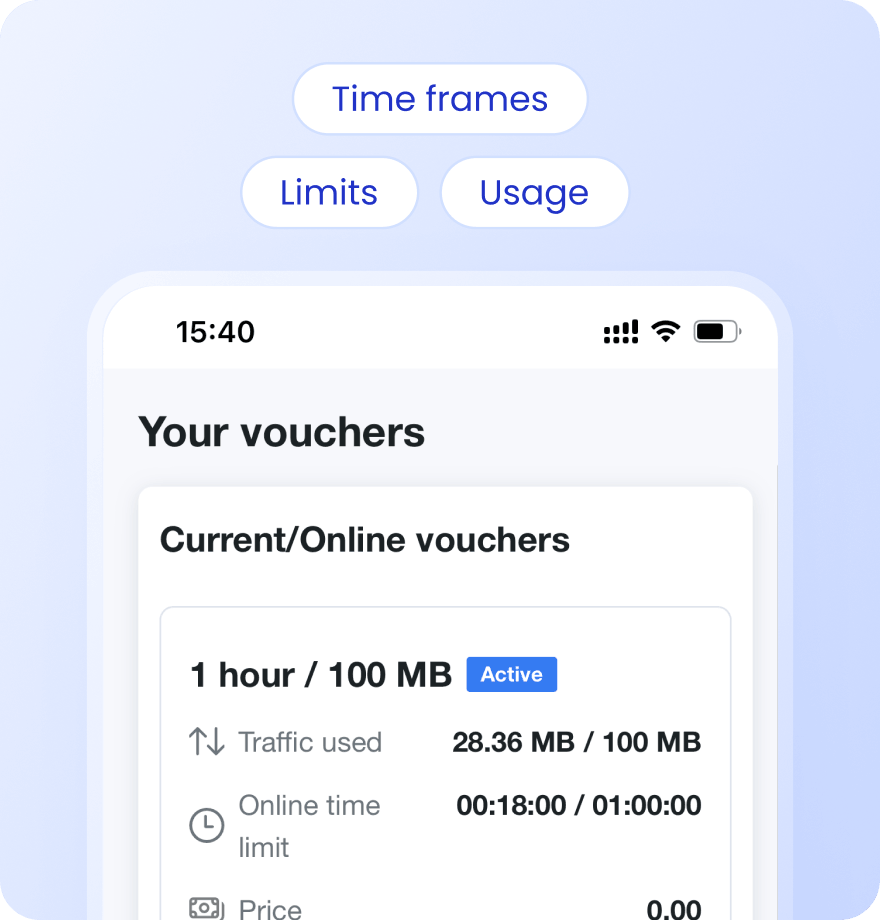
Keep attendees informed with Status Page
Give attendees a self-service status page where they can check usage, active vouchers, remaining data, and connection history.
Payment confirmation via SMS
Alerts when data or time limit is nearly reached
Status page link sent via SMS on voucher activation or after login
Users see live usage, active vouchers, and full purchase history
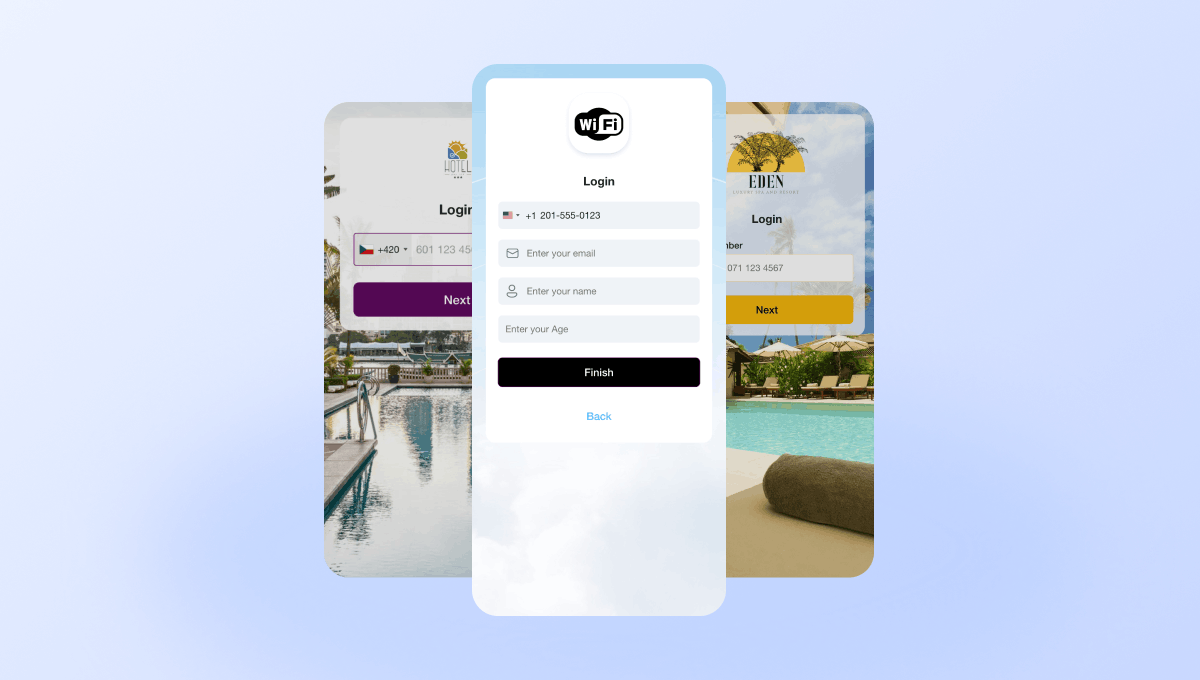
Create branded captive portals for events and venues
Design branded captive portals for individual events, sponsors, exhibitions, conferences, and venue locations. Different events can have completely different portal designs.
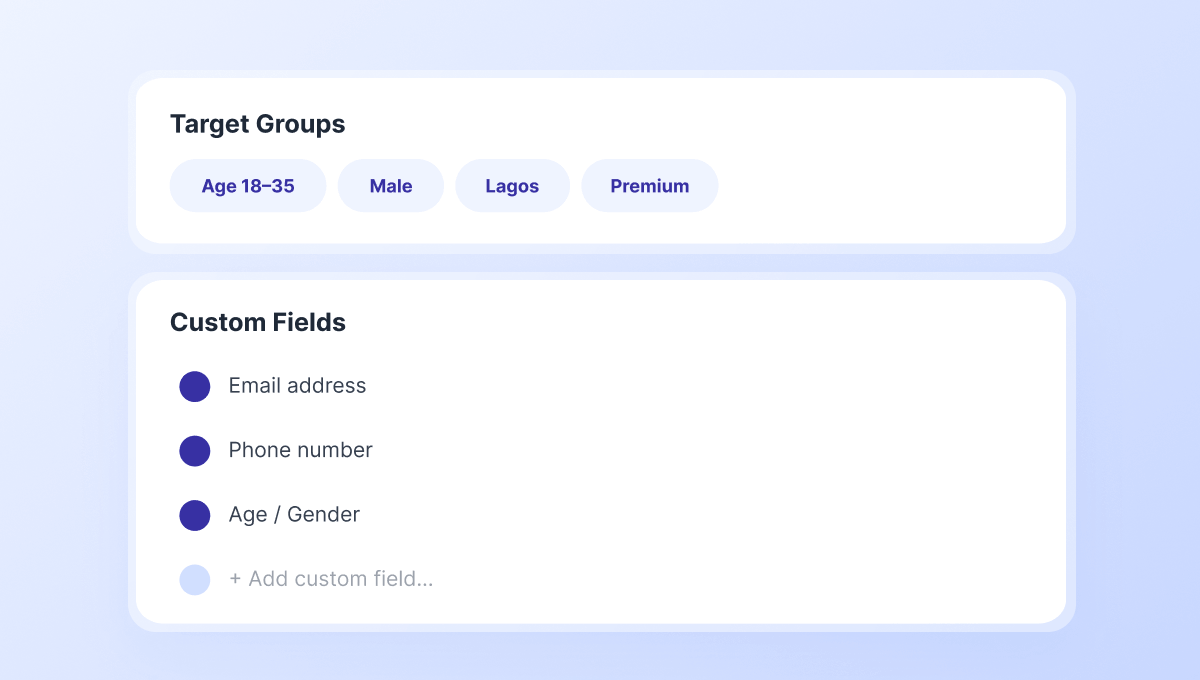
Collect attendee data and build event audiences
Capture attendee information through customizable login fields. Build Target Groups for future event marketing and audience engagement.
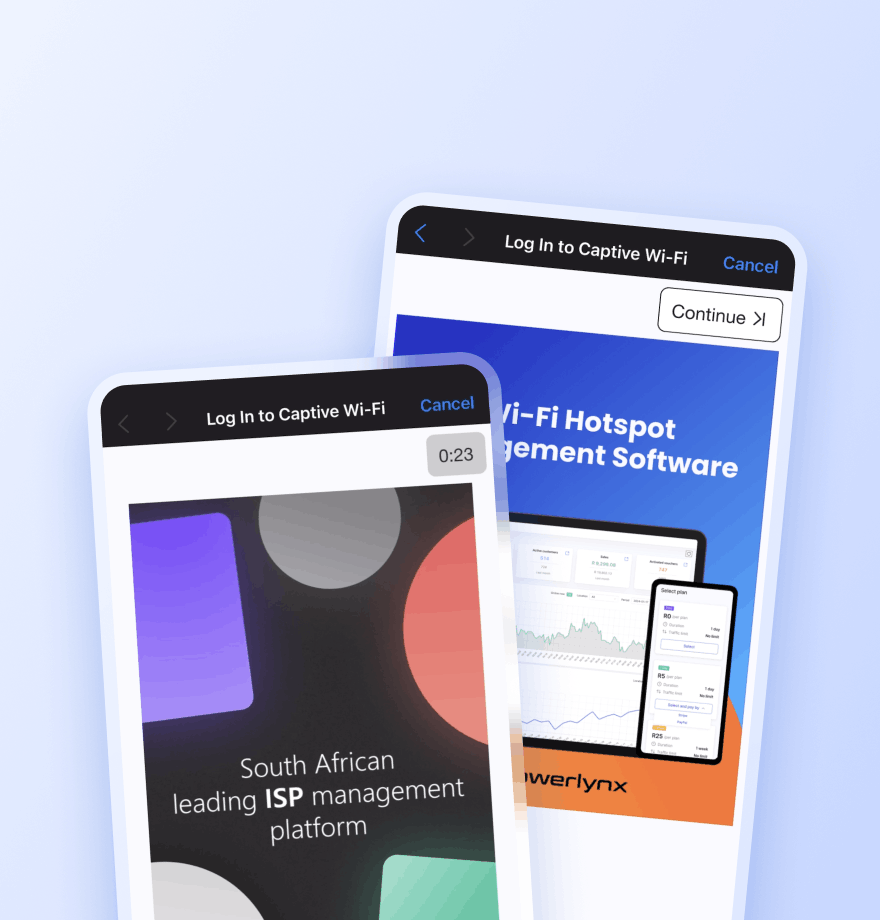
Promote sponsors, exhibitors, and upcoming events
Display image and video advertisements during Wi-Fi login to promote sponsors, exhibitors, venue services, upcoming events, and partner campaigns.
Locations — Show the ad only at a selected location
Splash pages — Limit the ad to a specific captive portal
Data plans — Show the ad only to users who selected a specific plan
Target groups — Show the ad only to a specific audience segment
Active date ranges — Set the start and end date for the campaign
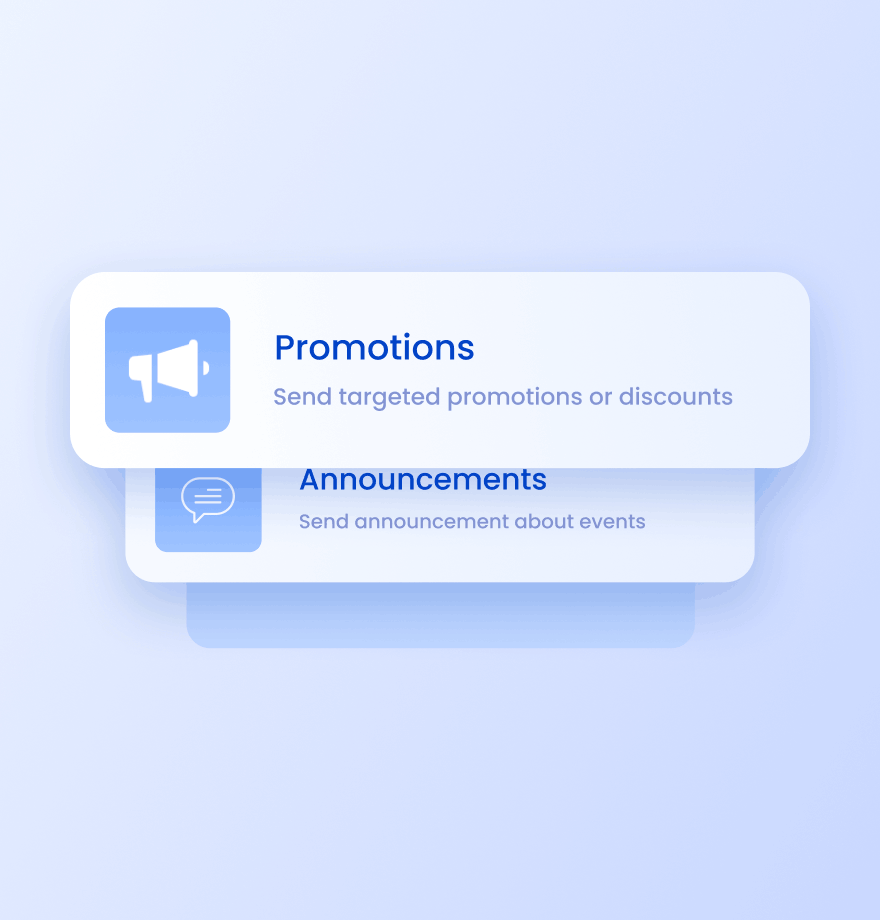
Send targeted SMS campaigns to attendees
Reach attendees after they connect to Wi-Fi. Use SMS campaigns for:
Event announcements
Session reminders
Sponsor promotions
Upcoming event marketing
Wi-Fi Management
Event Wi-Fi management: traditional approach vs Powerlynx
Comparison of how most venues manage event Wi-Fi today and how they can enhance it with Powerlynx.
Traditional Venue Wi-Fi

No promotion of sponsors, exhibitors, or future events
No attendee data collection
Generic Wi-Fi login page for every event
Same Wi-Fi access for all attendees
Difficult management across venue zones
No attendee communication after login
Enhanced with Powerlynx

Promote sponsors, exhibitors, partner campaigns, and future events during login
Collect attendee data through captive portal login
Branded captive portals for individual events and sponsors
Different Wi-Fi plans for attendees, exhibitors, VIPs, and staff
Centralized management across halls, rooms, and venue areas
SMS campaigns and event notifications for attendee engagement




Read how others use Powerlynx
Learn more
What Wi-Fi management software is best for events and venues?
The best event venue Wi-Fi software is a cloud-based hotspot platform that supports rapid portal branding changes, high concurrent user loads, sponsor ad placements, and flexible access plans including free, voucher-based, and paid. Powerlynx supports all of these use cases from a single dashboard without requiring dedicated on-site server infrastructure.
Can I show sponsor advertisements to attendees on the venue Wi-Fi portal?
Yes. Powerlynx supports image and video ad placements shown to every attendee immediately after they select their Wi-Fi access plan. Ads are unskippable, impression-counted, and configurable by location, splash page, or audience segment. You can provide sponsors with a post-event impressions report directly from the Powerlynx analytics dashboard.
How do I manage Wi-Fi for multiple event zones in one venue?
Each area (main hall, breakout rooms, outdoor terrace, VIP lounge) is set up as a separate Location in Powerlynx. Each zone has its own splash page and plan settings but shares the same operator account and dashboard. All zones are visible in one view with per-zone active user counts and bandwidth usage.
Can event attendees get free Wi-Fi while the venue still captures data?
Yes. Powerlynx supports free Wi-Fi access plans where access is granted after the attendee provides their email address or phone number. This gives attendees free connectivity and gives the venue or event organizer a consented first-party data set for post-event marketing.
How quickly can I set up Wi-Fi for a new event?
A new event portal can be live in under 30 minutes using the Powerlynx no-code splash page editor. You upload the event logo, set colors, configure the plan, and publish. Since the platform is cloud-based, no on-site configuration changes are needed – the hardware just picks up the new settings from the cloud.
How to Get Started?
1
Get a license
Choose the best Powerlynx plan for you and activate your license.
Takes 2 minutes
2
Configure your setup
Connect your routers, set up payment gateways, and customize splash pages — all from one admin panel.
Takes a few hours
3
Start connecting customers
Add users, assign tariff plans, and bring them online. Your Wi-Fi hotspot business is ready to run.
Start on the same day