
Wi-Fi Hotspots for Airports
Manage and monetize airport Wi-Fi with a centralized hotspot management platform. Capture passenger data, deliver branded captive portals, and generate new revenue streams from guest Wi-Fi.






0%
of passengers
say Wi-Fi is important

0%
of airport revenue
is non-aeronautical

$0
for extra hardware
Powerlynx works with your existing infrastructure
Powerlynx works with your existing infrastructure
Challenges
Common airport Wi-Fi challenges
01
No way to promote airport services and retail partners
The Wi-Fi login experience is not used to promote duty-free stores, lounges, restaurants, transport services, airport apps, or partner campaigns.
02
Different airport areas require different Wi-Fi access
Passengers, lounge visitors, airline staff, tenants, and airport employees often require different Wi-Fi access policies.
03
No passenger data collection
Thousands of passengers connect to airport Wi-Fi every day, but airports collect no valuable user data for analytics, marketing, or future re-engagement.
04
Difficult Wi-Fi management across airport facilities
Managing Wi-Fi separately across terminals, lounges, gates, retail areas, and airport facilities often increases operational complexity.
Solution
Platform that covers Airport Wi-Fi challenges
Powerlynx centralizes Wi-Fi across all your terminals and turns every passenger login into revenue.

Branded airport captive portals
Multi-terminal Wi-Fi management
Popular built-in payments and vouchers
Passenger data collection and audience building
SMS notifications and passenger engagement

Departures hall
2034 connected

Arrivals hall
1538 connected

Business lounge
104 connected

Cloud-based
No need for costly server infrastructure or technical expertise.

Highly scalable
The system is highly scalable and supports hundreds of thousands of online users.

Cost-effective
Pay only for online users - no limits on APs, locations, or features.
Features
Powerlynx features that enhance Airport Wi-Fi management
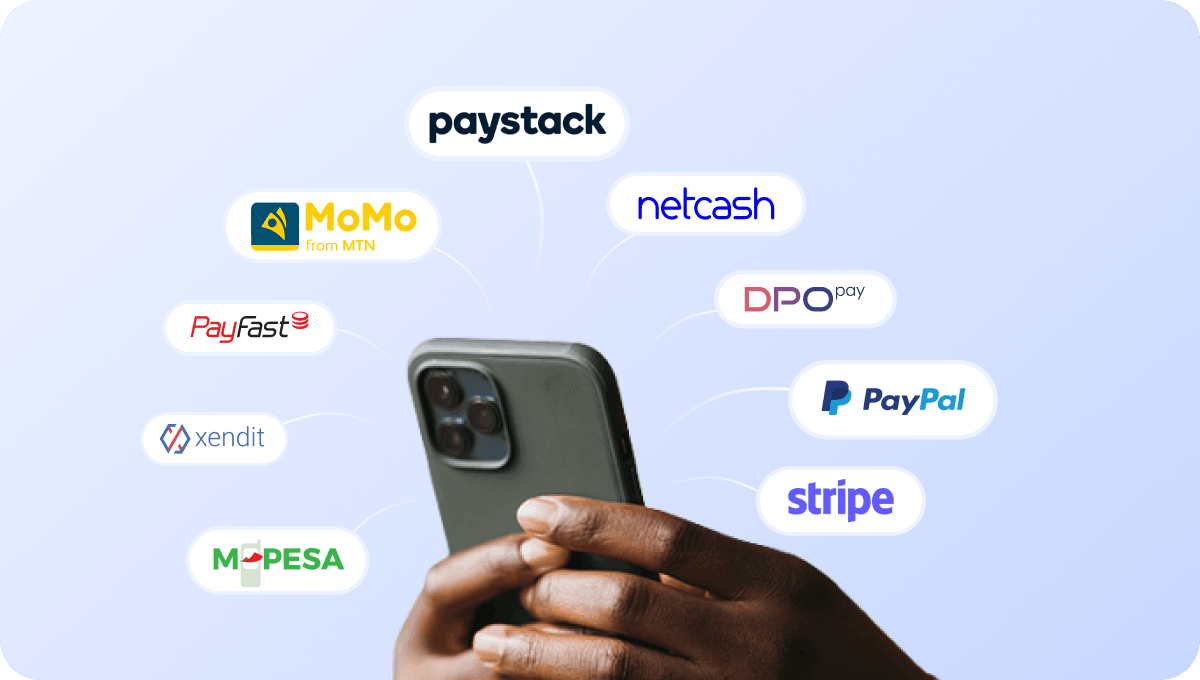
Accept payments for airport Wi-Fi access
Accept payments for passenger Wi-Fi access directly through the captive portal using supported payment gateway integrations.

Cover cash-paying passengers with retail voucher PINs
If your airport operates in regions where cash payments remain common, passengers can redeem PIN vouchers through supported voucher integrations to get internet access.
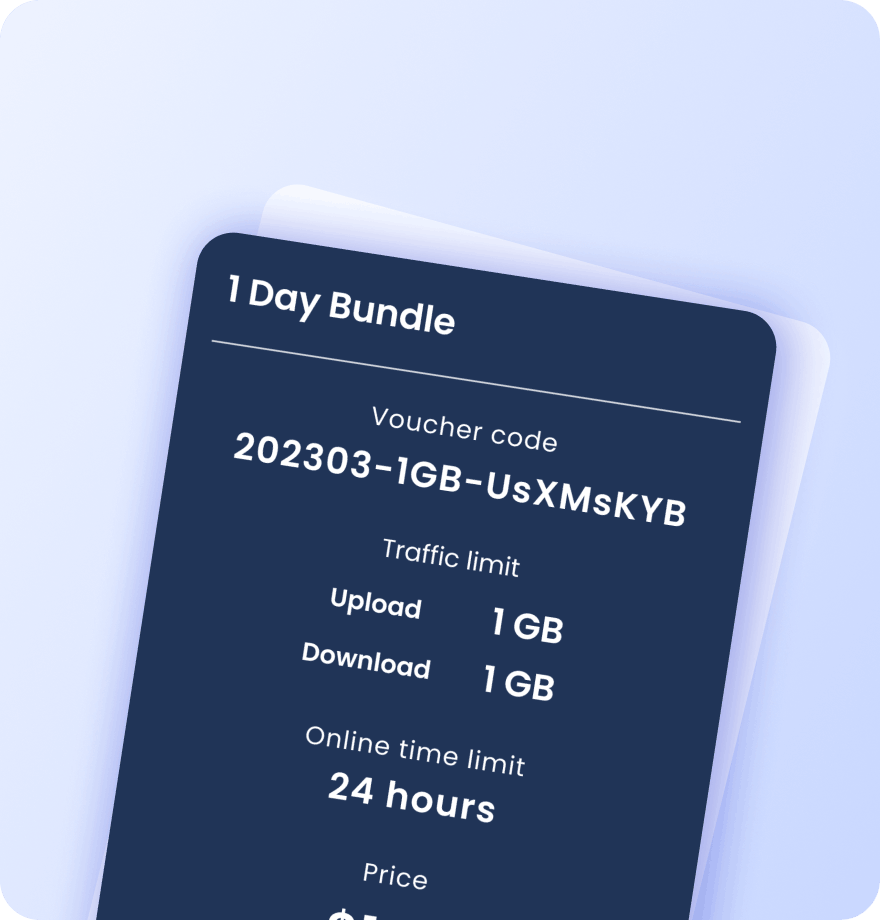
Create vouchers for passengers, lounges, and partners
Generate Wi-Fi vouchers for premium passengers, airport lounges, airline partners, VIP guests, conference facilities, and airport services. Each voucher contains detailed information about its data plan settings:
Validity period
Data (traffic) quota
Session time limit
Download / upload speed caps
Max simultaneous devices
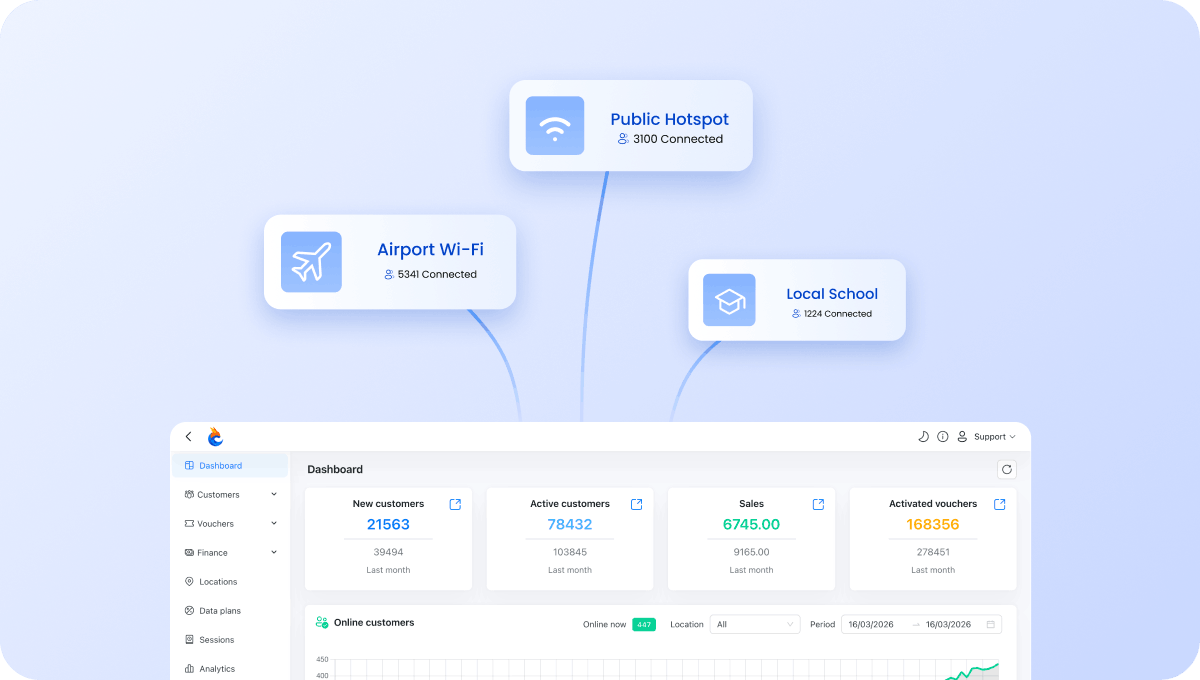
Manage all terminals and lounges from one account
Manage Wi-Fi across terminals, gates, lounges, retail areas, waiting zones, arrivals, and departures from a single dashboard.
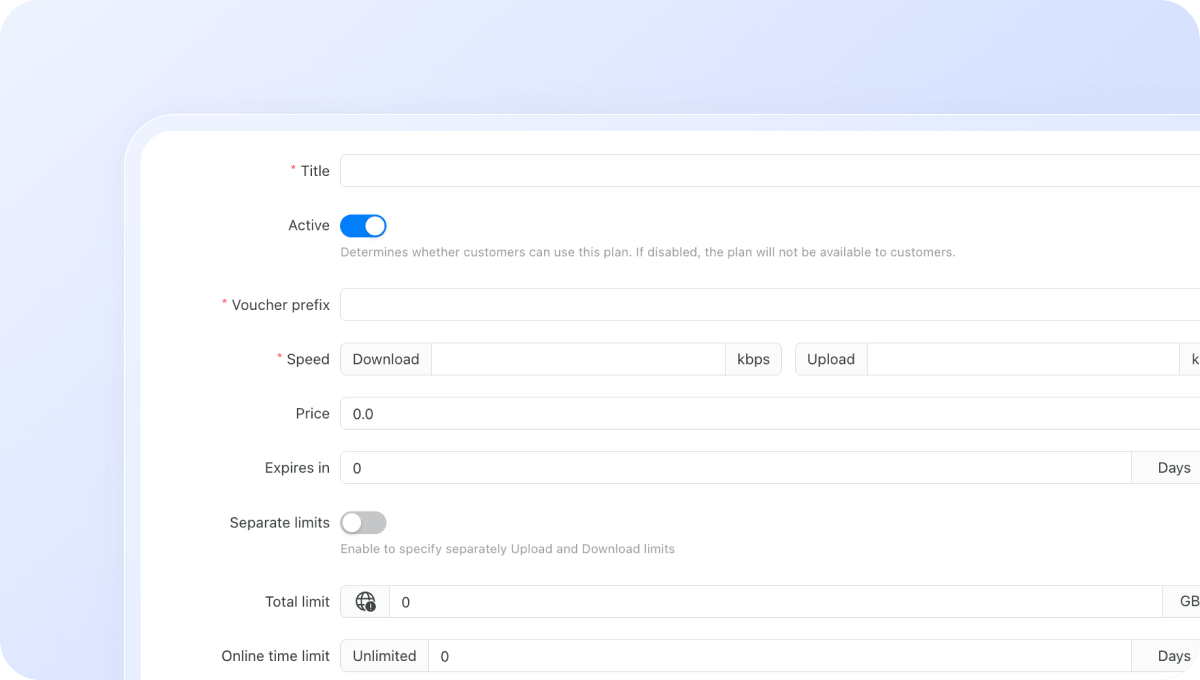
Configure Wi-Fi plans for dfferent airport user groups
Create separate Wi-Fi plans for passengers, lounge guests, airport staff, airline personnel, tenants, and commercial partners. Control exactly how users access your network:
Download / upload speed limits
Data (traffic) quota per session
Session time limit
Validity period after activation
Restrict plans to specific days or time windows
Max simultaneous devices per voucher or plan
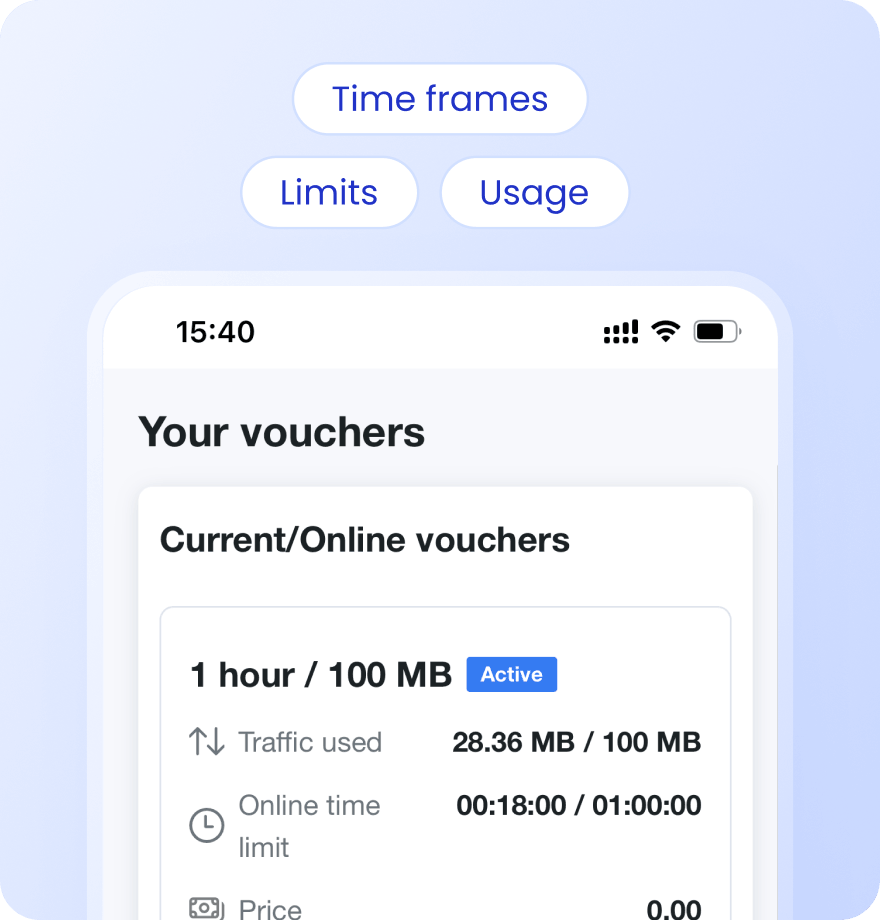
Keep passengers informed with Status Page
Provide passengers with a self-service status page where they can check active plans, voucher status, usage, and session information.
Payment confirmation via SMS
Alerts when data or time limit is nearly reached
Status page link sent via SMS on voucher activation or after login
Users see live usage, active vouchers, and full purchase history
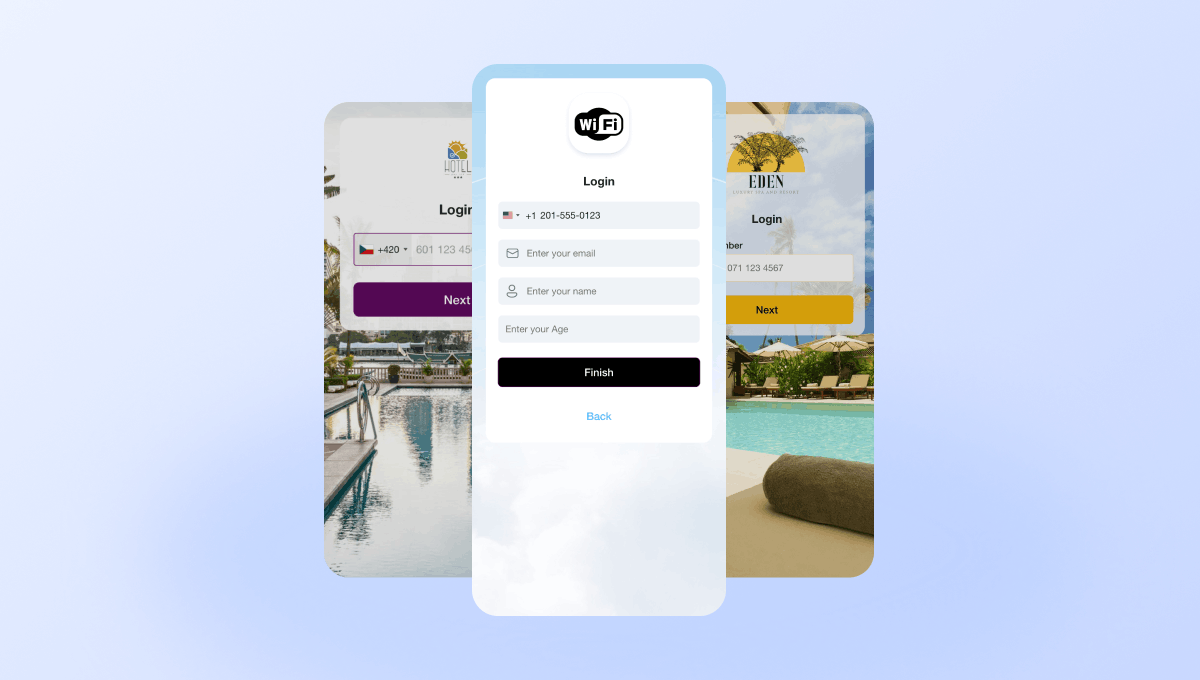
Create branded airport captive portals
Create customized captive portals for terminals, lounges, airlines, and airport facilities. Different airport locations can have unique branding and messaging.
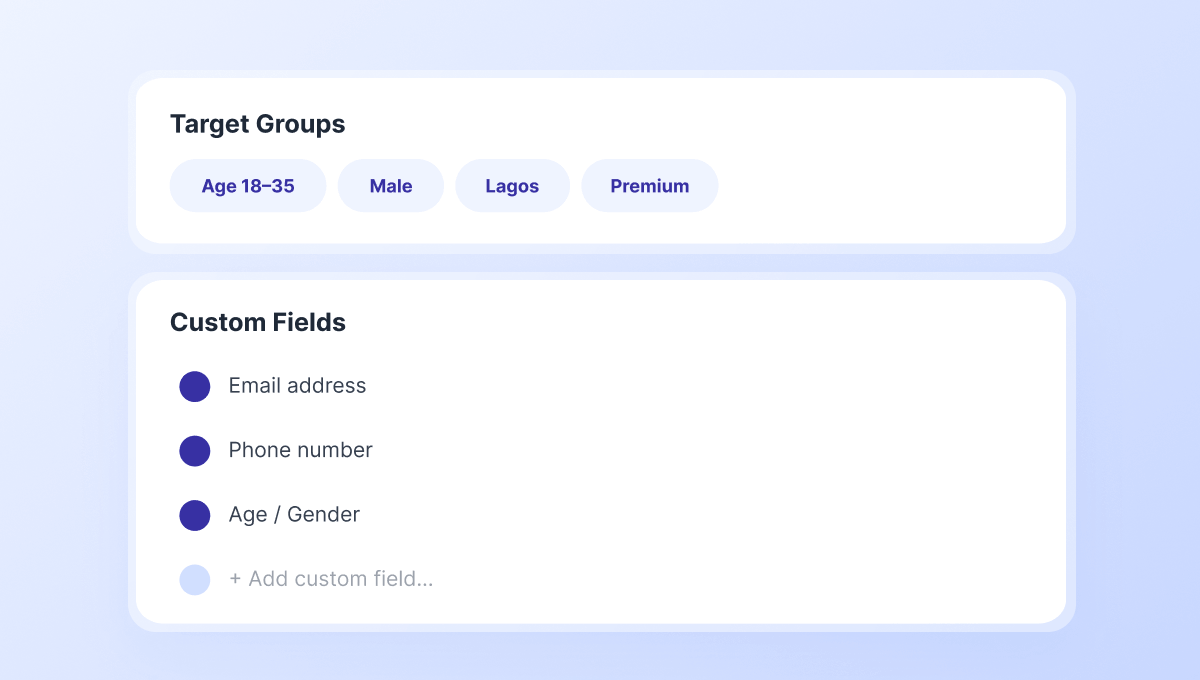
Collect passenger data and build marketing audiences
Capture passenger information through customizable captive portal fields and build Target Groups for future engagement campaigns.
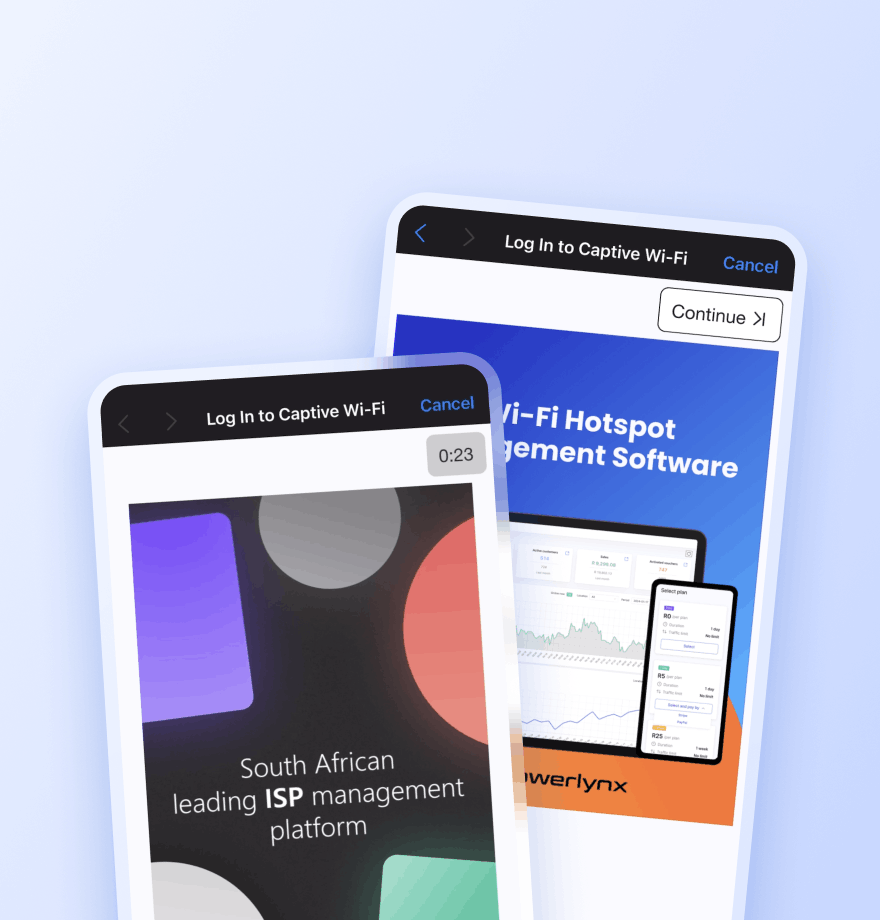
Promote airport services, retailers, and advertising partners
Display image and video advertisements during Wi-Fi login to promote duty-free stores, restaurants, lounges, airport services, transport providers, tourism partners, and commercial advertisers.
Locations — Show the ad only at a selected location
Splash pages — Limit the ad to a specific captive portal
Data plans — Show the ad only to users who selected a specific plan
Target groups — Show the ad only to a specific audience segment
Active date ranges — Set the start and end date for the campaign
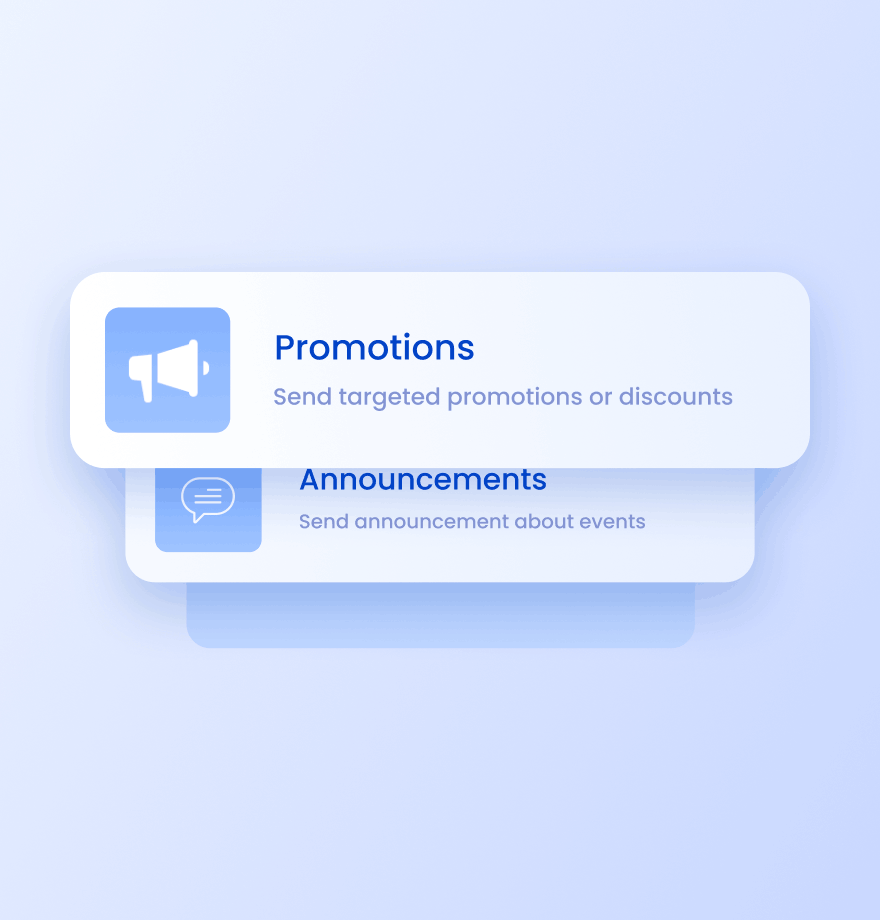
Send targeted SMS campaigns to your passengers
Reach passengers through SMS campaigns and notifications. Use SMS campaigns for:
Airport service promotions
Lounge and premium access offers
Retail and duty-free campaigns
Airport app and loyalty program promotions
Wi-Fi Management
Airport Wi-Fi management: traditional approach vs Powerlynx
Comparison of how most airports manage passenger Wi-Fi today and how they can enhance it with Powerlynx.
Traditional Airport Wi-Fi

No way to promote airport services, lounges, retailers, or commercial partners
No thousands of passengers data collection
Generic Wi-Fi login page across the entire airport
Same Wi-Fi access policy for every user
Separate management of terminals, lounges, and airport facilities
No communication channel after passenger login
Enhanced with Powerlynx

Promote duty-free stores, lounges, airport services and others directly during Wi-Fi login
Collect passenger data through captive portal and build marketing audiences
Create unique branded captive portals for all locations
Configure different Wi-Fi plans for different airport user groups
Manage Wi-Fi across all locations from one dashboard
Launch marketing campaigns, including mass SMS sending, banner and video ads





Read how others use Powerlynx
Learn more
How can airports monetize passenger Wi-Fi?
Airports can monetize passenger Wi-Fi in two primary ways. First, by offering a paid premium tier (an unlimited-speed day pass) alongside the complimentary plan, sold directly at the captive portal. Second, by selling sponsor ad placements shown at portal login. Travel advertisers (airlines, hotels, car rentals, insurance) pay premium rates to reach confirmed travelers at the moment of connection, and Powerlynx provides the impression-counted ad delivery and reporting.
How does an airport manage Wi-Fi across multiple terminals and concessions?
Each terminal, concourse, lounge, and concession is configured as a separate Location in Powerlynx under one airport operator account. Each zone has independent splash page branding, plans, and hardware settings. The airport IT team has a single dashboard with visibility across all zones (active users, bandwidth, and plan adoption per terminal) with no need to log into separate systems.
Can Wi-Fi vouchers be issued to loyalty program members or premium ticket holders?
Yes. Powerlynx supports pre-configured voucher codes that can be distributed to loyalty members, lounge cardholders, or premium ticket holders. Each voucher code gives the passenger a specific Wi-Fi plan (speed, data quota, duration) when redeemed at the captive portal. This creates a premium perk that airlines and lounge operators can offer without additional infrastructure.
How does Powerlynx handle high concurrent user volumes at peak boarding times?
Powerlynx is architected as a fully cloud-based, scalable platform. Pricing is based on concurrent online users (not access points), so the platform scales to match actual load without per-AP bottlenecks. The system supports hundreds of thousands of concurrent online users and is designed for the burst patterns typical of departure waves and flight arrivals.
Is there a free trial available for airport Wi-Fi management?
Yes, Powerlynx offers a 21-day free trial with full access to all features. No credit card required. You can connect your hardware, design your splash page, test paid plans, and evaluate the platform fully before committing to a paid plan.
How to Get Started?
1
Get a license
Choose the best Powerlynx plan for you and activate your license.
Takes 2 minutes
2
Configure your setup
Connect your routers, set up payment gateways, and customize splash pages — all from one admin panel.
Takes a few hours
3
Start connecting customers
Add users, assign tariff plans, and bring them online. Your Wi-Fi hotspot business is ready to run.
Start on the same day