
Wi-Fi Hotspots for Transport
Centralize transport Wi-Fi hotspot management across buses, trains, ferries, and public transport networks. Deliver secure passenger Wi-Fi, branded captive portals, collect passenger data, and monetize Wi-Fi access.






0%
more likely
to rebook with quality Wi-Fi

0K+
Wi-Fi users
powered monthly by Powerlynx

$0
for extra hardware
Powerlynx works with your existing infrastructure
Powerlynx works with your existing infrastructure
Challenges
Common Transport Wi-Fi challenges
01
No revenue from passenger Wi-Fi
Passenger Wi-Fi is offered as a free service without generating additional revenue.
02
Difficult Wi-Fi management across fleets
Vehicles, stations, terminals, and transport hubs are managed separately.
03
No passenger data collection
Operators cannot collect passenger information through Wi-Fi for future marketing and engagement campaigns.
04
No way to promote services and partner offers
No channel to promote routes, loyalty programs, onboard services, tourism offers, or partner advertisements to connected passengers.
Solution
Platform that covers Transport Wi-Fi challenges
Powerlynx centralizes Wi-Fi across all your terminals and turns every passenger login into revenue.

Branded passenger captive portals
Fleet and multi-location Wi-Fi management
Popular built-in payments and vouchers
Passenger data collection and audience building
Passenger notifications and SMS campaigns

Business class
85 connected

Station lounge
937 connected

Ticket office zone
487 connected

Cloud-based
No need for costly server infrastructure or technical expertise.

Highly scalable
The system is highly scalable and supports hundreds of thousands of online users.

Cost-effective
Pay only for online users - no limits on APs, locations, or features.
Features
Powerlynx features that enhance Transport Wi-Fi management
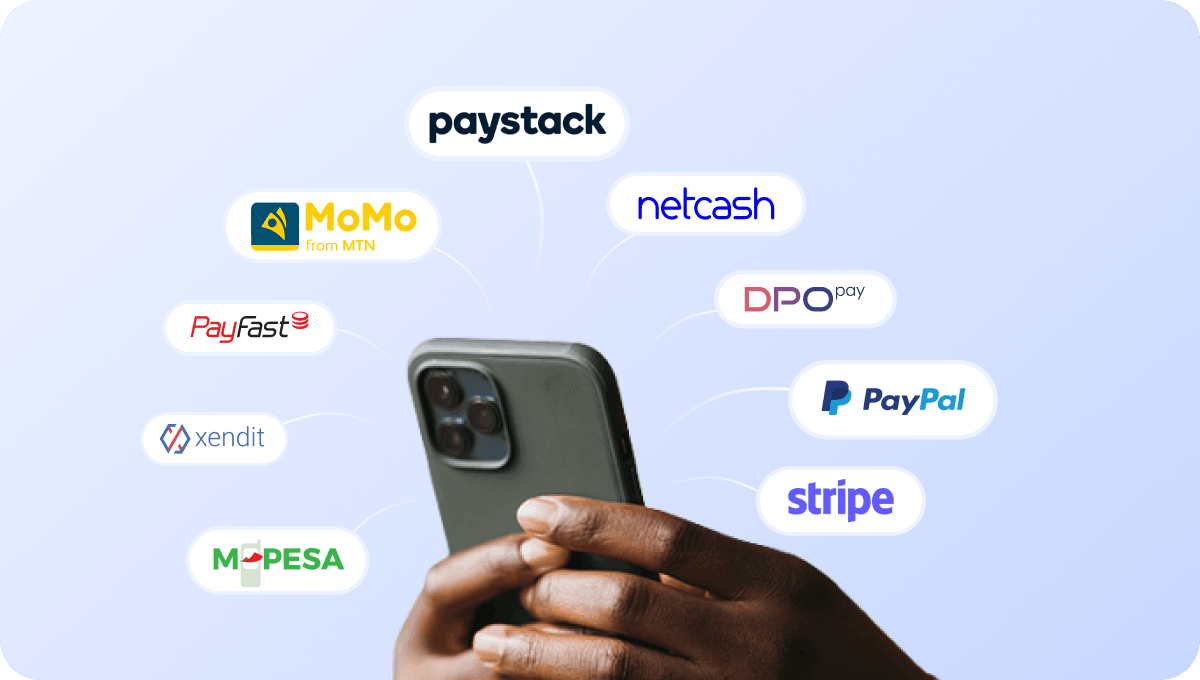
Accept payments for passenger Wi-Fi access
Connect supported payment gateways and accept payments for passenger Wi-Fi access directly through the captive portal.

Cover cash-driven markets with retail voucher payments
If your terminals serve cash-driven markets, passengers can use PIN vouchers to pay for Wi-Fi access.
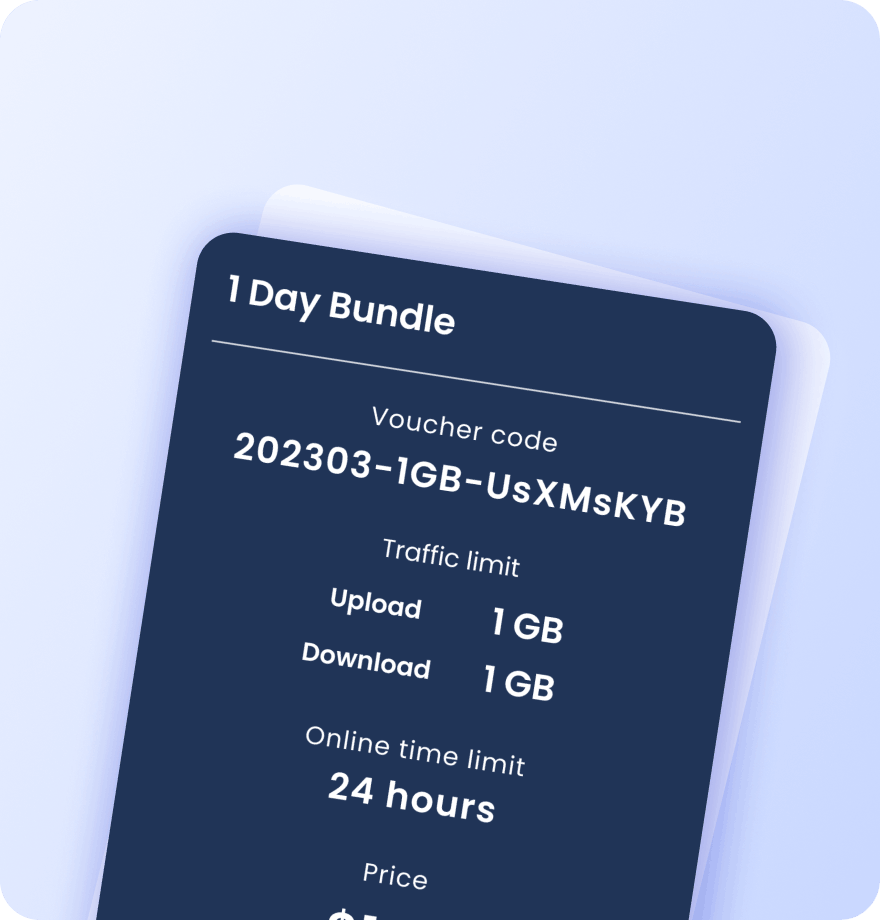
Create Wi-Fi vouchers for routes and passenger services
Create Wi-Fi vouchers for routes, premium services, travel classes, staff, and special transport services. Each voucher contains detailed information about its data plan settings:
Validity period
Data (traffic) quota
Session time limit
Download / upload speed caps
Max simultaneous devices
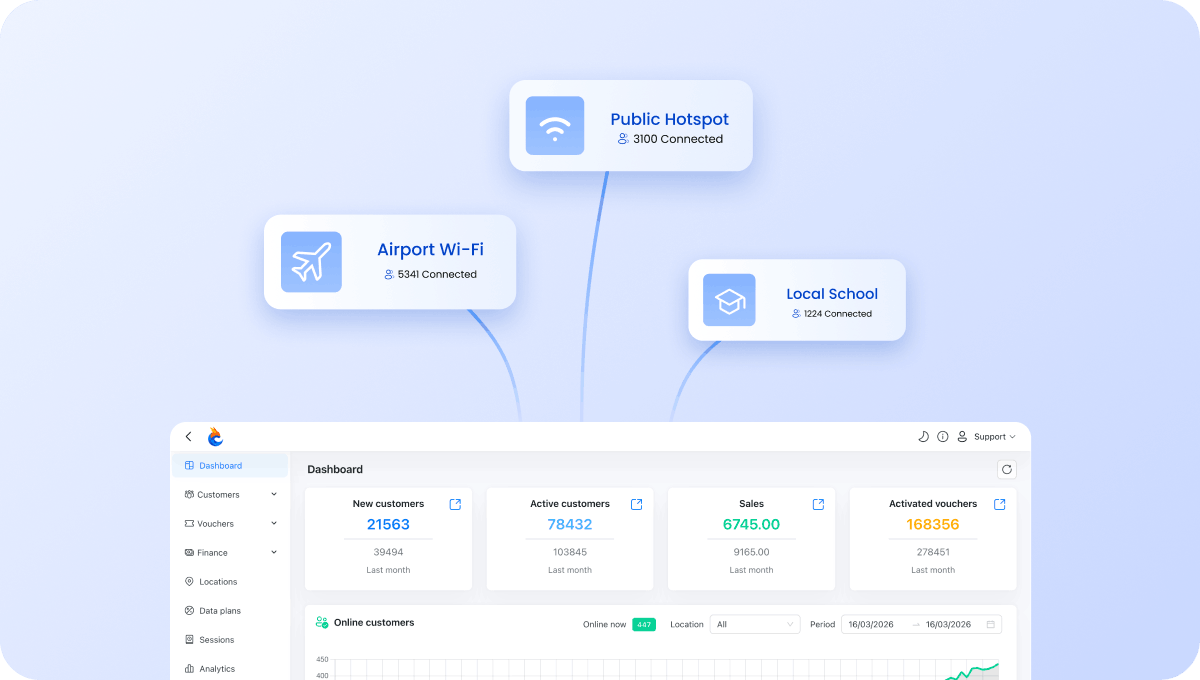
Manage all terminals and depots from one account
Manage passenger Wi-Fi across buses, trains, ferries, stations, terminals, and transport hubs from a single dashboard.
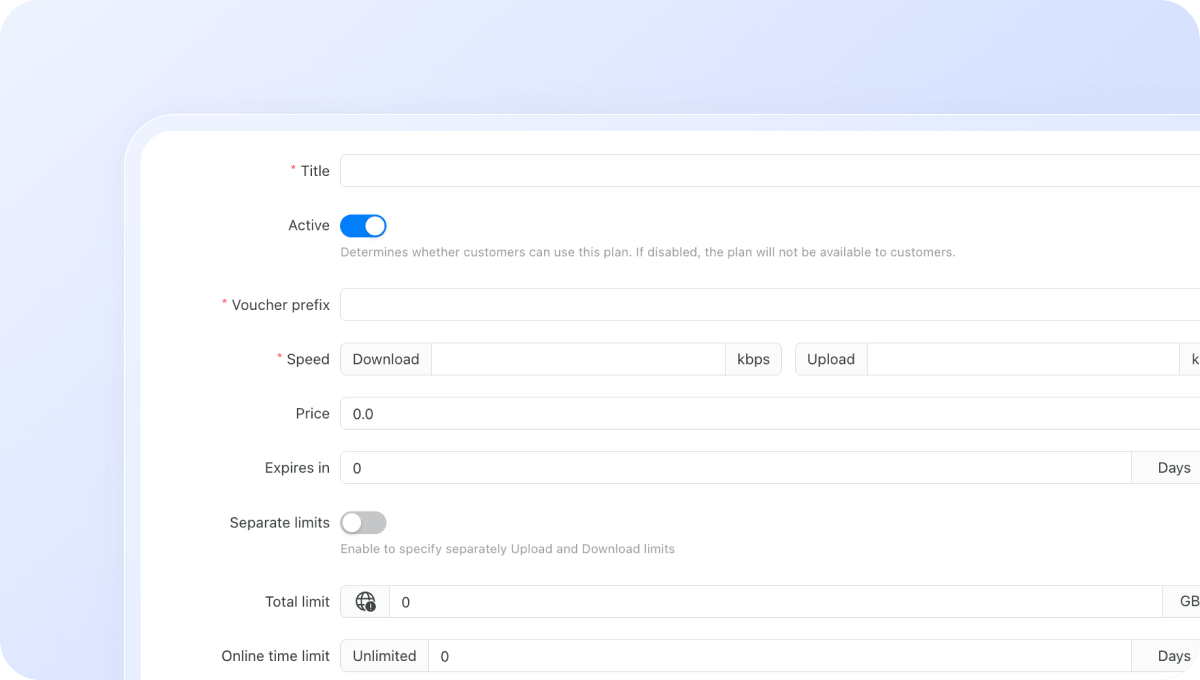
Configure Wi-Fi plans for routes and passenger services
Create different Wi-Fi plans for routes, travel classes, passenger categories, terminals, and transport lounges. Control exactly how users access your network:
Download / upload speed limits
Data (traffic) quota per session
Session time limit
Validity period after activation
Restrict plans to specific days or time windows
Max simultaneous devices per voucher or plan
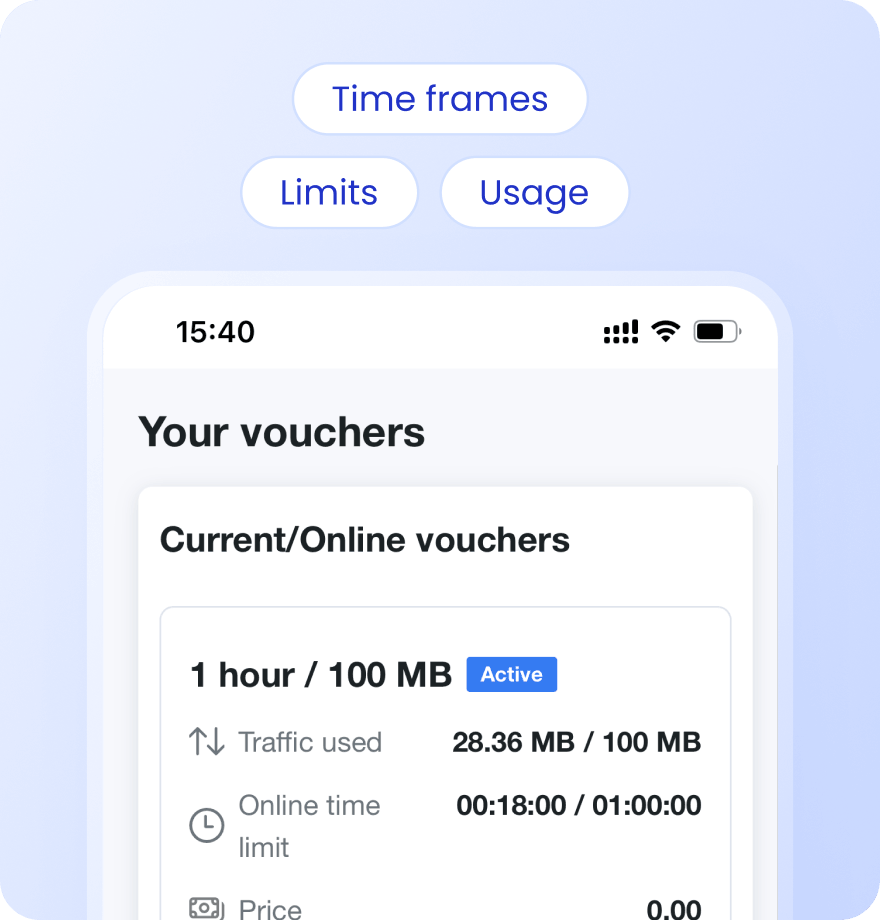
Keep passengers informed with Status Page
Give passengers a self-service status page where they can check usage, active vouchers, remaining data, and connection history.
Payment confirmation via SMS
Alerts when data or time limit is nearly reached
Status page link sent via SMS on voucher activation or after login
Users see live usage, active vouchers, and full purchase history
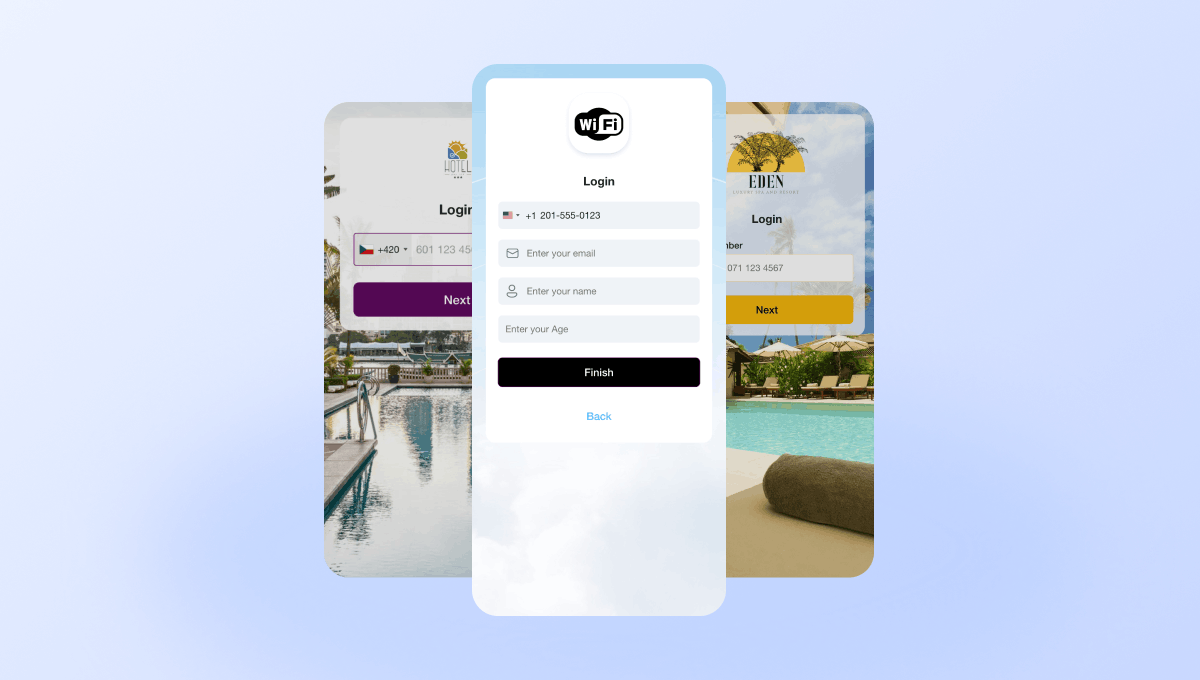
Create branded captive portals for transport services
Create branded login experiences with your logo, colors, and service announcements. Different routes and locations can have different portal designs.
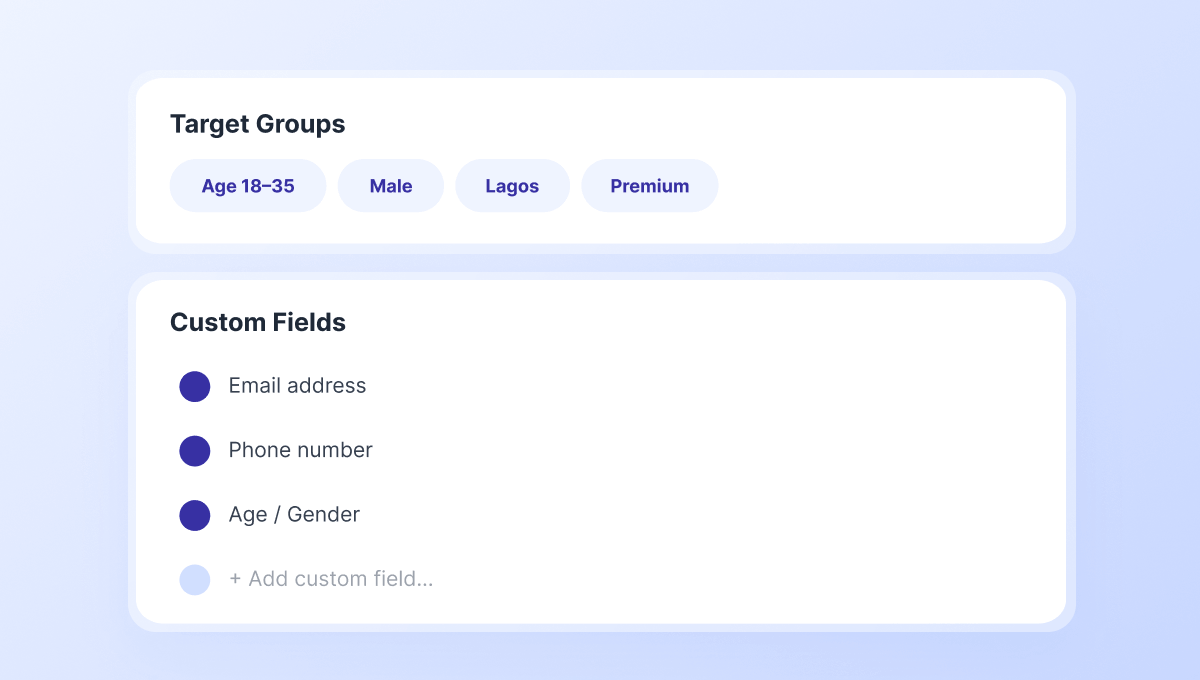
Collect passenger data and build marketing audiences
Capture passenger information through customizable login fields and build Target Groups for future marketing campaigns.
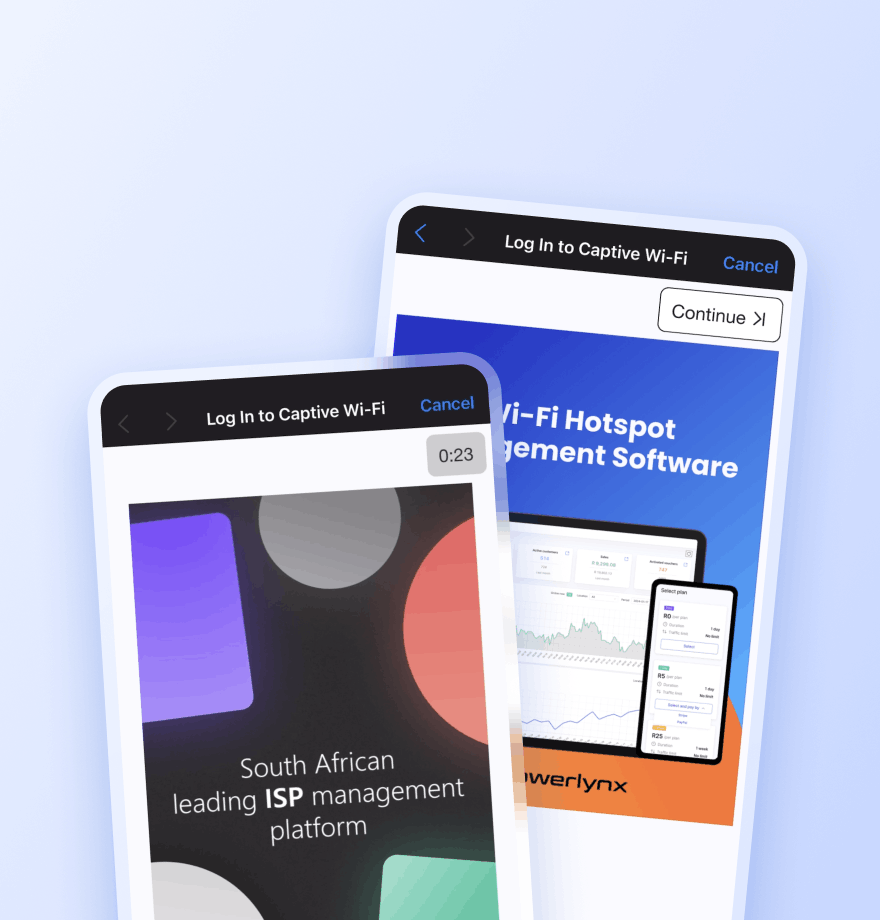
Promote services and partner offers through passenger Wi-Fi
Display image and video advertisements for transport services, loyalty programs, tourism partners, onboard services, and station retailers.
Locations — Show the ad only at a selected location
Splash pages — Limit the ad to a specific captive portal
Data plans — Show the ad only to users who selected a specific plan
Target groups — Show the ad only to a specific audience segment
Active date ranges — Set the start and end date for the campaign
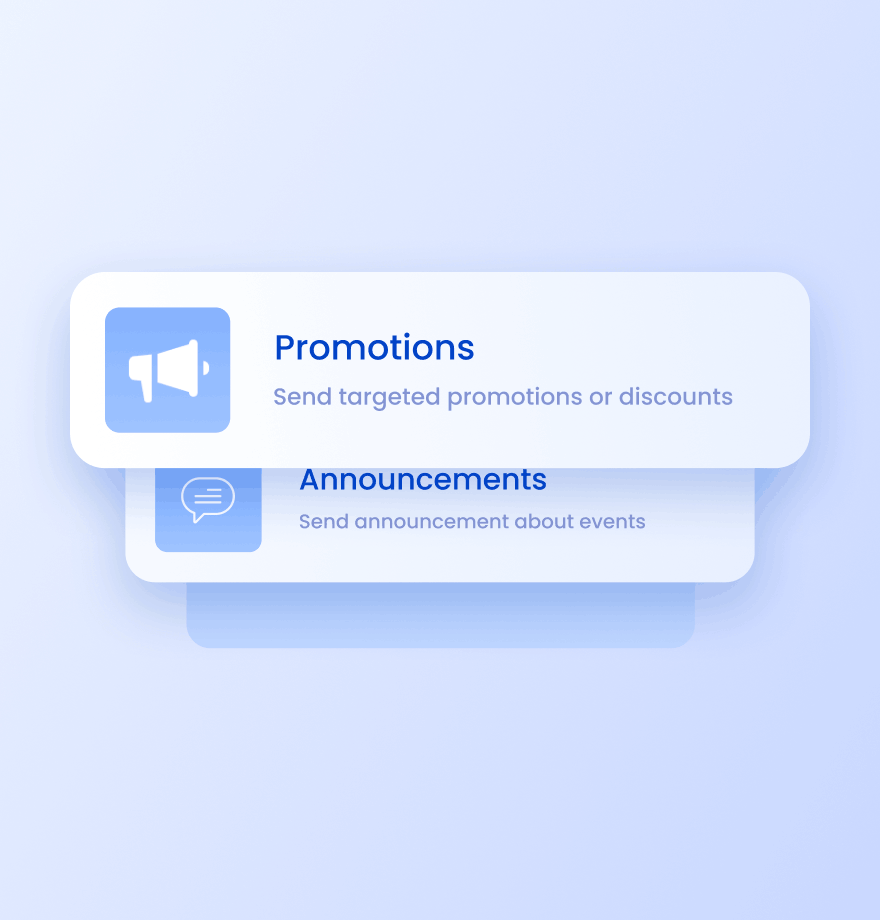
Send targeted SMS campaigns to your passengers
Reach passengers after they connect to Wi-Fi. Use SMS campaigns for:
Route promotions and seasonal offers
Service updates and schedule changes
Travel partner announcements
Loyalty and rebooking campaigns
Wi-Fi Management
Passenger Wi-Fi management: traditional approach vs Powerlynx
Comparison of how most transport operators manage passenger Wi-Fi today and how they can enhance it with Powerlynx.
Traditional passenger Wi-Fi

No revenue from passenger Wi-Fi
Complicated Wi-Fi management across fleets and locations
No passenger data collection
No channel to promote transport services
Same Wi-Fi experience across all services and locations
No communication channel after login
Enhanced with Powerlynx

Paid Wi-Fi access via payments, vouchers, and sponsored access
Centralized management across all vehicles, stations, and terminals
Collect passenger data through captive portal login
Promote routes, loyalty programs, tourism offers, and partner services through captive portal
Different captive portals and Wi-Fi plans for routes, terminals, and passenger groups
SMS campaigns for re-engagement





Read how others use Powerlynx
Learn more
What is passenger Wi-Fi management software for transport operators?
It is a cloud-based platform that controls how passengers connect to your Wi-Fi network, what plans they can purchase, and how your network is branded. Powerlynx sits between your existing routers and your passengers, handling authentication, payments, and analytics without requiring dedicated on-site IT.
Can transport operators sell Wi-Fi passes to passengers at the portal?
Yes. Powerlynx supports paid Wi-Fi plans configurable by duration, speed, and data quota. Passengers select a plan at the captive portal and pay via integrated gateways such as Stripe or PayPal. For operators who prefer pre-sold access, Powerlynx also supports printed voucher codes distributed at ticket desks.
How do I manage Wi-Fi across multiple bus depots terminals?
Each terminal or depot is added as a separate Location in Powerlynx. All locations are visible and manageable from a single operator dashboard. Each location has its own splash page design, pricing, and hardware configuration, while sharing the same billing account and reporting tools.
Does Powerlynx work with mobile/vehicle-mounted routers for coaches?
Powerlynx is hardware-agnostic and works with any router that supports RADIUS authentication and external captive portal redirection. For vehicle-mounted deployments, operators typically use Teltonika or Cradlepoint routers, which are fully compatible. You connect via WireGuard VPN or a public IP.
Can Wi-Fi advertising generate revenue for transport operators?
Yes. Powerlynx supports image and video ad placements shown on the captive portal immediately after a passenger selects their access plan. Ads can be sold to travel partners, insurance companies, taxi services, or local retailers. Each ad has an impression counter, date range control, and location targeting.
How to Get Started?
1
Get a license
Choose the best Powerlynx plan for you and activate your license.
Takes 2 minutes
2
Configure your setup
Connect your routers, set up payment gateways, and customize splash pages — all from one admin panel.
Takes a few hours
3
Start connecting customers
Add users, assign tariff plans, and bring them online. Your Wi-Fi hotspot business is ready to run.
Start on the same day