
Wi-Fi Hotspots for Marina
Provide secure Wi-Fi hotspots for passenger vessels and marinas. Manage onboard Wi-Fi, authenticate users, monetize guest access, and monitor every hotspot from one cloud platform.



0%
of cruise passengers
use the internet for several hours every day at sea

0%
of passengers
use onboard Wi-Fi for work and personal needs

$0
for extra hardware
Powerlynx works with your existing infrastructure
Powerlynx works with your existing infrastructure
Challenges
Common Marina Wi-Fi challenges
01
No revenue from passenger internet access
Passengers expect onboard internet, but many operators offer free Wi-Fi without paid access plans or monetization options.
02
No promotion of onboard revenue opportunities
Passengers connect to Wi-Fi, but onboard restaurants, duty-free stores, excursions, entertainment packages, and premium services are not promoted during login.
03
No different Wi-Fi plans for different passenger types
Business-class passengers, VIP guests, crew members, and standard travelers often receive the same internet package with no flexibility or service differentiation.
04
No centralized management across vessels
Managing Wi-Fi separately on each vessel creates inconsistent passenger experiences and increases operational workload.
Solution
Platform that covers Marina Wi-Fi challenges
Powerlynx centralizes passenger Wi-Fi across your fleet, helping you monetize internet access, promote onboard services, and manage every vessel from a single platform.

Branded onboard captive portals
Fleet-wide Wi-Fi management
Popular built-in payments and vouchers
Passenger data collection and audience building
SMS notifications and passenger engagement

Public guest Wi-Fi
49733 connected

Marina beach club
5720 connected

Staff office
863 connected

Cloud-based
No need for costly server infrastructure or technical expertise.

Highly scalable
The system is highly scalable and supports hundreds of thousands of online users.

Cost-effective
Pay only for online users - no limits on APs, locations, or features.
Features
Powerlynx features that enhance Marina Wi-Fi management
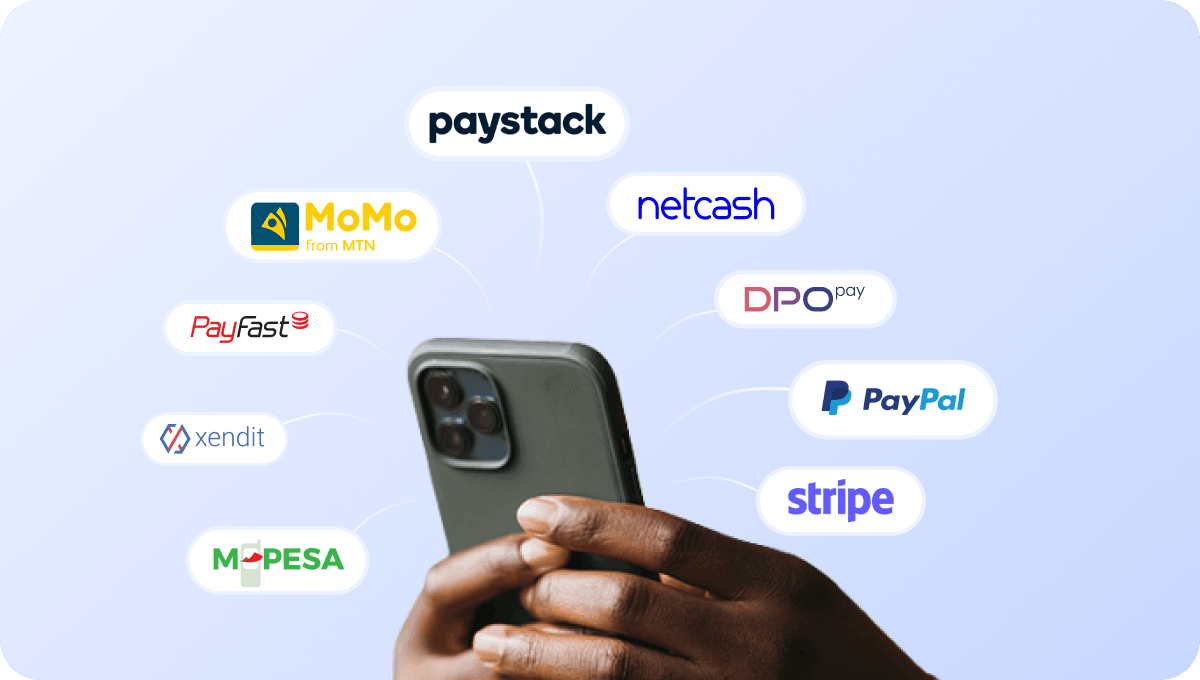
Accept payments for marina Wi-Fi access
Accept payments for passenger Wi-Fi access directly through the captive portal using supported payment gateway integrations.

Accept payments in cash-driven markets via retail PINs
If your vessels operate in cash-driven markets, passengers can purchase prepaid PIN vouchers and redeem them directly on the captive portal to get internet access.
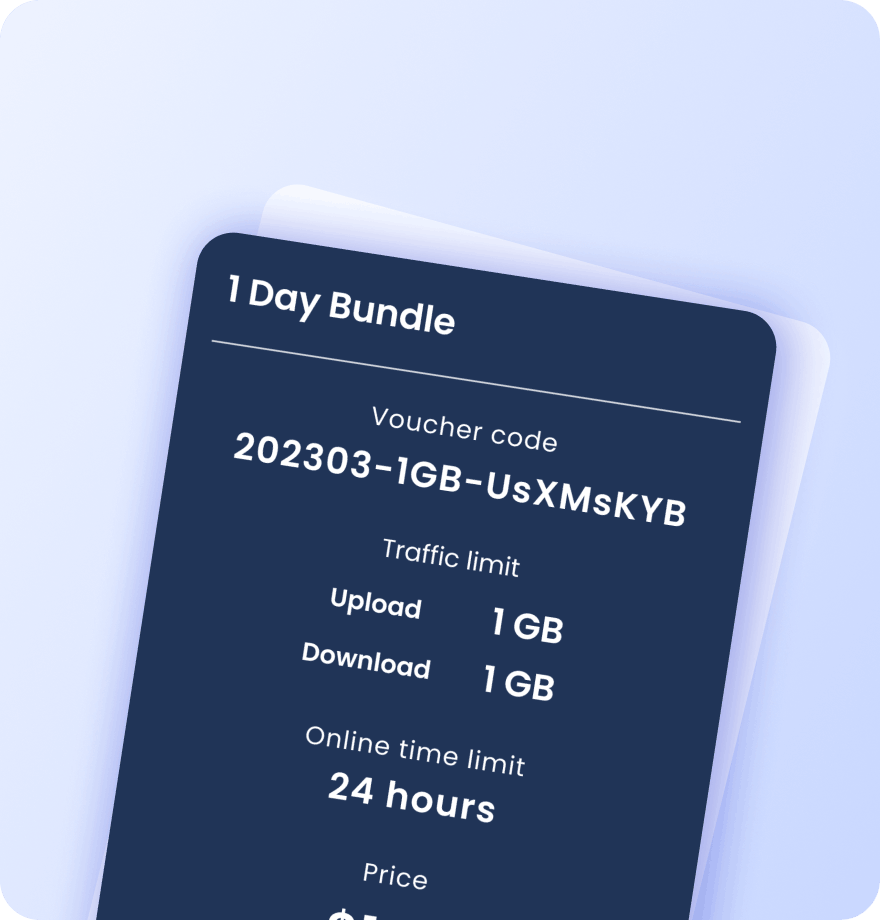
Create internet packages for different passenger types
Create prepaid internet packages for passengers, crew, VIP travelers, and premium cabins. Each voucher contains detailed information about its data plan settings:
Validity period
Data (traffic) quota
Session time limit
Download / upload speed caps
Max simultaneous devices
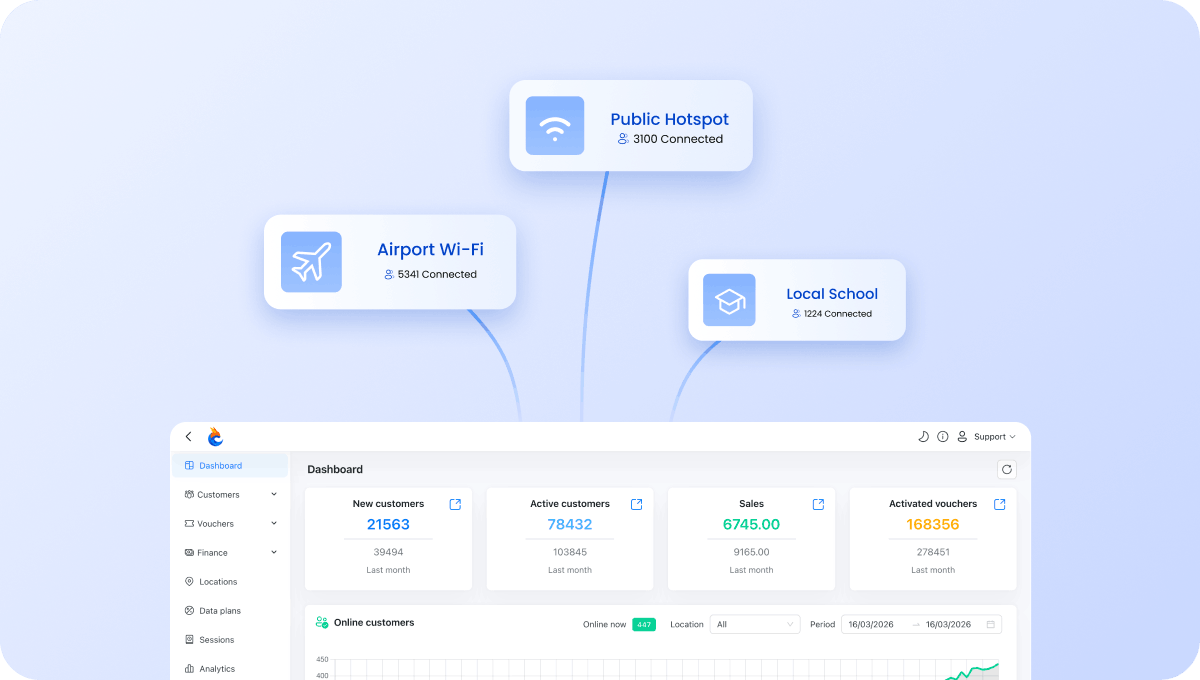
Manage all maritime fleets from one account
Manage internet services across cruise ships, ferries, passenger vessels, and terminals from a single dashboard.
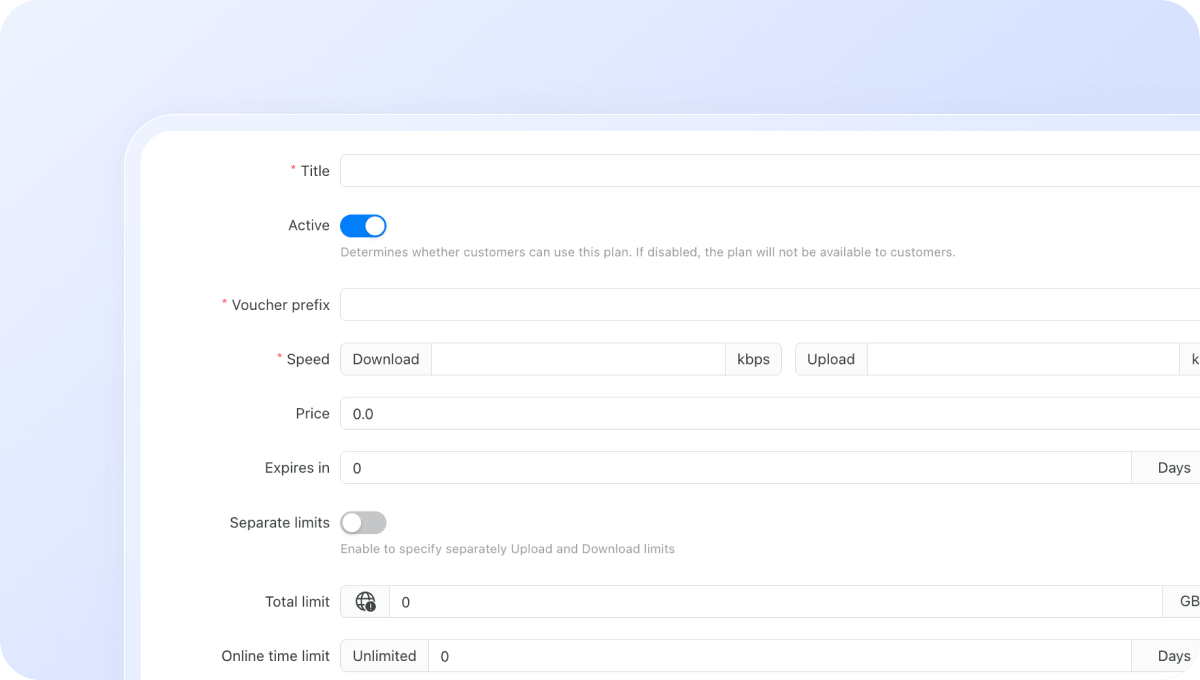
Configure Wi-Fi plans for different passenger categories
Create different internet plans for standard passengers, premium cabins, loyalty members, crew, and business travelers. Control exactly how users access your network:
Download / upload speed limits
Data (traffic) quota per session
Session time limit
Validity period after activation
Restrict plans to specific days or time windows
Max simultaneous devices per voucher or plan
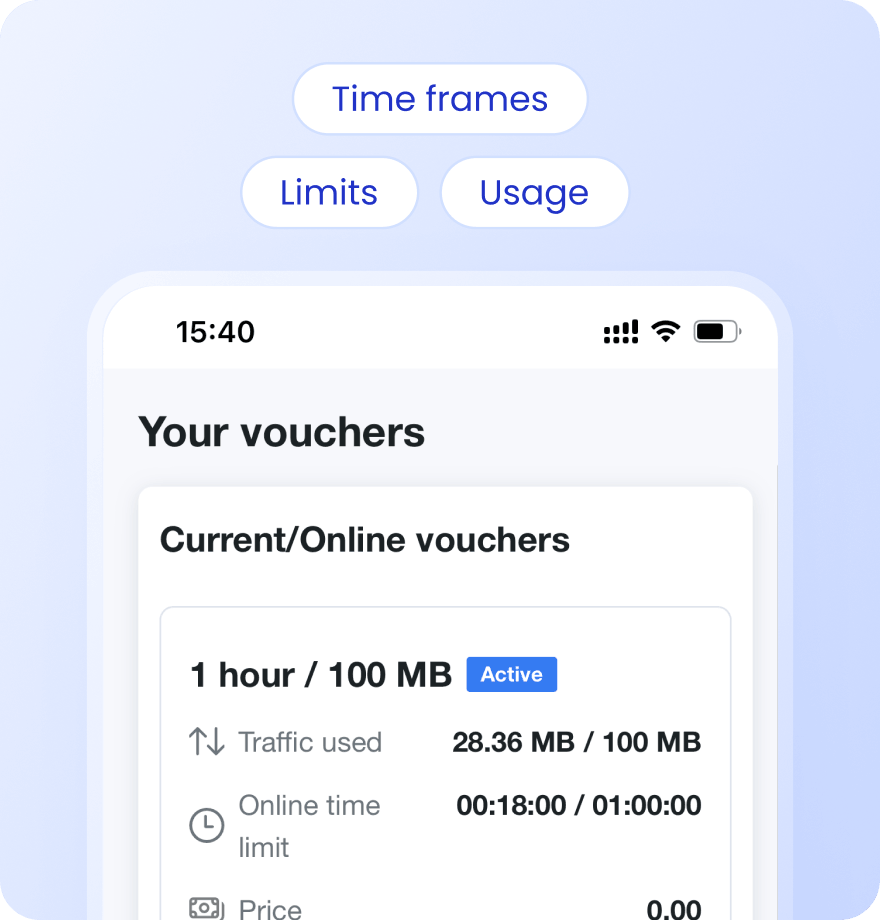
Keep users informed with Status Page
Give passengers access to a self-service status page where they can check remaining data, active plans, voucher information, and connection history.
Payment confirmation via SMS
Alerts when data or time limit is nearly reached
Status page link sent via SMS on voucher activation or after login
Users see live usage, active vouchers, and full purchase history
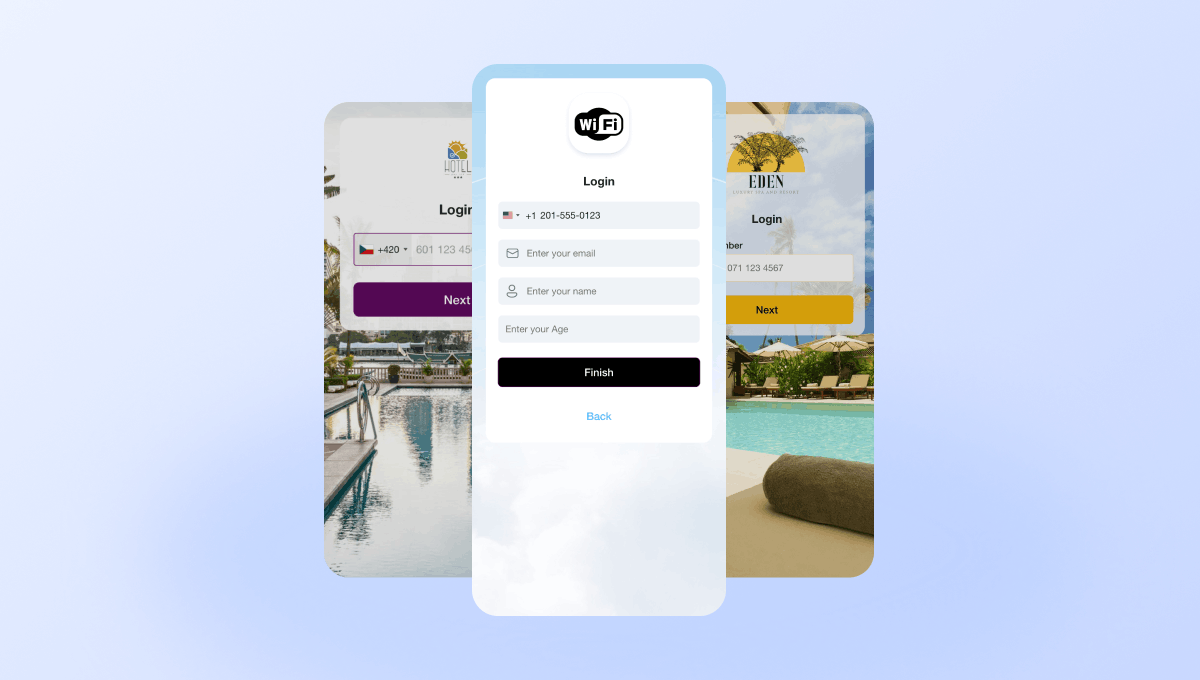
Create branded captive portals for cruise ships and ferries
Design captive portals that match your brand. Add logos, colors, images, and promotional content using a drag-and-drop editor. Different vessels can have different portal designs.
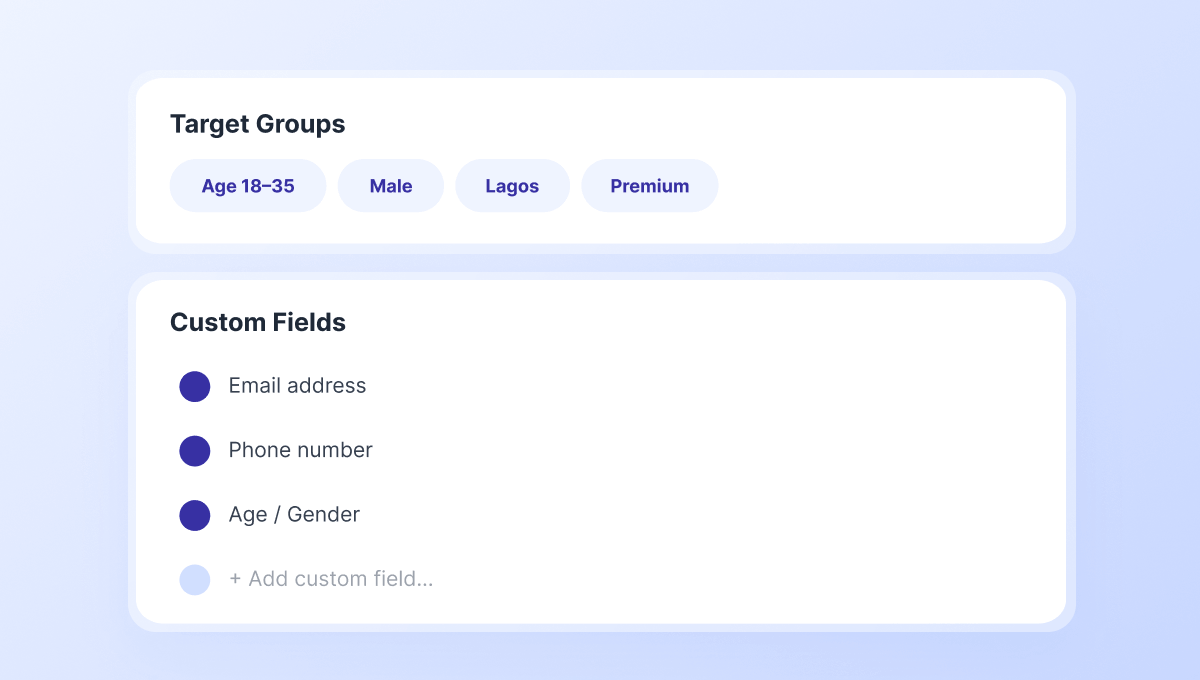
Collect boat owner data and build marketing audiences
Capture passenger information through configurable captive portal fields and build Target Groups for future campaigns.
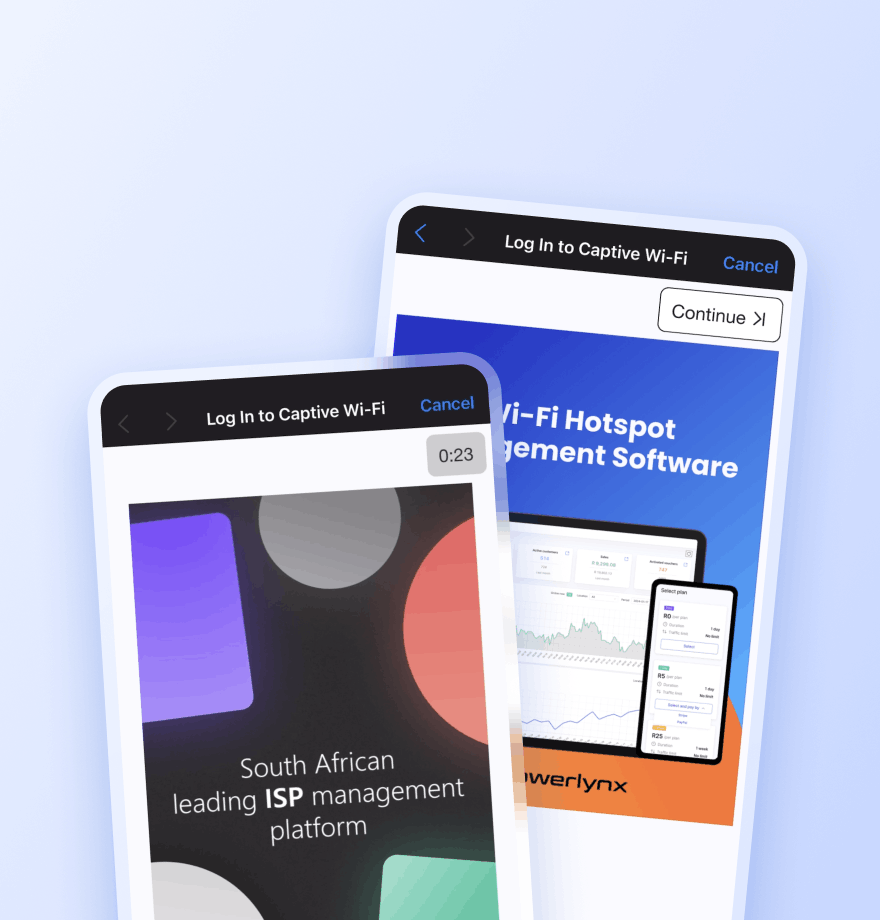
Promote onboard services and revenue opportunities
Display image and video advertisements during login to promote duty-free shopping, restaurants, excursions, entertainment packages, premium internet upgrades, and loyalty programs.
Locations — Show the ad only at a selected location
Splash pages — Limit the ad to a specific captive portal
Data plans — Show the ad only to users who selected a specific plan
Target groups — Show the ad only to a specific audience segment
Active date ranges — Set the start and end date for the campaign
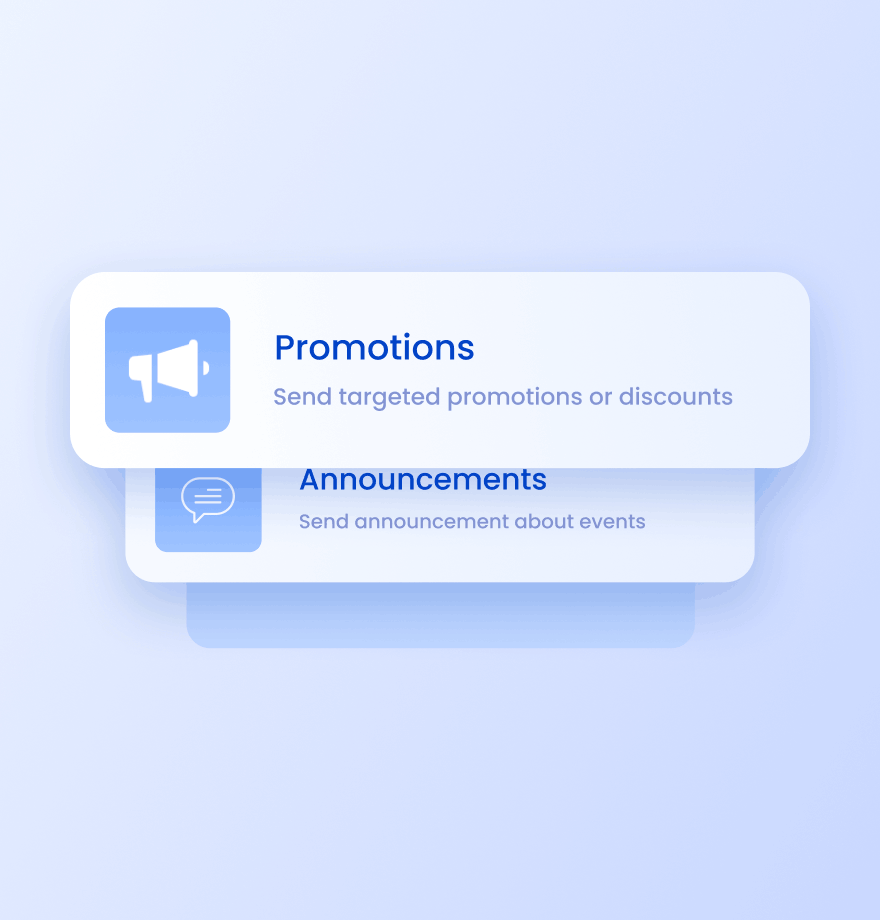
Send targeted SMS campaigns to passengers
Reach visitors after they connect to Wi-Fi. Use SMS campaigns for:
Excursion promotions
Onboard offers
Loyalty campaigns
Premium service upgrades
Wi-Fi Management
Marina Wi-Fi management: traditional approach vs Powerlynx
Comparison of how most cruise operators and ferry companies manage Wi-Fi today and how they can enhance it with Powerlynx.
Traditional Marina Wi-Fi

Internet access is provided as a free service
Same internet package for every passenger
Onboard services are not promoted during Wi-Fi login
Each vessel is managed separately
Generic Wi-Fi login pages
No communication channel after login
Enhanced with Powerlynx

Monetizable passenger internet through integrated payment gateways, prepaid vouchers, and ads
Create different plans based on passenger type, cabin class, or others
Advertise restaurants, excursions, and other entertainment through captive portals
Centrally manage every vessel from one platform
Create branded captive portals for different vessels, routes, or passenger services
Send targeted SMS campaigns for onboard offers and other promotions




Read how others use Powerlynx
Learn more
Can passengers pay for Wi-Fi access onboard?
Yes. Powerlynx supports integrated payment gateways that allow passengers to purchase internet access directly through the captive portal. Operators can create different internet packages based on passenger needs and voyage requirements.
Can I create different Wi-Fi plans for different passenger groups?
Yes. Powerlynx allows you to create different internet plans for standard passengers, VIP travelers, premium cabins, business-class guests, crew members, and staff. Plans can be customized by data allowance, speed, validity period, session duration, and device limits.
Can Powerlynx manage Wi-Fi across multiple vessels?
Yes. Powerlynx provides centralized fleet-wide Wi-Fi management, allowing operators to manage internet access, captive portals, vouchers, users, and plans across multiple ships and vessels from a single dashboard.
Can I customize the Wi-Fi login page for each vessel?
Yes. You can create branded captive portals for individual vessels, routes, services, or passenger groups. Add your logo, colors, images, promotions, and announcements using the built-in drag-and-drop editor.
Can I promote onboard services through Wi-Fi?
Yes. Powerlynx allows operators to display image and video advertisements during Wi-Fi login. Promote duty-free shops, restaurants, entertainment packages, excursions, loyalty programs, premium upgrades, and partner offers directly to passengers.
Can Powerlynx collect passenger information?
Yes. The captive portal can collect passenger information such as email addresses, phone numbers, names, and custom fields. This data can be used to build marketing audiences and improve passenger engagement.
Is Powerlynx suitable for cruise ships and ferry operators?
Yes. Powerlynx is designed for scalable passenger Wi-Fi deployments and can be used by cruise operators, ferry companies, passenger vessels, and maritime transport providers that need centralized Wi-Fi management, monetization, and passenger engagement tools.
How to Get Started?
1
Get a license
Choose the best Powerlynx plan for you and activate your license.
Takes 2 minutes
2
Configure your setup
Connect your routers, set up payment gateways, and customize splash pages — all from one admin panel.
Takes a few hours
3
Start connecting customers
Add users, assign tariff plans, and bring them online. Your Wi-Fi hotspot business is ready to run.
Start on the same day