
Wi-Fi Hotspots for Education
Manage campus Wi-Fi with a centralized hotspot management platform. Deliver secure Wi-Fi access for students, staff, and visitors, capture user data, and monetize guest Wi-Fi.






0
schools
connected via Project Isizwe

0K+
learners and educators
reached

$0
for extra hardware
Powerlynx works with your existing infrastructure
Powerlynx works with your existing infrastructure
Challenges
Common Education Wi-Fi Challenges
01
Complicated multi-building Wi-Fi management
Managing Wi-Fi across multiple buildings and campus facilities requires manual administration.
02
No control over different user groups
Educational institutions struggle to provide different Wi-Fi access policies for students, staff, visitors, and contractors.
03
No user data collection
Institutions cannot collect additional user information for reporting, communication, or audience segmentation.
04
No way to promote campus information
Campus events, student services, announcements, and important updates are not communicated through Wi-Fi.
Solution
Platform That Covers Education Wi-Fi Challenges
Powerlynx centralizes Wi-Fi across all your campuses and turns every login into a managed, trackable connection.

Branded campus captive portals
Multi-campus Wi-Fi management
Configurable Wi-Fi plans for different user groups
Student data collection and audience segmentation
Campus notifications and SMS campaigns

Classrooms
17594 connected

Library
495 connected

Sports hall
490 connected

Cloud-based
No need for costly server infrastructure or technical expertise.

Highly scalable
The system is highly scalable and supports hundreds of thousands of online users.

Cost-effective
Pay only for online users - no limits on APs, locations, or features.
Features
Powerlynx Features That Enhance Education Wi-Fi Management
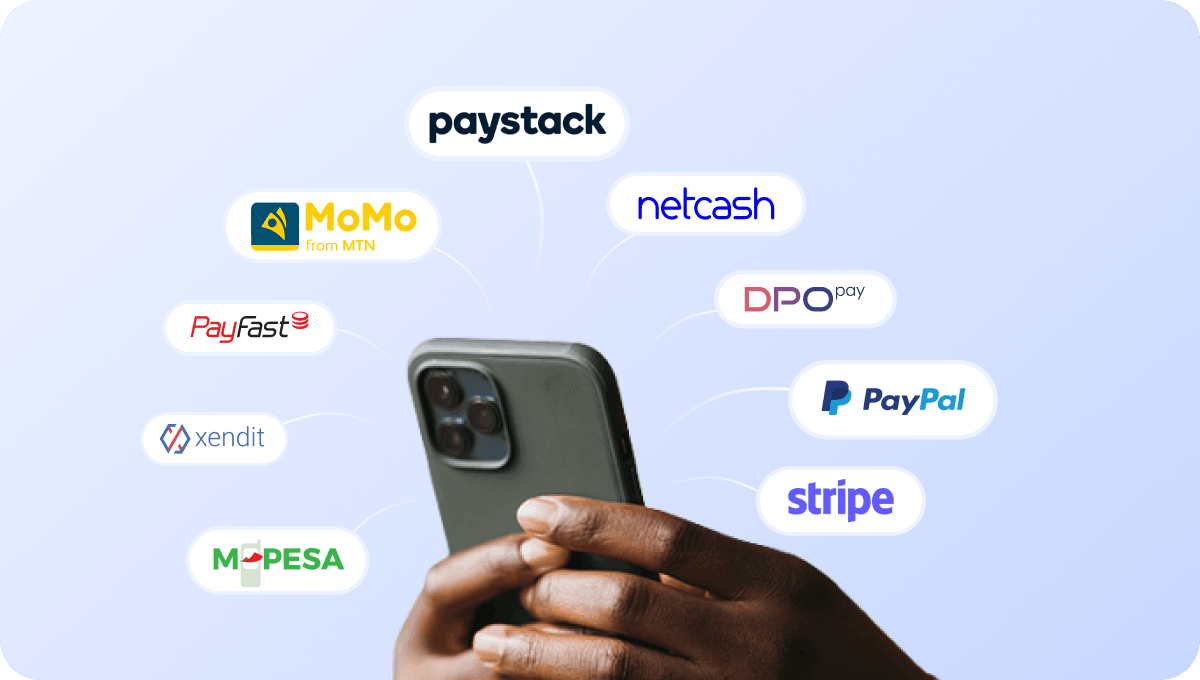
Accept payments for campus Wi-Fi access
Accept payments for Wi-Fi access through supported payment gateways when providing paid internet services for visitors, conferences, events, or temporary users.

Support PIN voucher payments for campus Wi-Fi
Allow visitors, conference attendees, and temporary users to access Wi-Fi using PIN vouchers, especially in cash-driven environments.
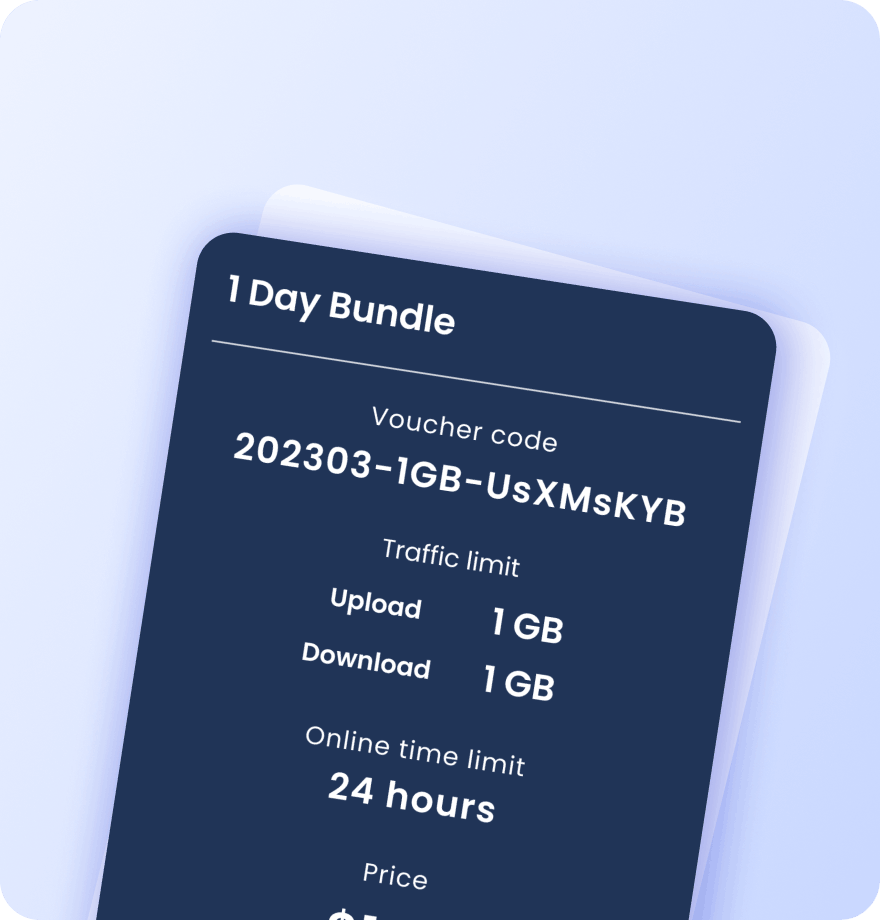
Create Wi-Fi vouchers for students, visitors, and events
Generate Wi-Fi vouchers with custom access conditions for visitors, conferences, campus events, student residences, and temporary users. Each voucher contains detailed information about its data plan settings:
Validity period
Data (traffic) quota
Session time limit
Download / upload speed caps
Max simultaneous devices
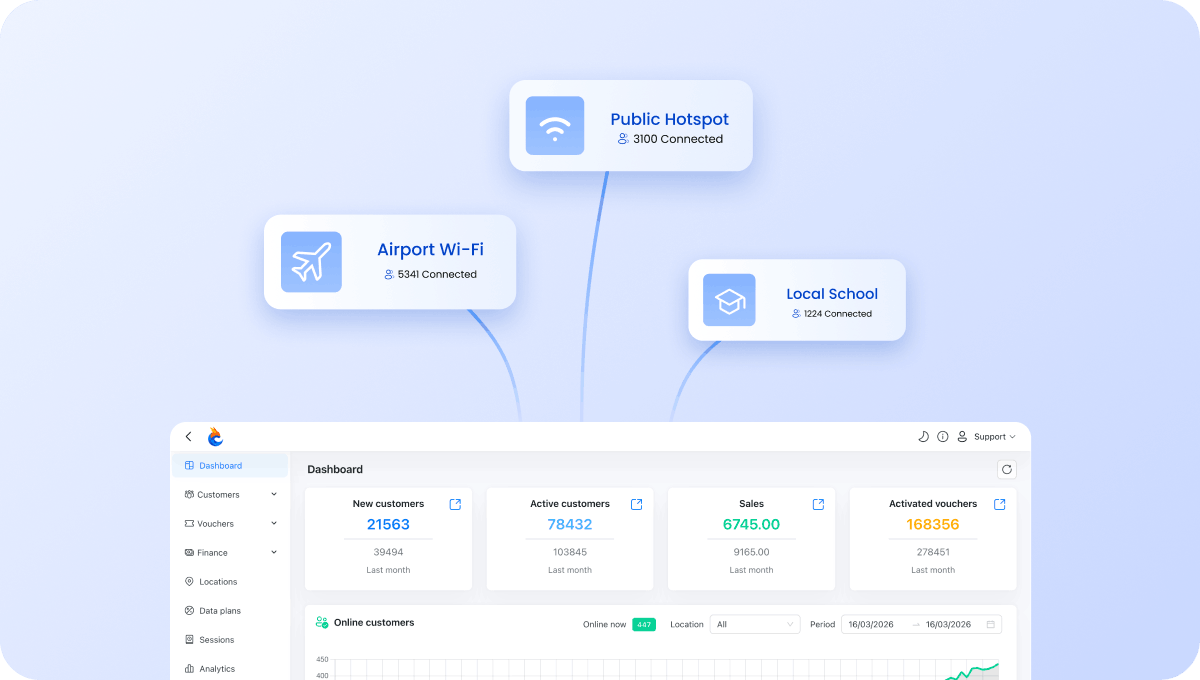
Manage all campuses from one account
Manage Wi-Fi across classrooms, libraries, dormitories, cafeterias, sports facilities, and multiple campuses from one dashboard.
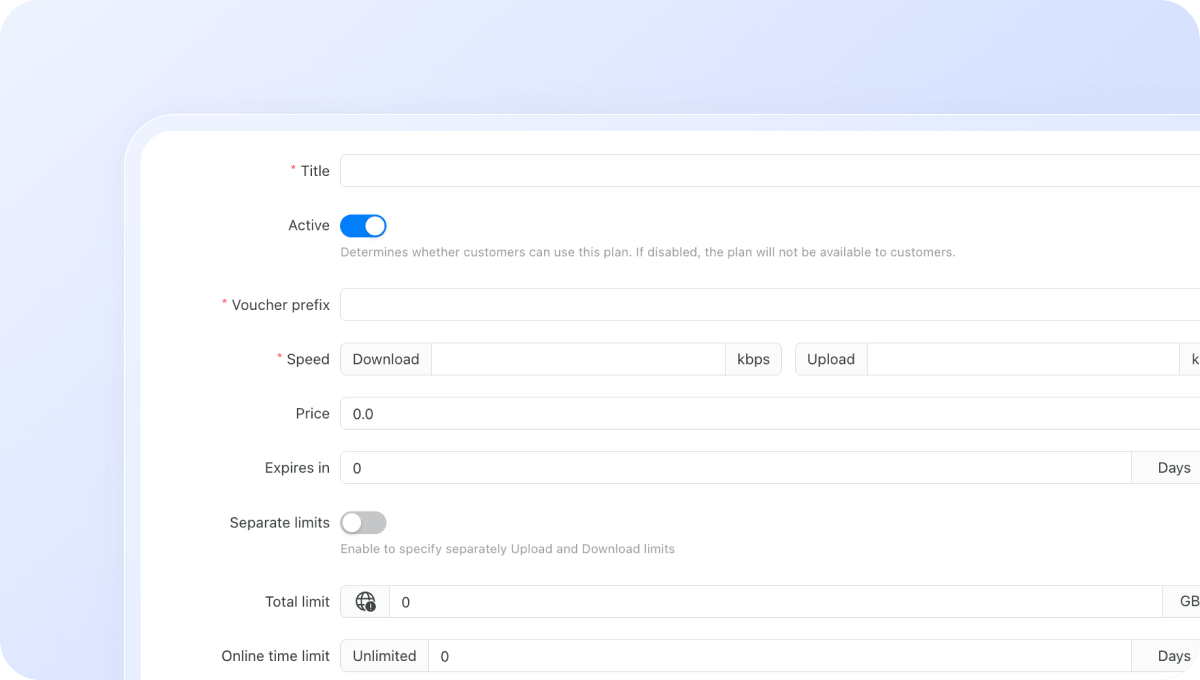
Configure Wi-Fi plans for different user groups
Create different Wi-Fi plans for students, faculty, staff, visitors, contractors, residences, and campus facilities. Control exactly how users access your network:
Download / upload speed limits
Data (traffic) quota per session
Session time limit
Validity period after activation
Restrict plans to specific days or time windows
Max simultaneous devices per voucher or plan
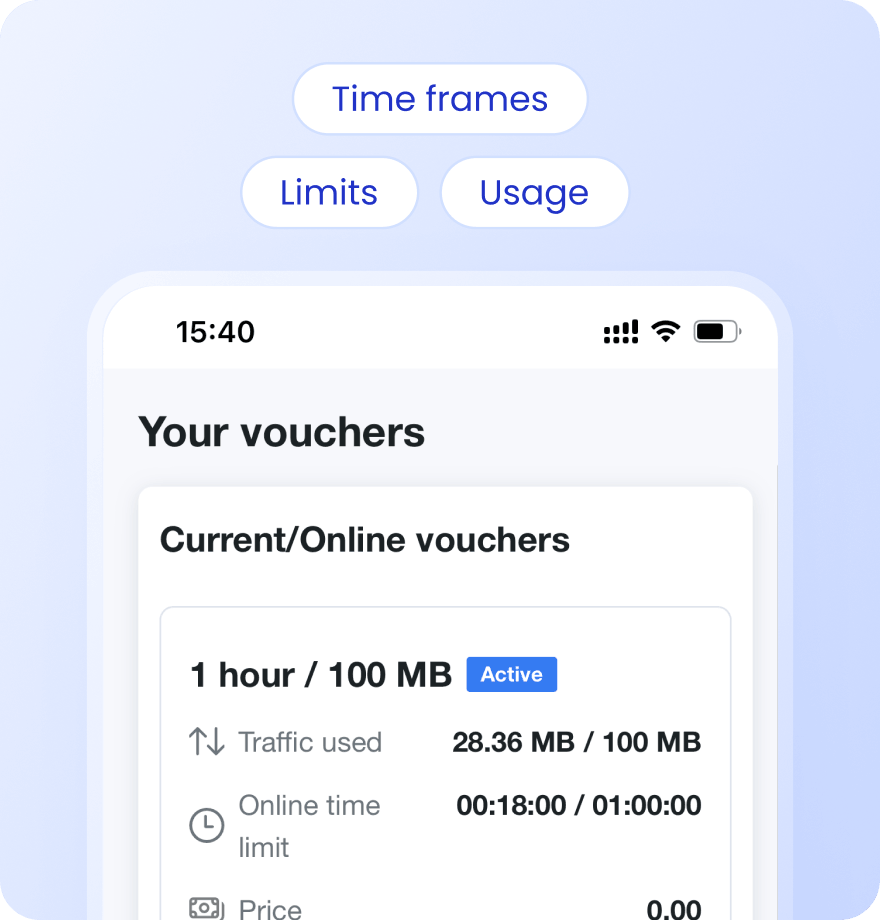
Keep users informed with Status Page
Give users a self-service status page where they can check usage, active vouchers, remaining data, and connection history.
Payment confirmation via SMS
Alerts when data or time limit is nearly reached
Status page link sent via SMS on voucher activation or after login
Users see live usage, active vouchers, and full purchase history
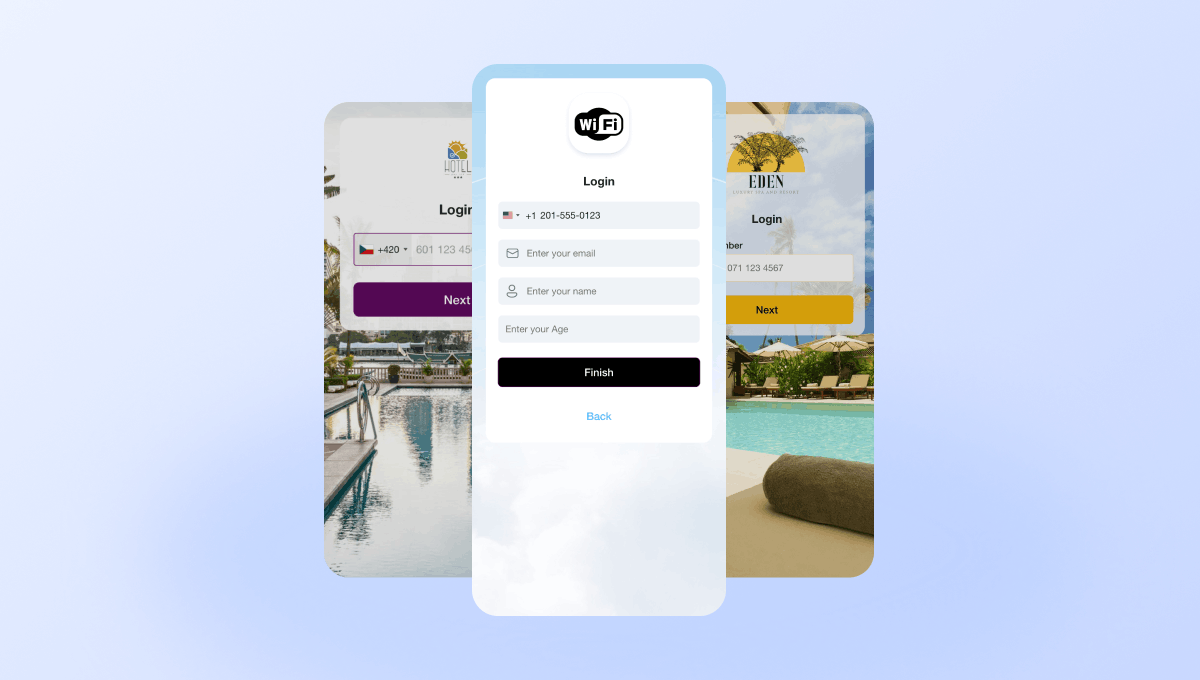
Create branded captive portals for educational institutions
Design captive portals that match your institution's branding. Add logos, colors, images, and announcements without coding. Different campuses or faculties can have different portal designs.
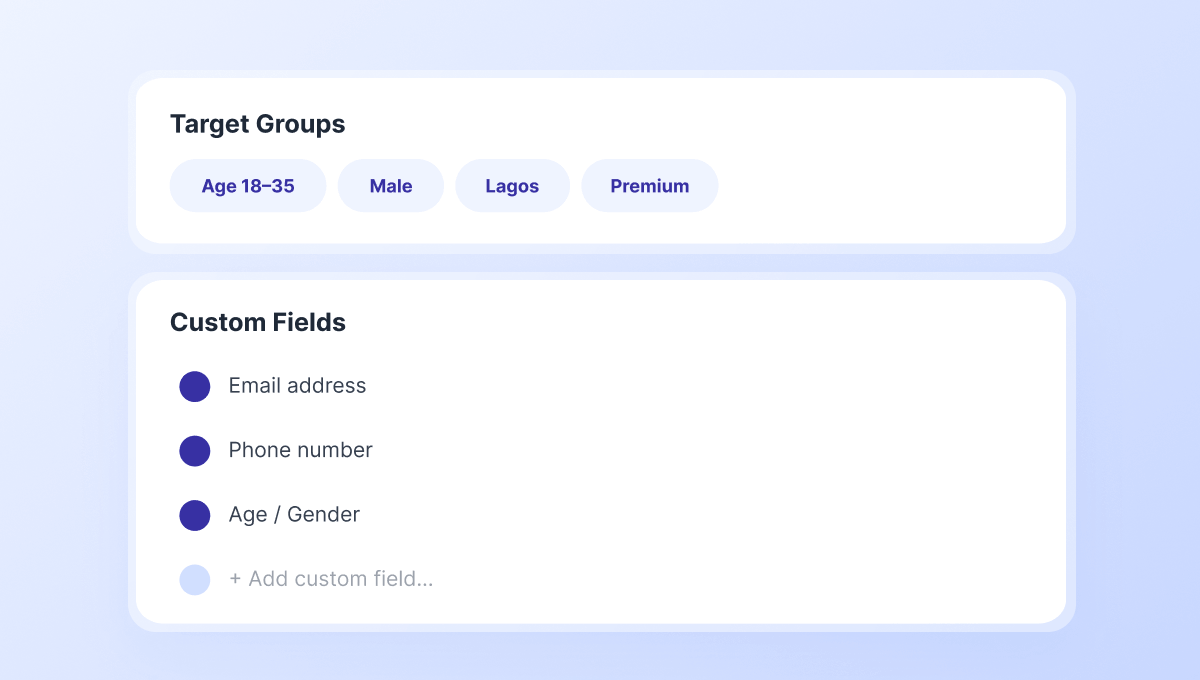
Collect student and staff data for communications
Capture email addresses, phone numbers, student information, and custom fields through configurable captive portal forms. Segment users into Target Groups for communication and engagement campaigns.
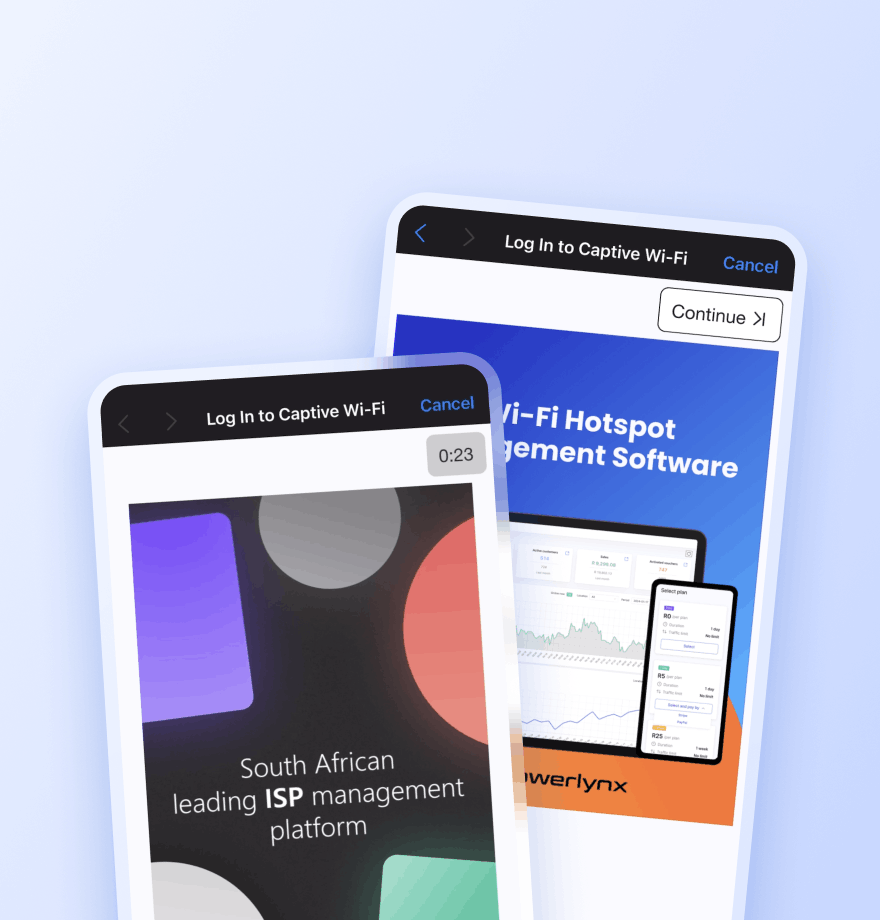
Promote campus services and announcements
Display image and video advertisements to promote student services, campus events, libraries, academic programs, residence information, and institutional announcements.
Locations — Show the ad only at a selected location
Splash pages — Limit the ad to a specific captive portal
Data plans — Show the ad only to users who selected a specific plan
Target groups — Show the ad only to a specific audience segment
Active date ranges — Set the start and end date for the campaign
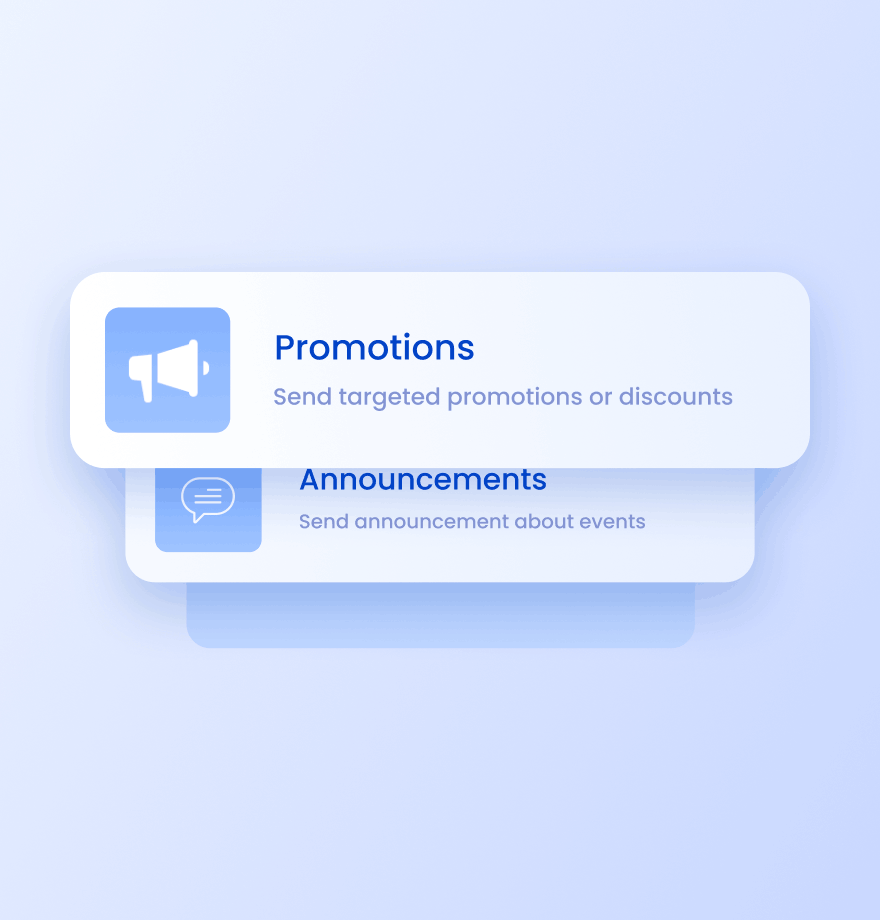
Send targeted SMS campaigns to students and visitors
Use SMS campaigns for:
Campus event announcements
Semester and enrollment reminders
Community program updates
Service notifications
Wi-Fi Management
Education Wi-Fi Management: Traditional Approach vs Powerlynx
Comparison of how most schools and universities manage campus Wi-Fi today and how they can enhance it with Powerlynx
Traditional campus Wi-Fi

Same Wi-Fi access for all users
Complicated management across multiple campus locations
No way to communicate with connected users
No student data collection beyond basic access
No audience segmentation
No communication after login
Enhanced with Powerlynx

Different Wi-Fi plans for students, staff, visitors, and contractors
Centralized management across buildings, faculties, libraries, and dormitories
Promote campus announcements, events, services, and important updates
Collect additional user information through customizable captive portals
Create Target Groups for students, visitors, staff, and other user groups
SMS campaigns and notifications for students and visitors





Read how others use Powerlynx
Learn more
What is the best Wi-Fi management platform for schools and universities?
The best education Wi-Fi platform is a cloud-based system that handles multi-tier access (student, staff, visitor), semester-cycle voucher distribution, usage controls, and multi-campus management from one dashboard. Powerlynx provides all of this without requiring on-site server infrastructure and is used by publicly funded schools, universities, and community Wi-Fi programs worldwide.
How can schools control student Wi-Fi access without overwhelming IT staff?
Powerlynx supports voucher-based access where codes are generated in bulk and distributed to students at enrollment. Codes self-expire at the configured date, eliminating the manual deprovisioning burden. No individual account management is needed – students simply enter their code at the captive portal to get online.
Can a university run different Wi-Fi plans for students, staff, and visitors on the same network?
Yes. Powerlynx supports multiple splash pages and data plans on the same hardware. Each user type sees a different captive portal with the appropriate plan options. Staff can be given a direct access code, students a semester voucher, and conference visitors a day-pass option – all managed from one operator account.
How does Powerlynx support multi-campus school districts or university groups?
Each campus or building is added as a separate Location in Powerlynx. All locations share the same operator account and are visible in a single dashboard. IT teams can manage policies, push branding updates, and generate usage reports across all campuses simultaneously without visiting each site.
Can Powerlynx be used for free community Wi-Fi at libraries or public schools?
Yes. Powerlynx is used by publicly funded programs to provide free community internet access at schools, libraries, and public spaces. Free access plans can be configured with data quotas to prevent abuse, and email capture at login provides the institution with visibility into community usage for reporting and grant compliance purposes.
Is there a case study of Powerlynx in education?
Yes. Project Isizwe used Powerlynx to deploy free, uncapped Wi-Fi across 69 schools in South Africa, connecting over 20,000 learners and 500 educators. The platform handled multi-site deployment, access control, and usage reporting for the entire program from a single dashboard.
Is there a free trial available for campus Wi-Fi management?
Yes, Powerlynx offers a 21-day free trial with full access to all features. No credit card required. You can connect your hardware, design your splash page, test paid plans, and evaluate the platform fully before committing to a paid plan.
How to Get Started?
1
Get a license
Choose the best Powerlynx plan for you and activate your license.
Takes 2 minutes
2
Configure your setup
Connect your routers, set up payment gateways, and customize splash pages — all from one admin panel.
Takes a few hours
3
Start connecting customers
Add users, assign tariff plans, and bring them online. Your Wi-Fi hotspot business is ready to run.
Start on the same day