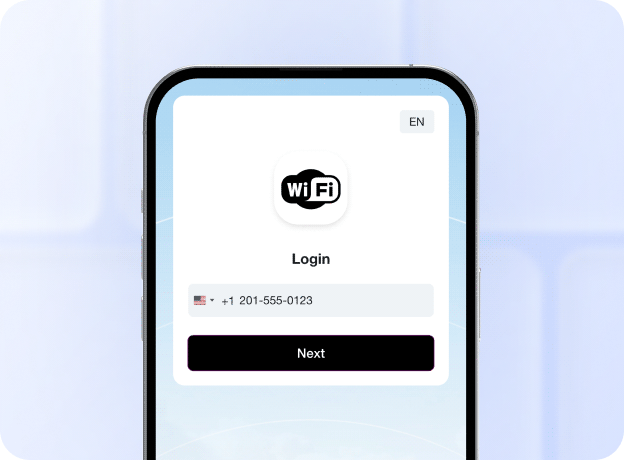
Branded splash pages
Build a branded captive portal with an easy-to-use editor. Add your logo, colors, images, text, and other content without coding.

Build a branded captive portal for your guest Wi-Fi, collect customer information, promote offers, and provide free or paid internet access.
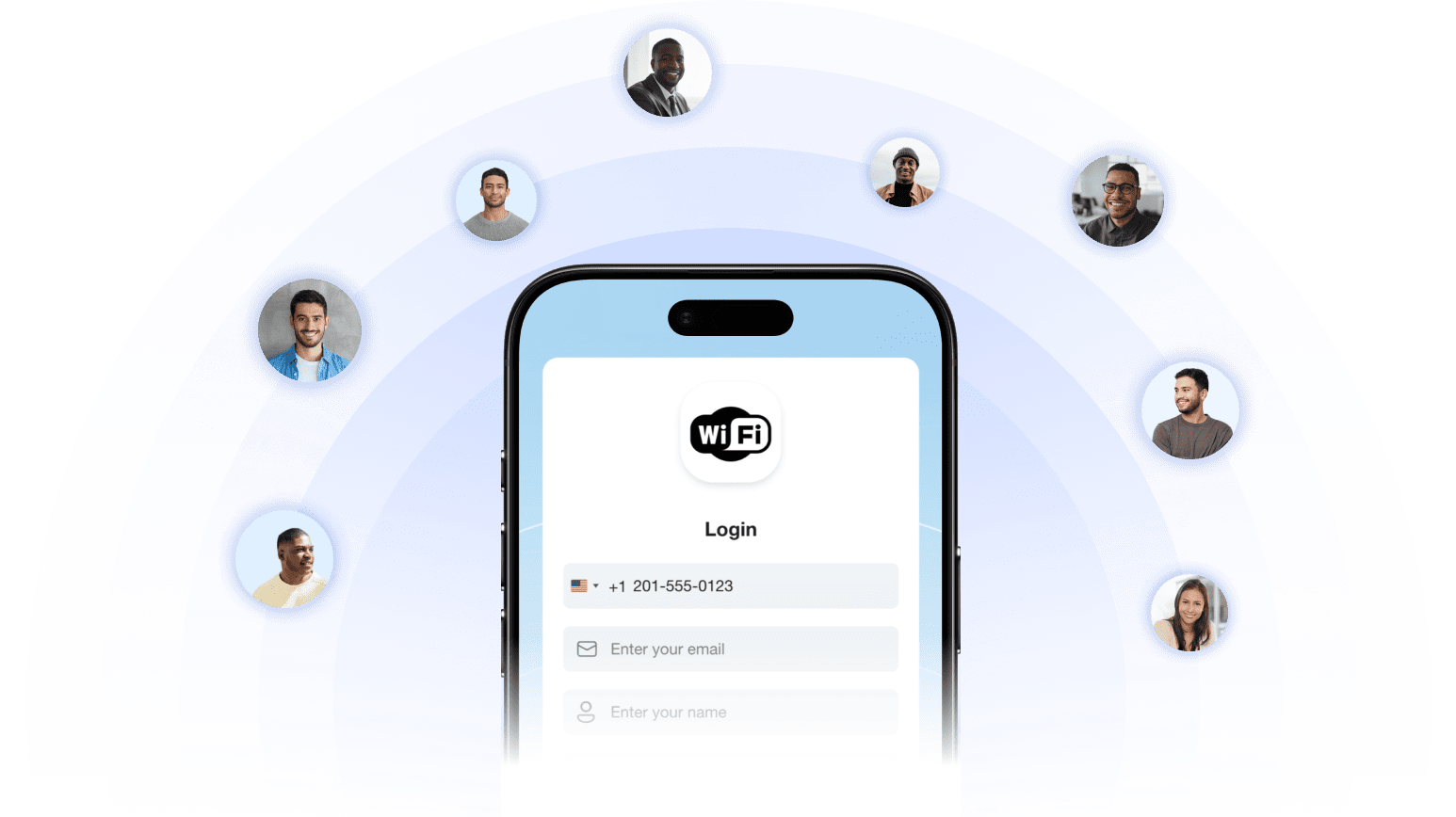
Set up a captive portal for your public guest Wi-Fi to control the full customer journey.
Build a branded captive portal with an easy-to-use editor. Add your logo, colors, images, text, and other content without coding.
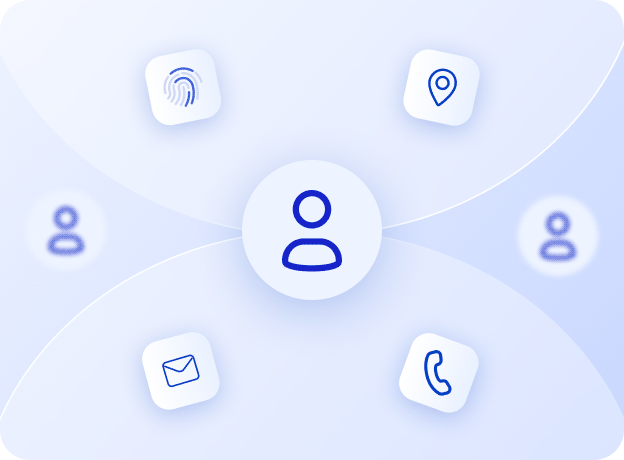
Ask Wi-Fi users for the information you need. Add custom fields to your splash page and collect any required info.

Show offers, discounts, and any promo on your splash page with static or video ads.
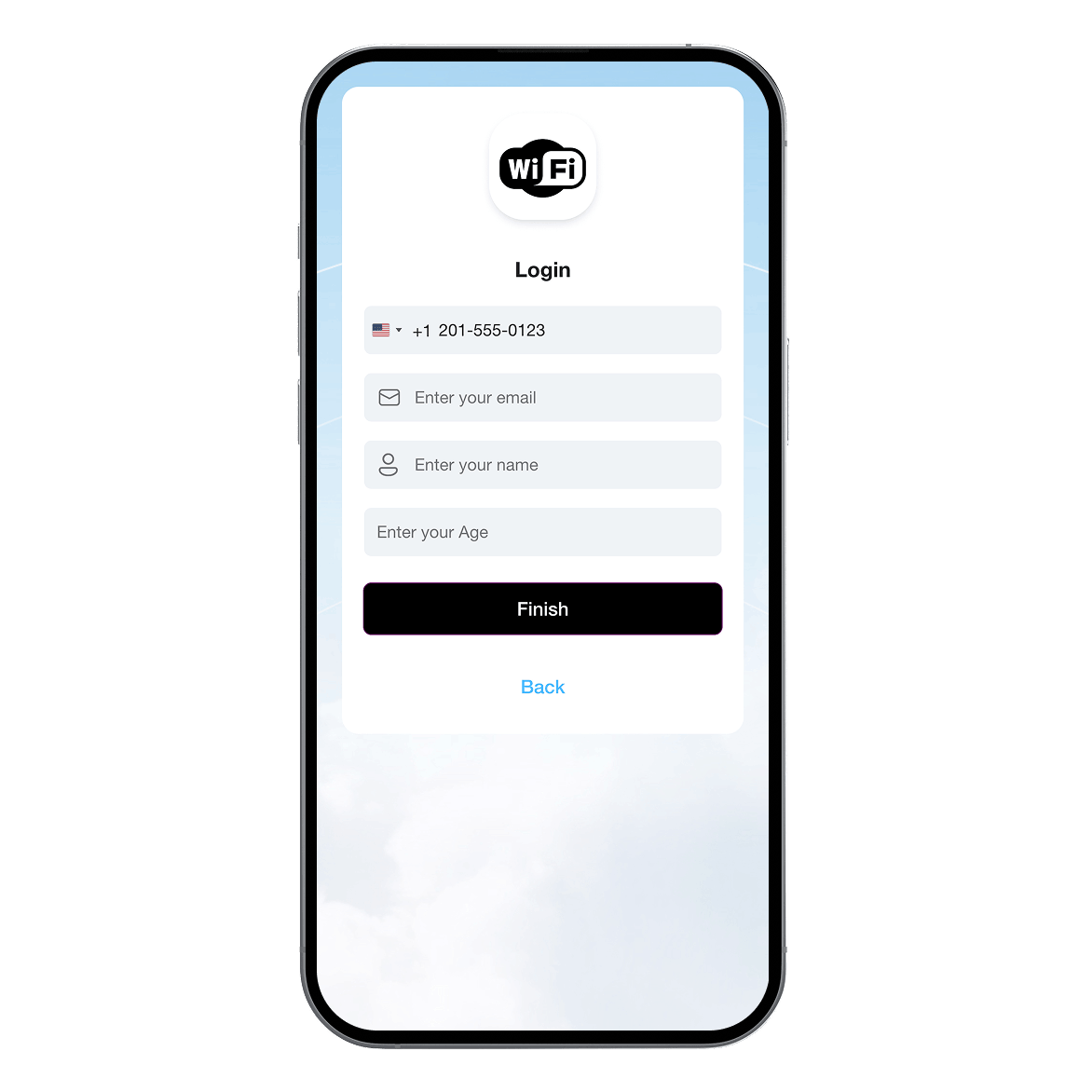
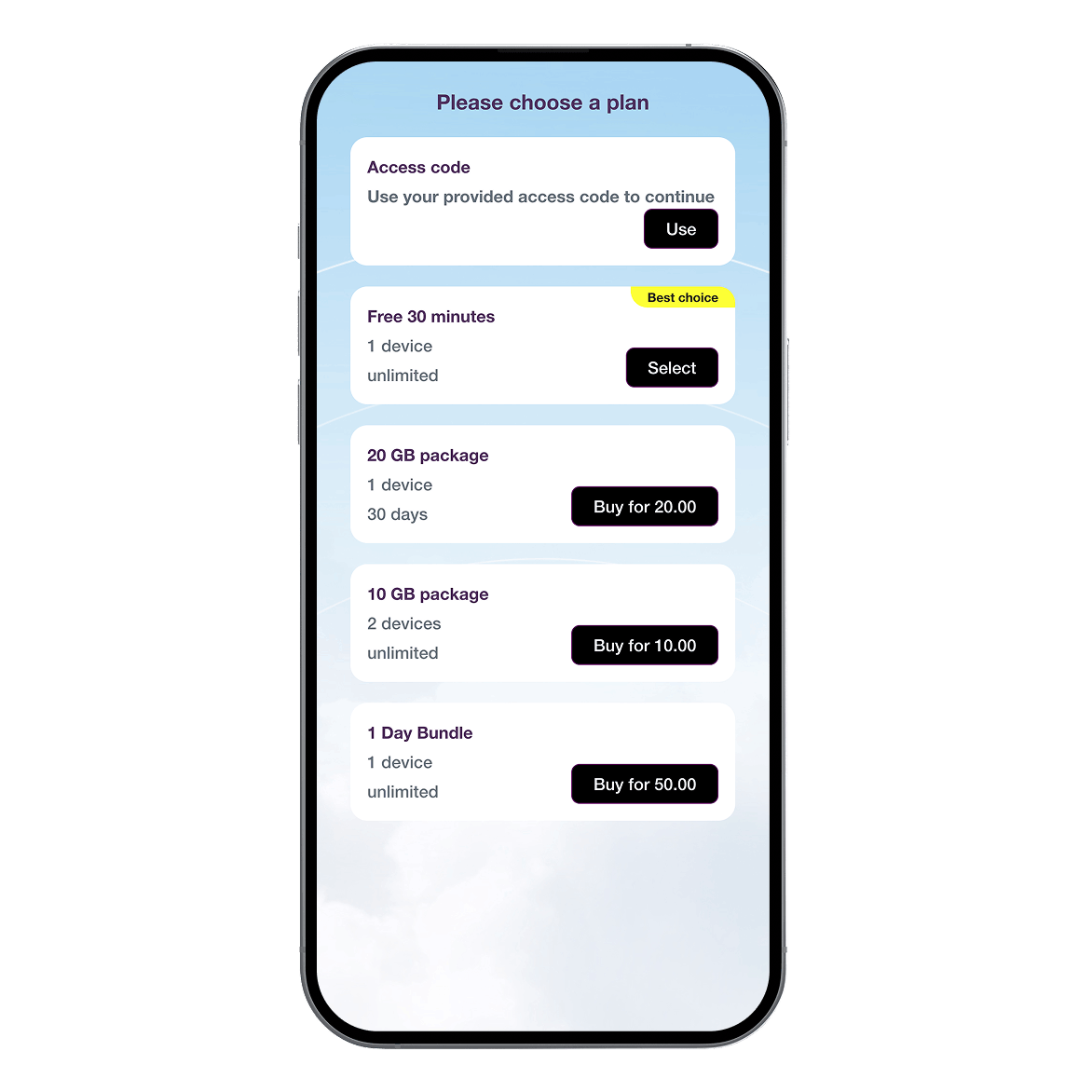
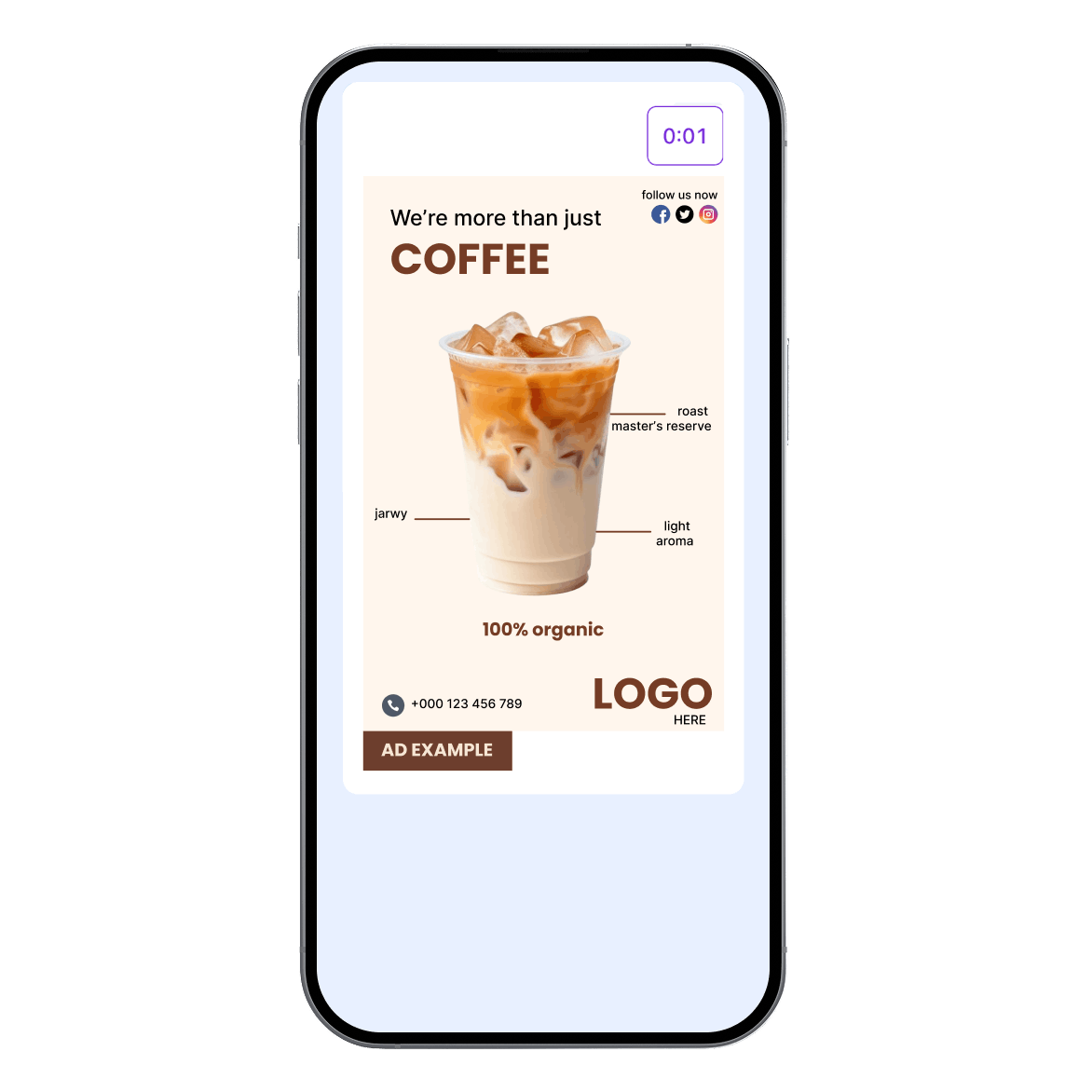
The customer connects and sees your branded splash page and provide the required info to continue.
The customer selects an available data plan, whether free or paid.
The customer sees your promo or ad and then gets internet access.
Offer paid Wi-Fi as the main way to access your network or let customers upgrade to a paid plan for more data, higher speeds, or longer access. Set up paid data plans and connect them to the payment methods your customers already use.
For cash-based markets, you can also sell prepaid Wi-Fi vouchers and let customers redeem them for internet access.
Explore paid Wi-Fi vouchers Explore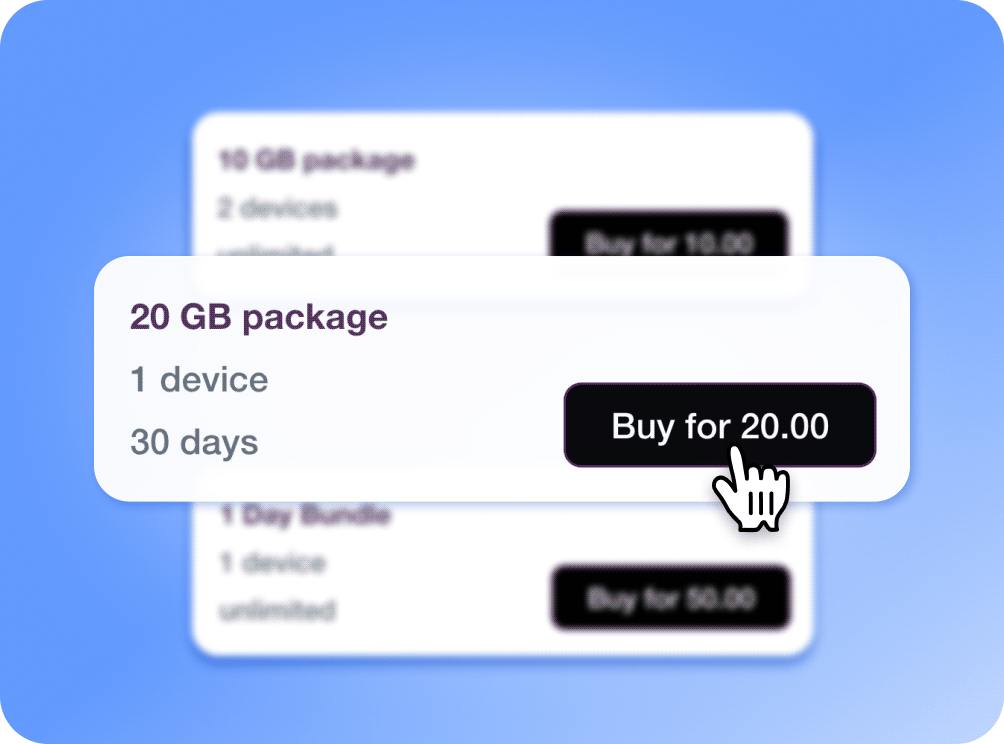
Show video or banner ads on the captive portal to promote your products, services, and offers, or display sponsored ads from other businesses to users connecting to your Wi-Fi hotspot.
Explore Wi-Fi advertizing Explore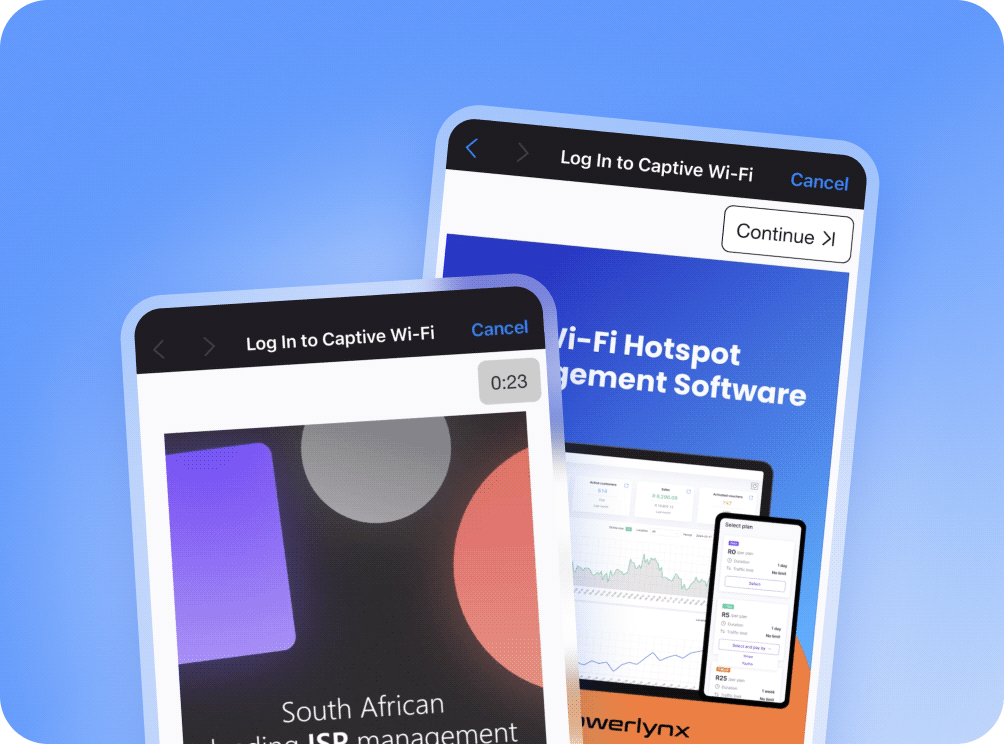
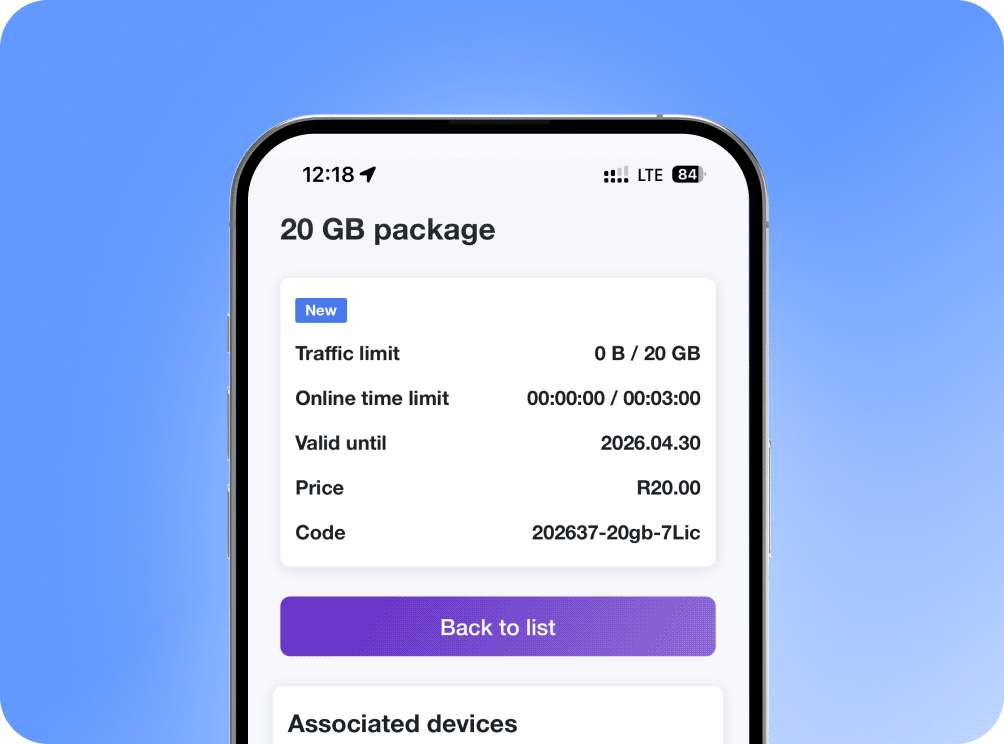
Give customers a self-service portal to manage their Wi-Fi after they get online. They can check usage, manage devices and vouchers, and buy additional vouchers when they need more access without contacting your team.
21-day free trial, no limitations in features